
Learn how to efficiently perform actions on multiple contacts at once, such as changing contact status, assigning labels, creating tasks, and sending messages, all from the FormDr dashboard.
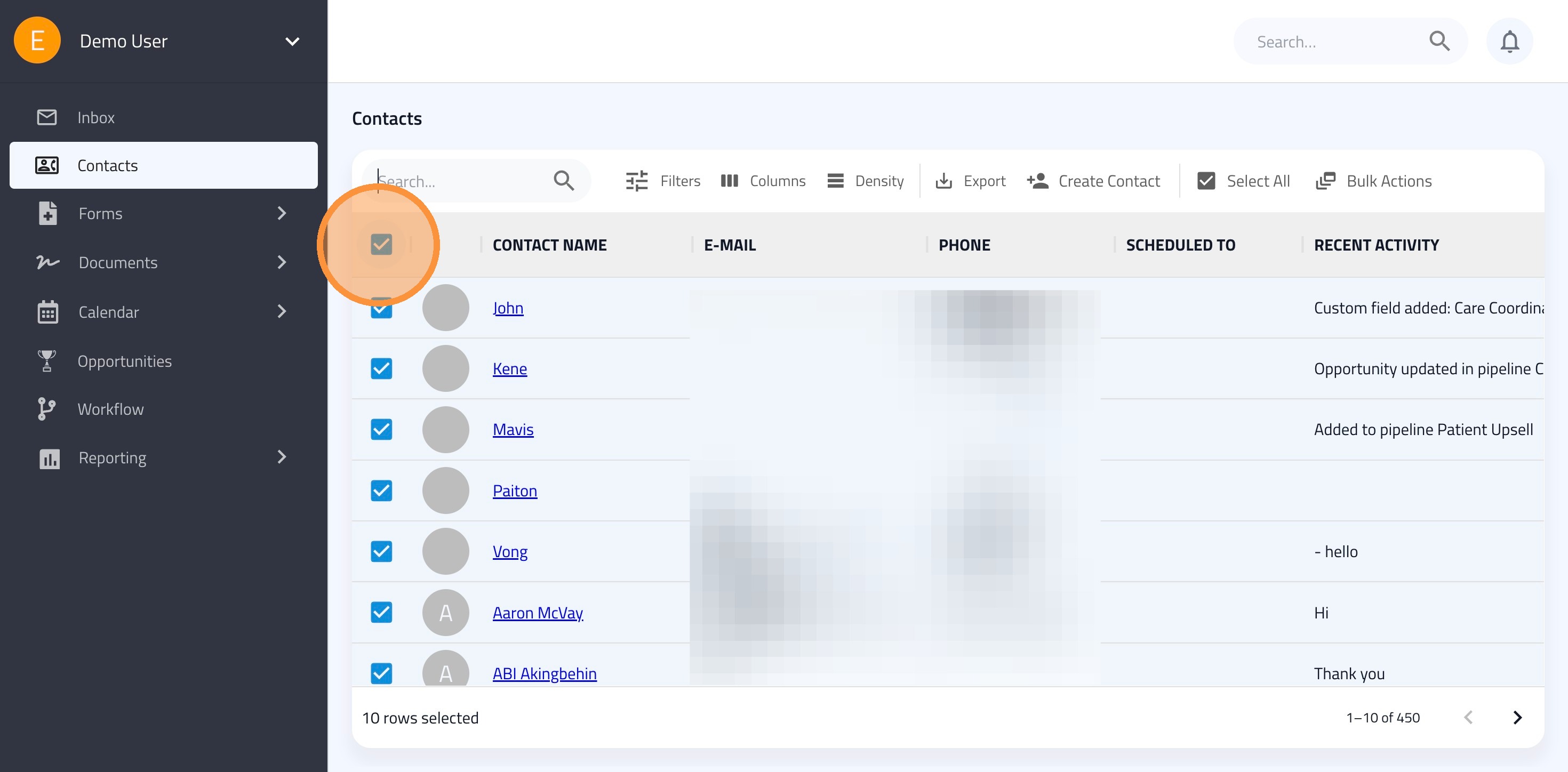
1a. To select all contacts on the current page: Click the header checkbox at the top of the contact list.
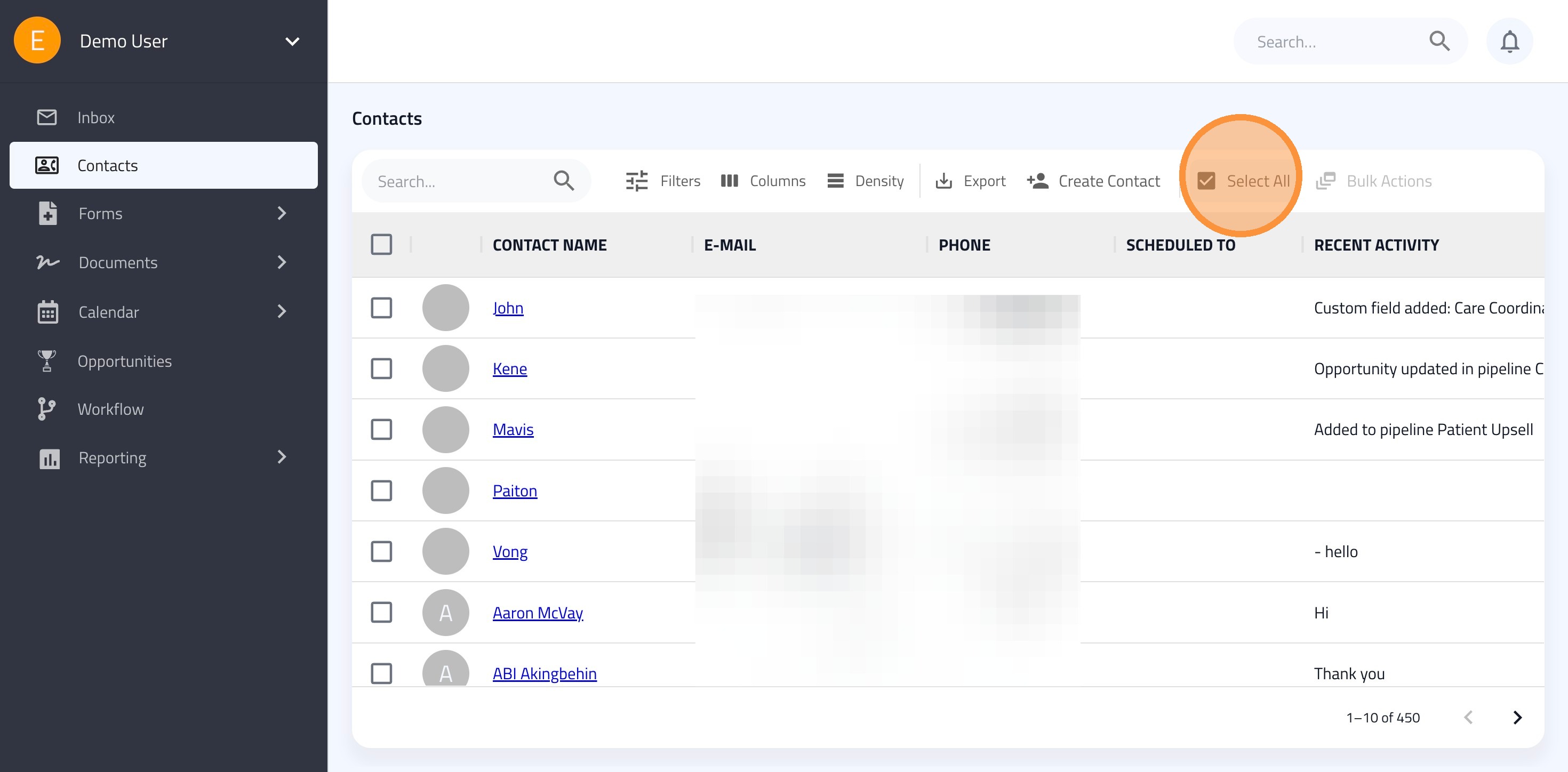
1b. To select select all contacts on all pages: Click the "Select All."
Tip: Use Filters to ensure your bulk actions only affect the intended contacts.
2. Click the "Bulk Actions" button and choose your objective.
Change Status
Assign Labels
Create Task
Star
Send Message
