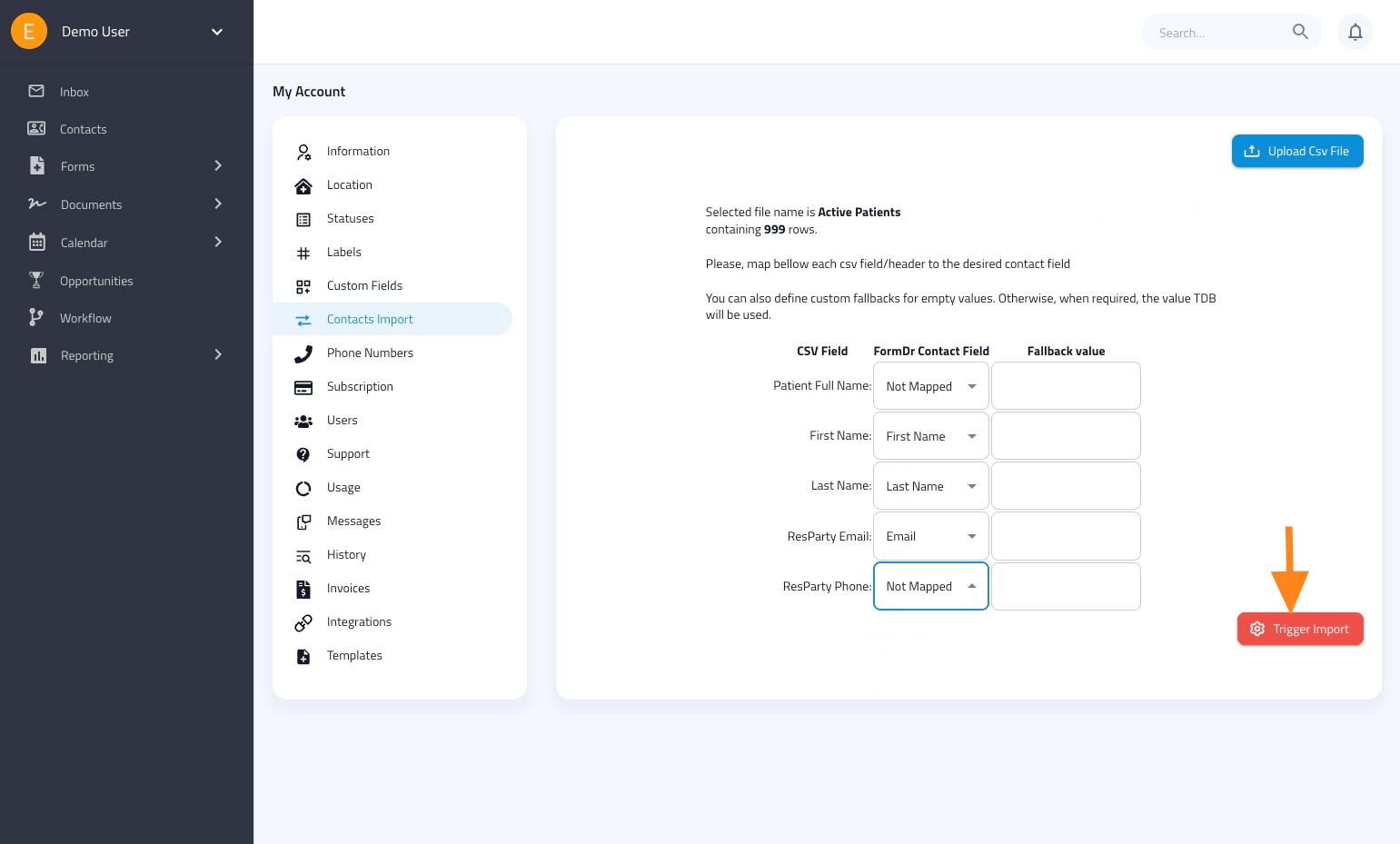
Learn how to efficiently import your contacts into FormDr. This guide walks you through uploading a CSV file and mapping your contact fields, ensuring a smooth transition for your contact management.
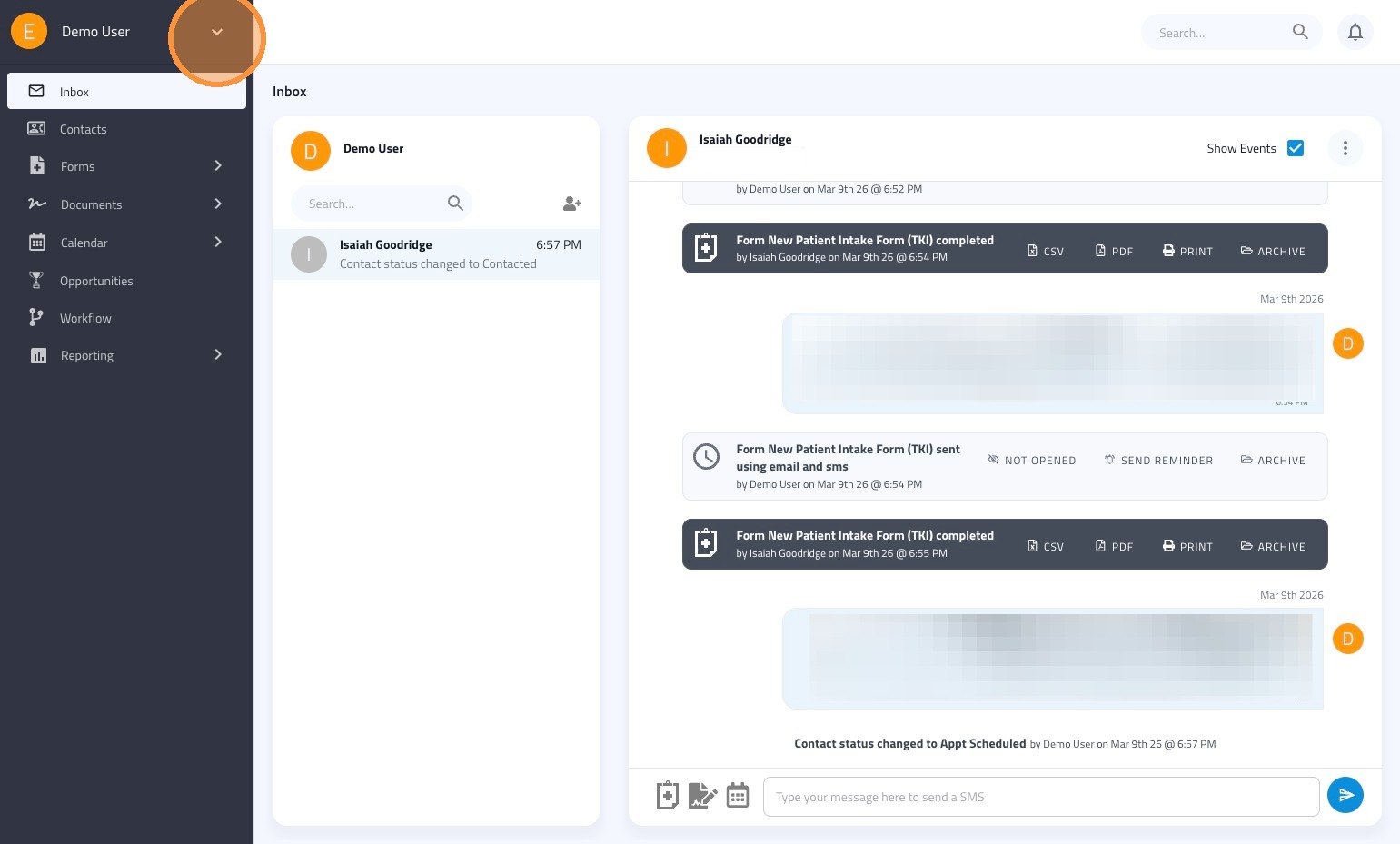
1. Click on the arrow icon next to your name
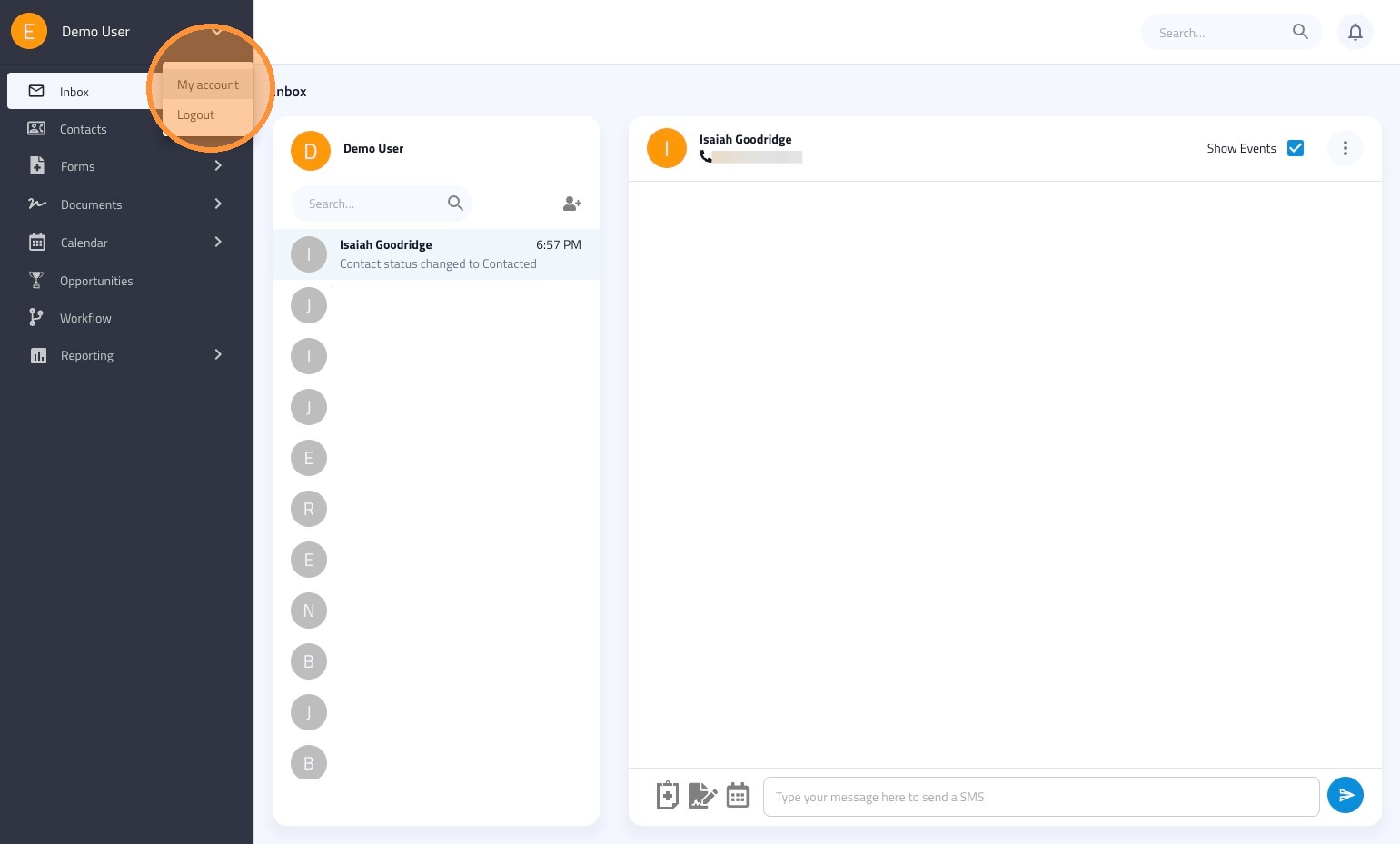
2. Click "My account"
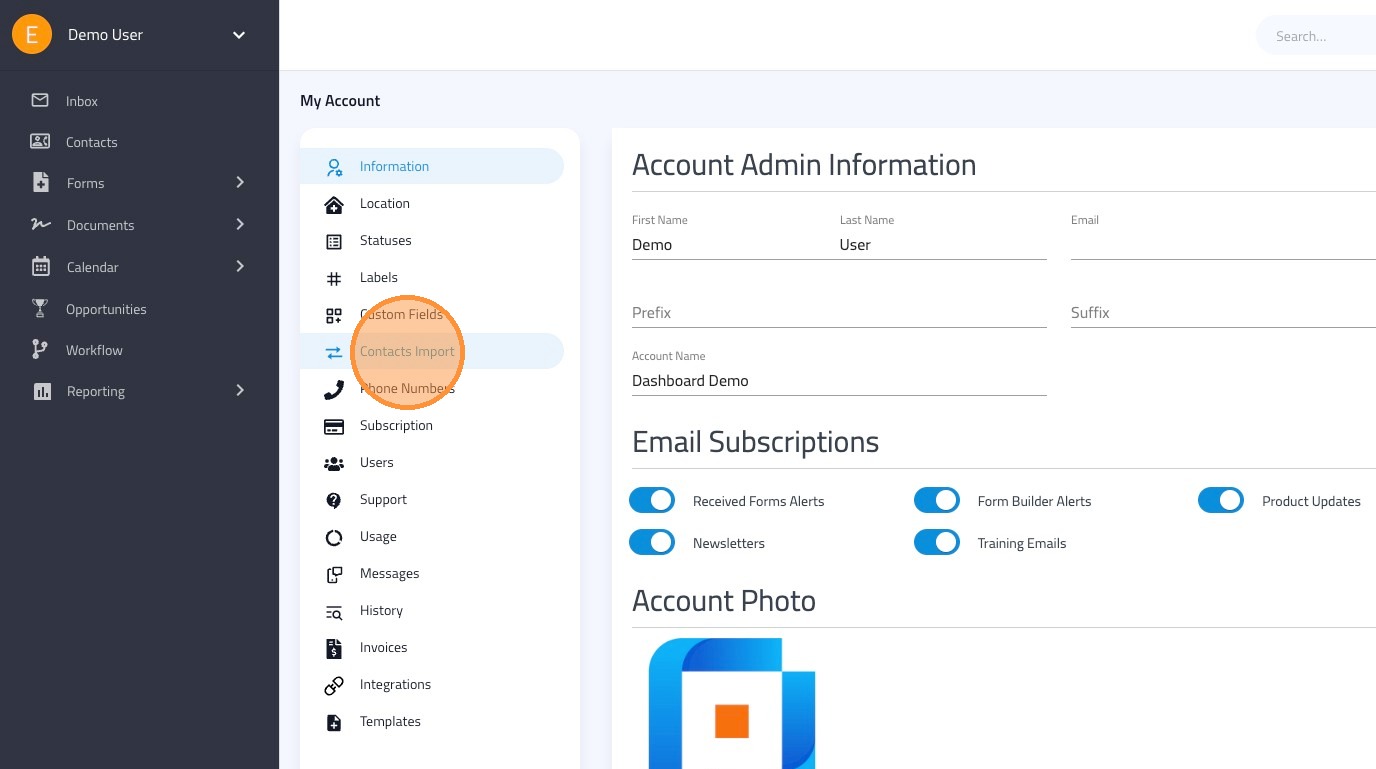
3. Click "Contacts Import"
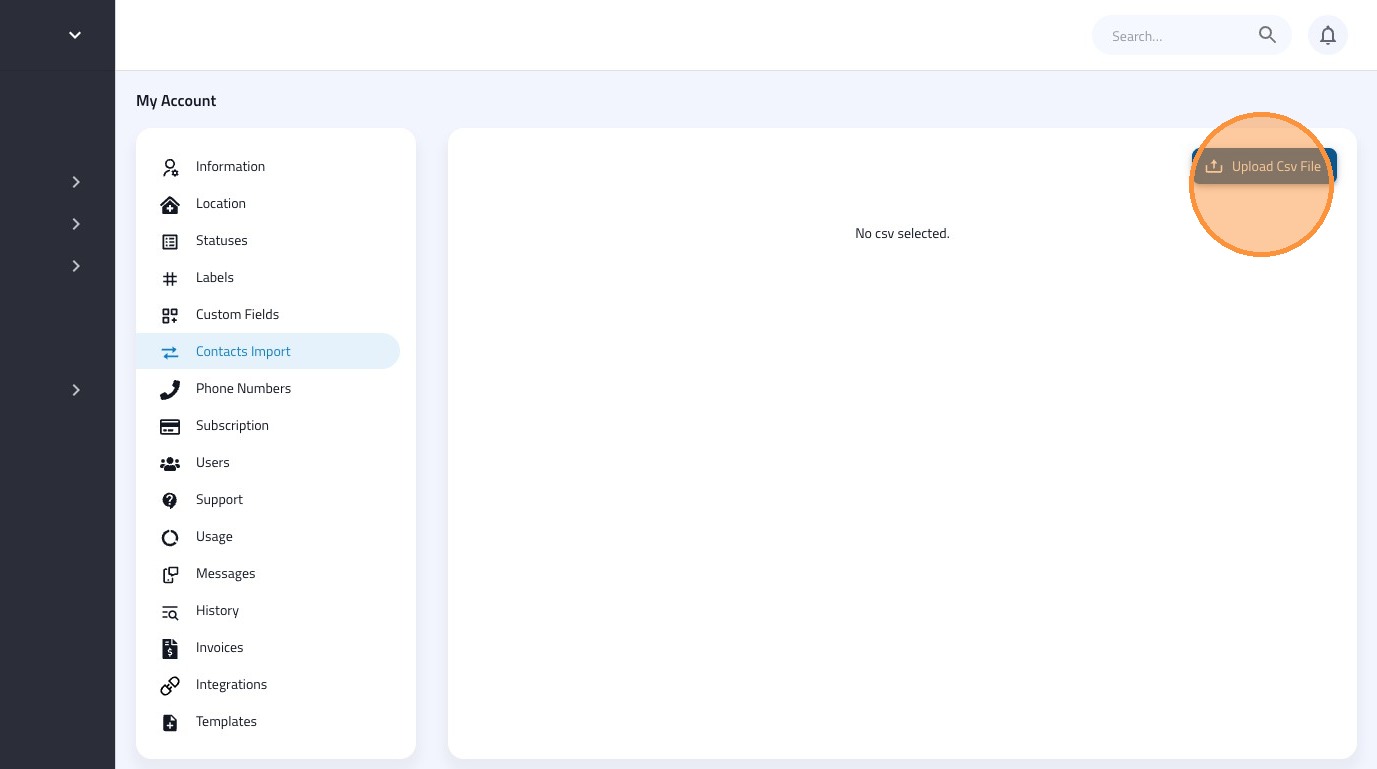
4. Click "Upload csv file"
5. Next map your CSV Fields to the corresponding FormDr Contact Fields
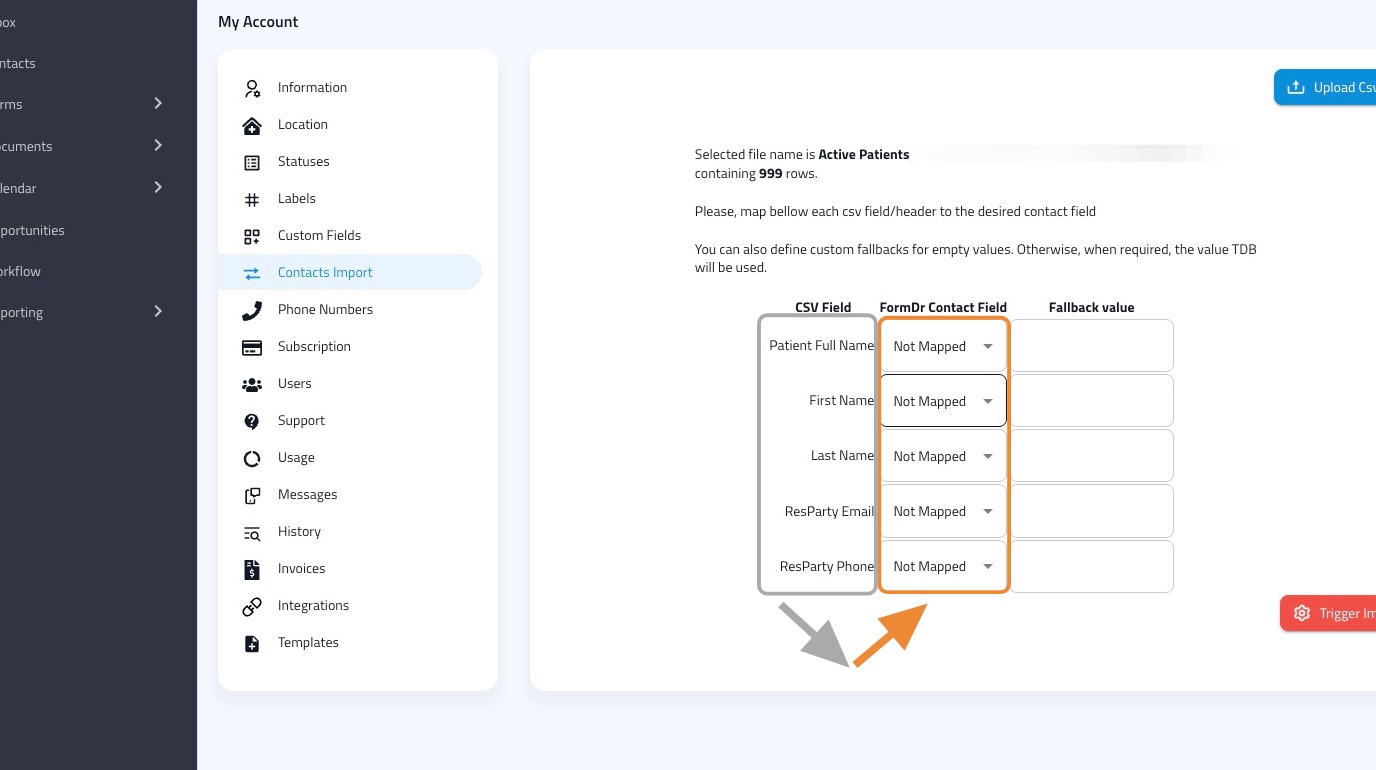
6. Once all fields are mapped, click "Trigger Import"