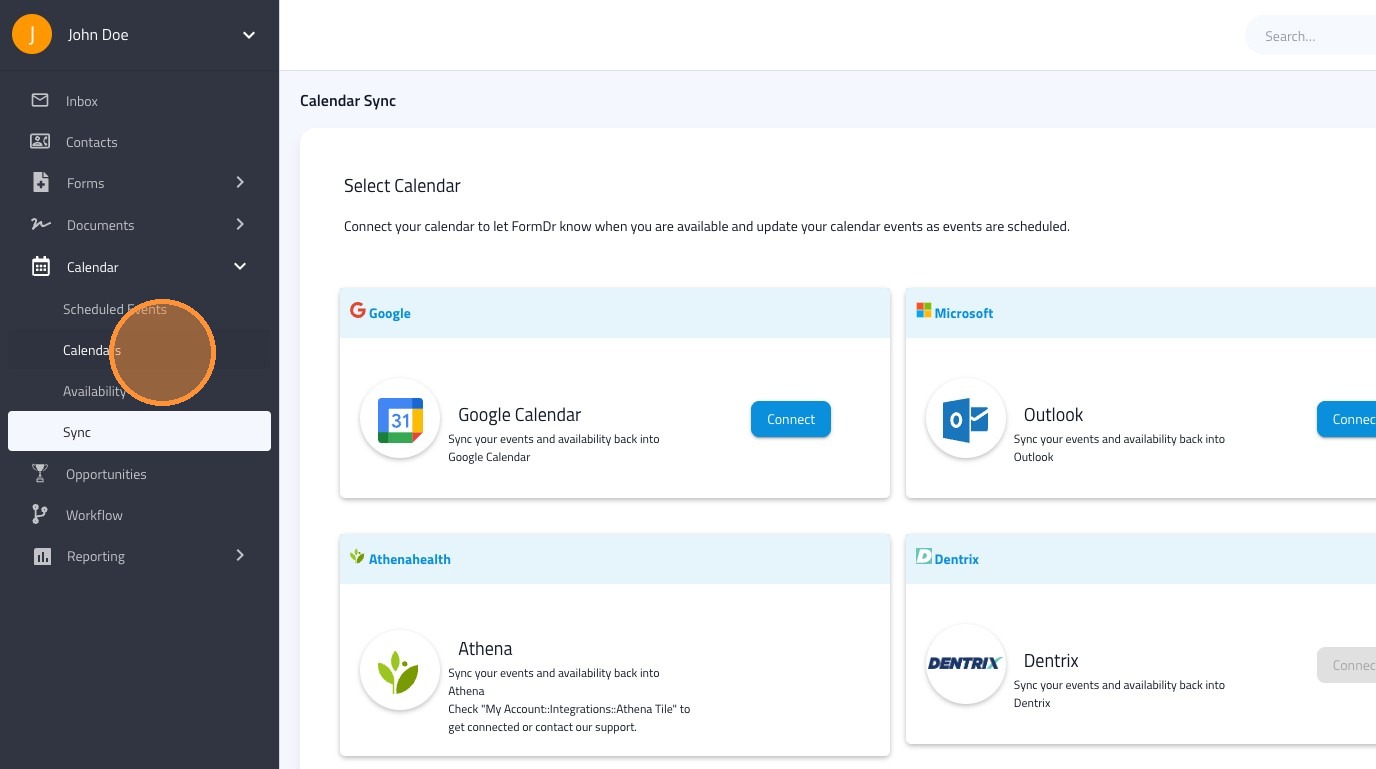
Learn how to easily access and sync your scheduled events within the Google Calendar. This guide walks you through the simple steps have your events scheduled through FormDr populate on your Google Calendar. Google Calendar will also be used to check your availability. .
1. Navigate to https://dashboard.formdr.com/calendar-sync
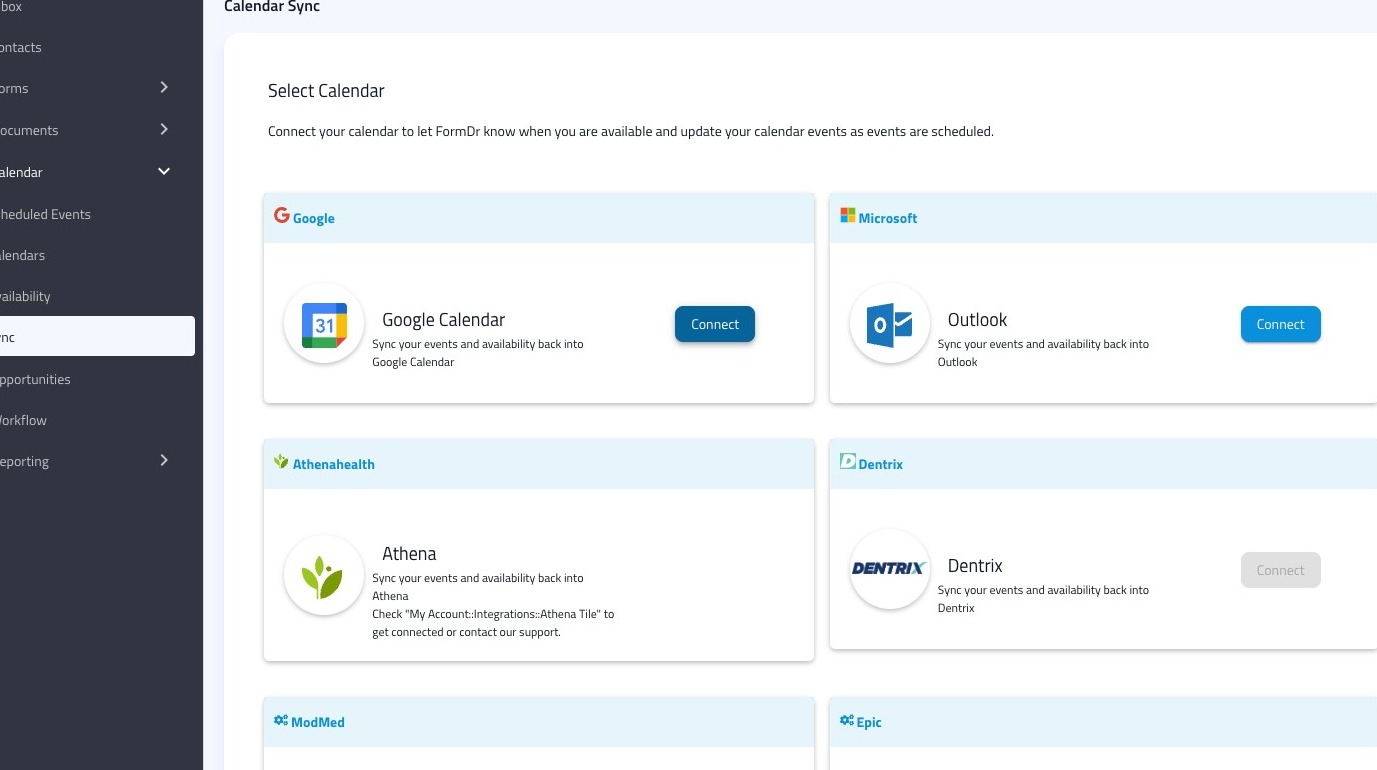
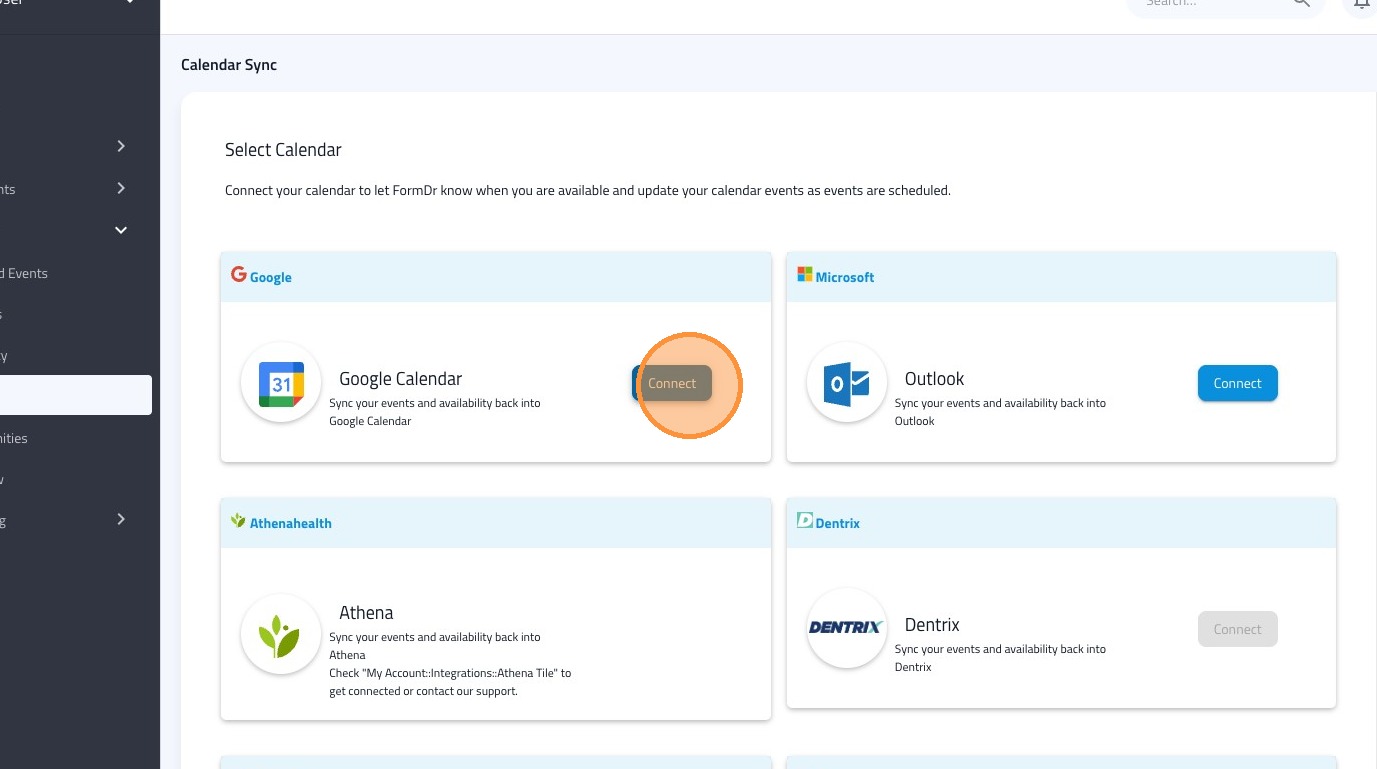
2. Click "Connect" on the Google Calendar button.
3. Select the user's calendar who you want to sync.
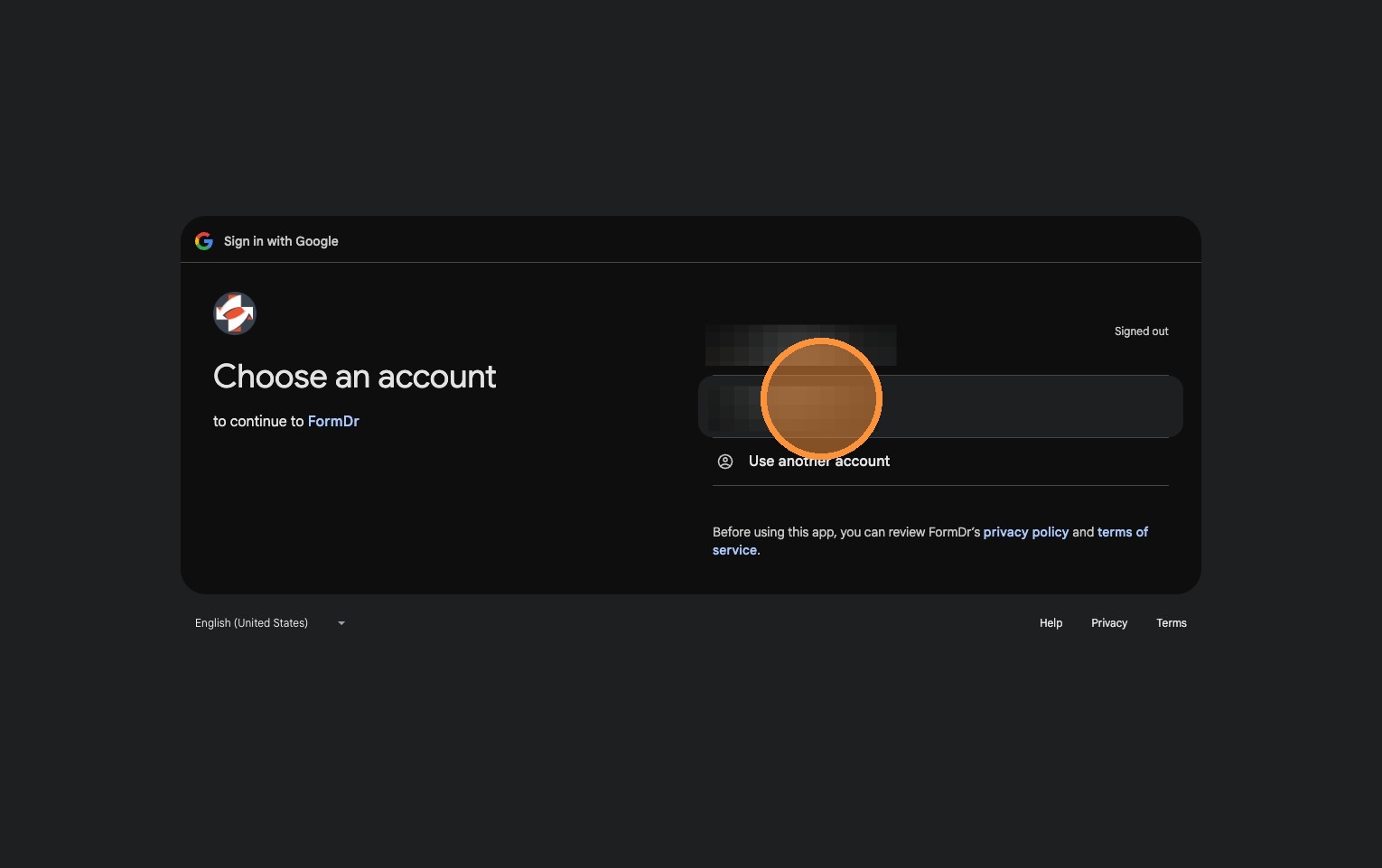
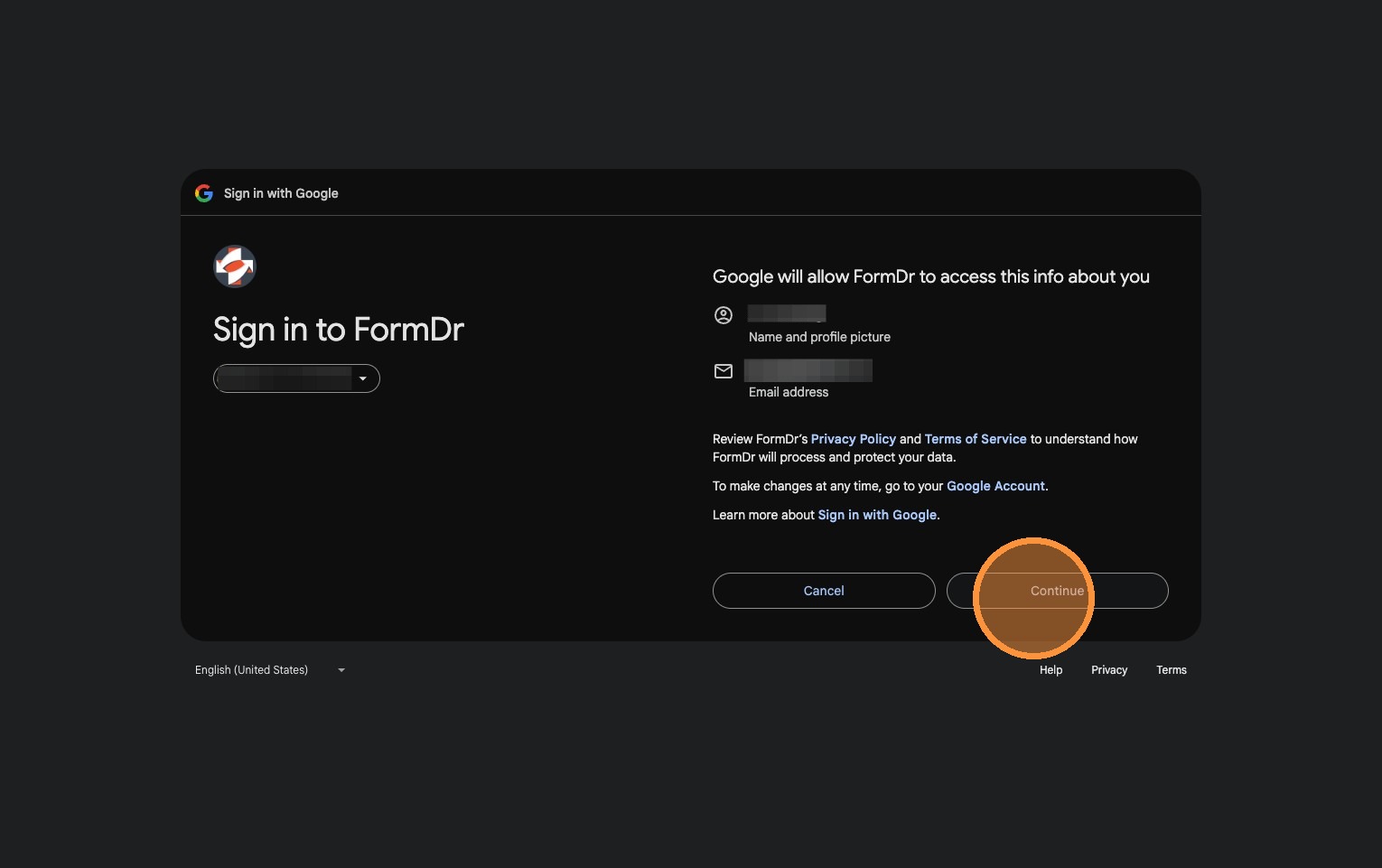
4. Click "Continue"
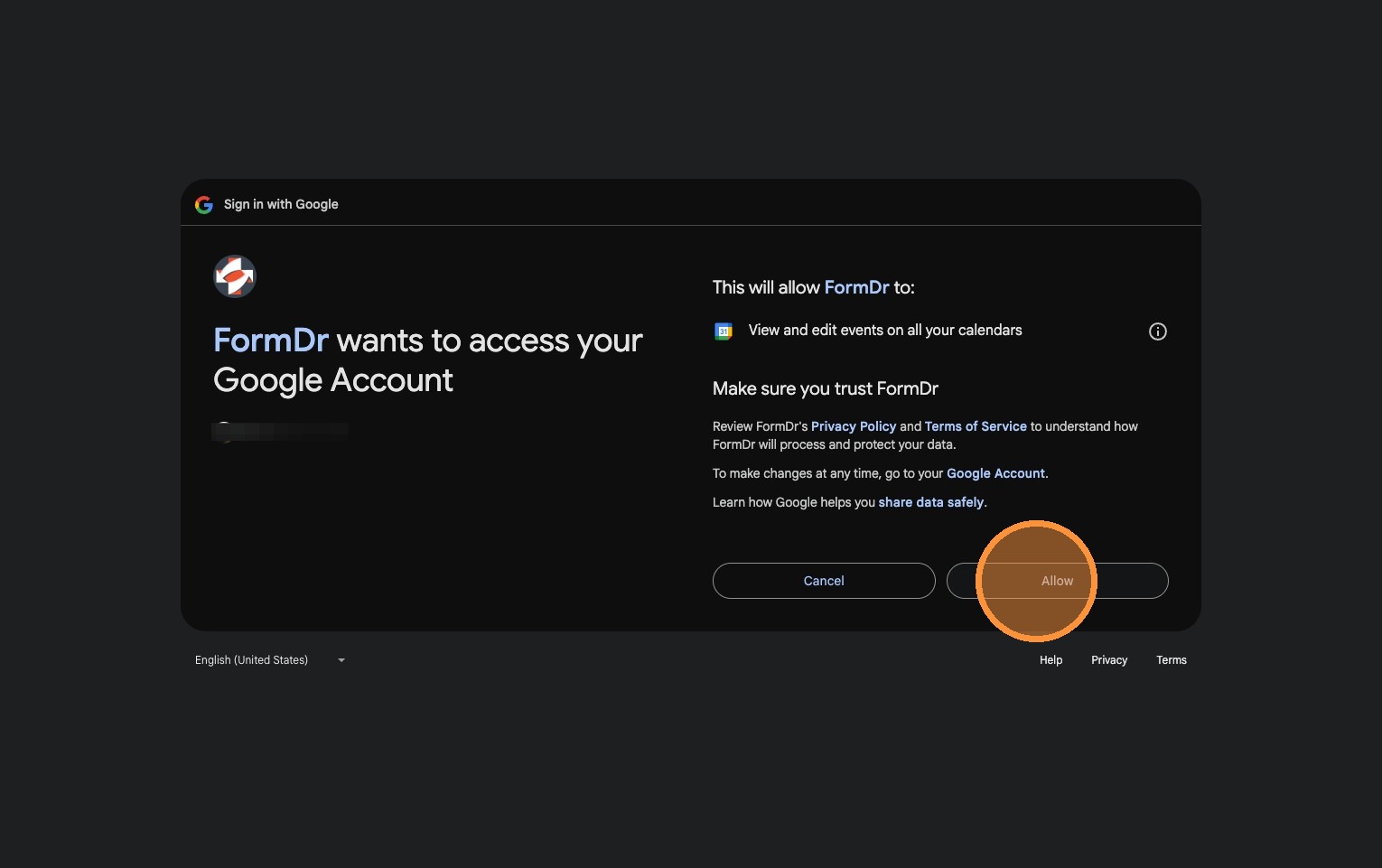
5. Click "Allow".
6. Your events scheduled through FormDr will now populate on your Google Calendar. Google Calendar will also be used to check your availability.