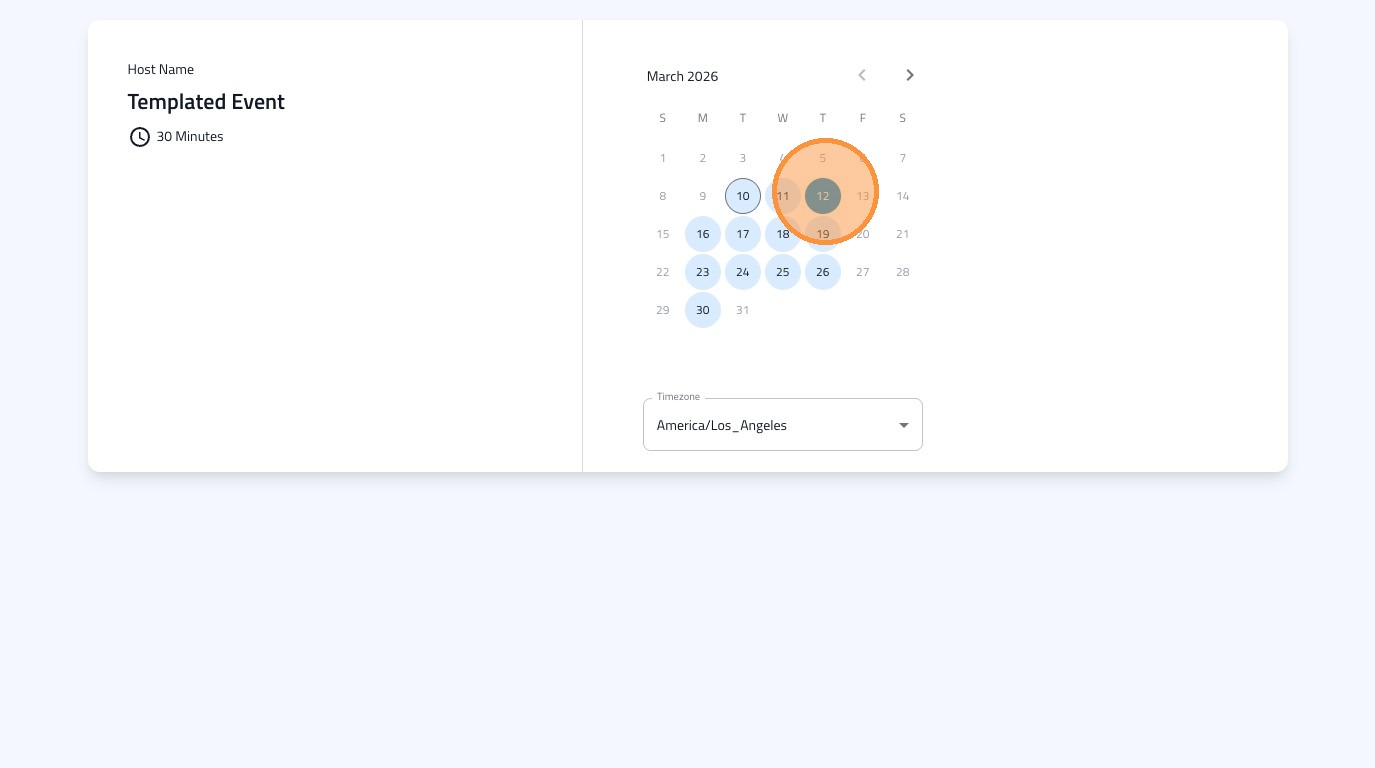
Learn how to set up your own custom availability schedule for event bookings. This guide walks you through creating a new schedule and then editing its details to ensure accurate booking times.
1. Navigate to https://dashboard.formdr.com/calendar/availability
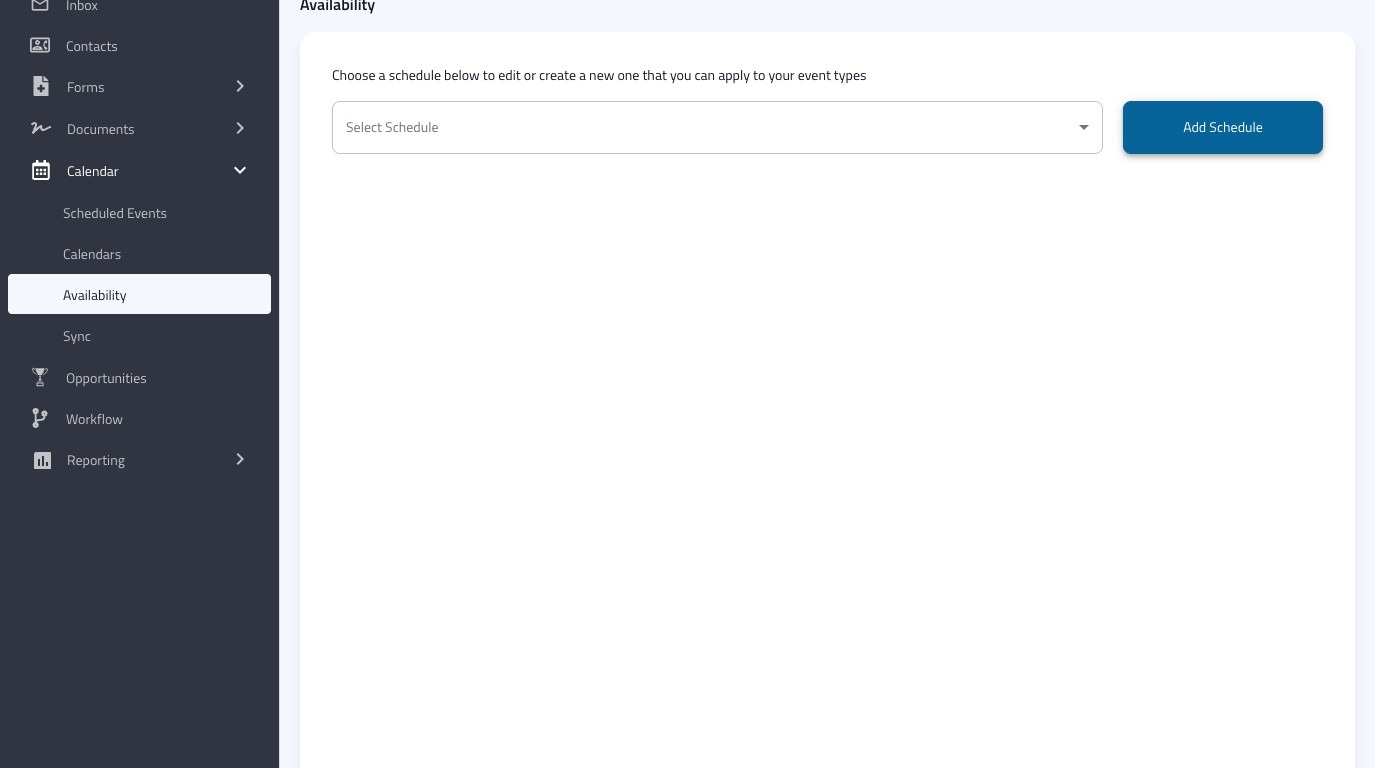
2. Click "Add Schedule"
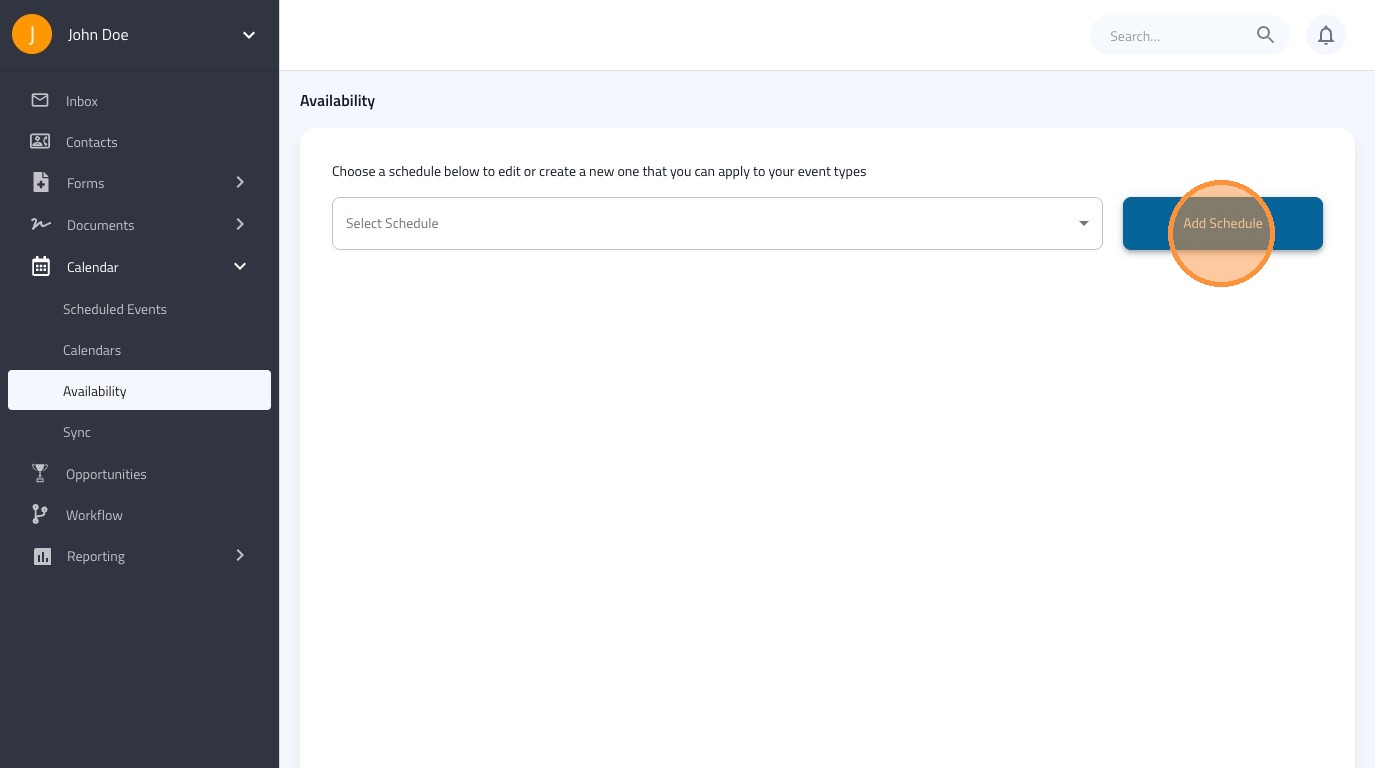
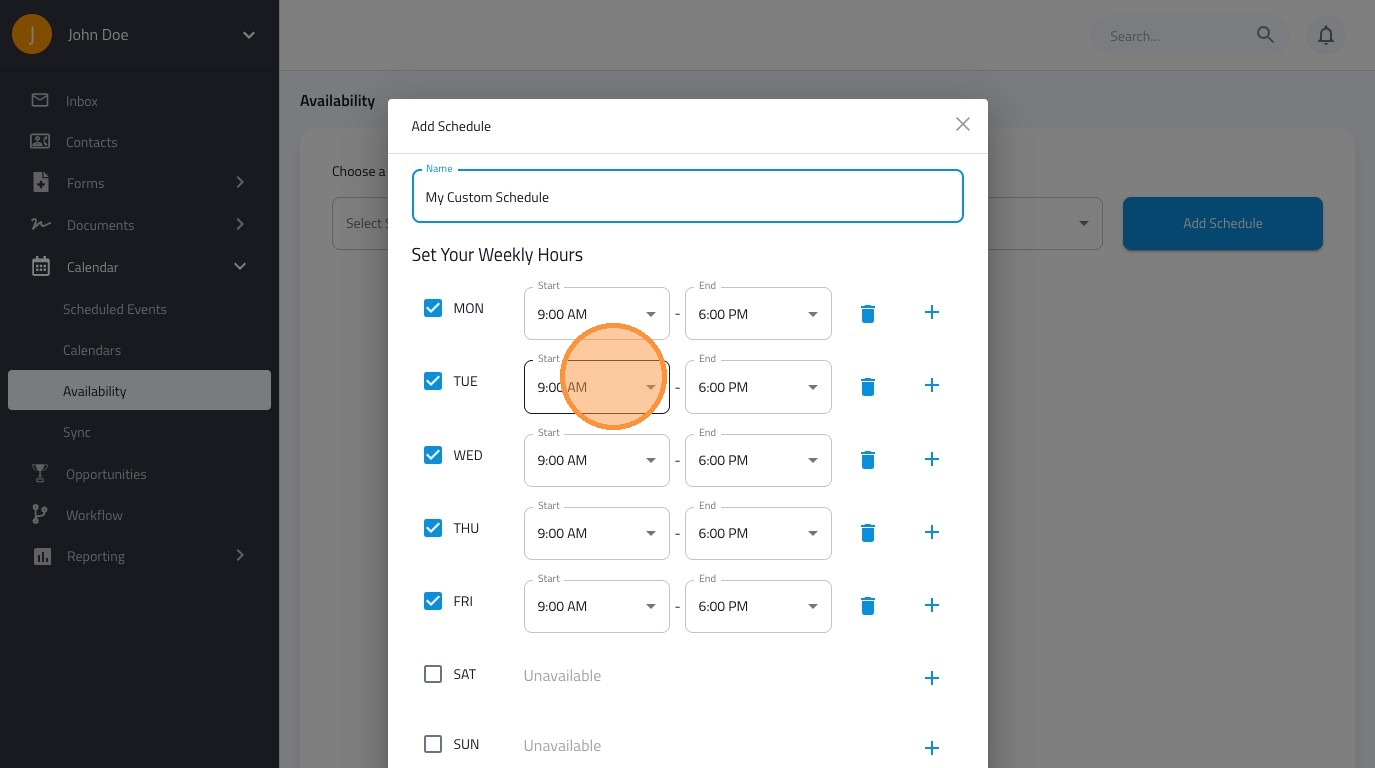
3. Name this custom schedule
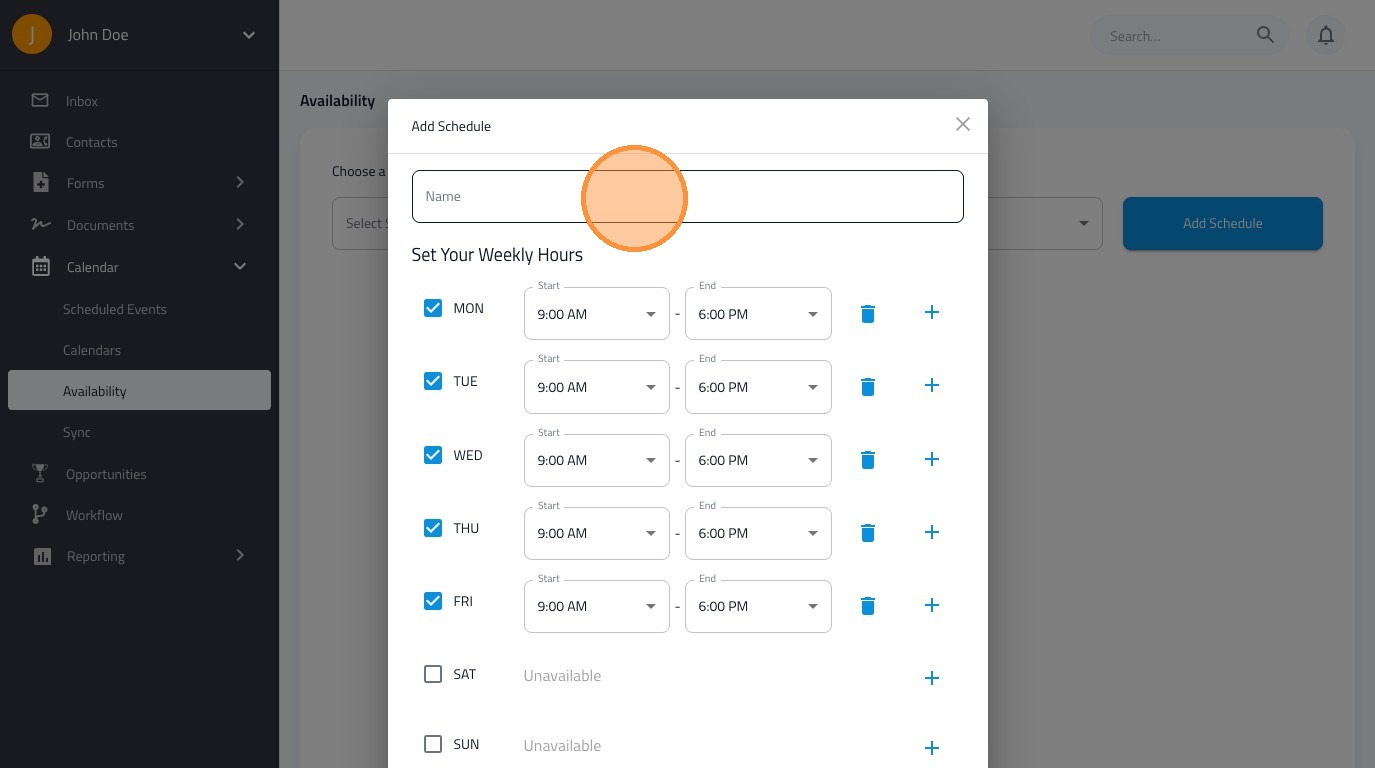
4. Adjust the days and times for your custom schedule
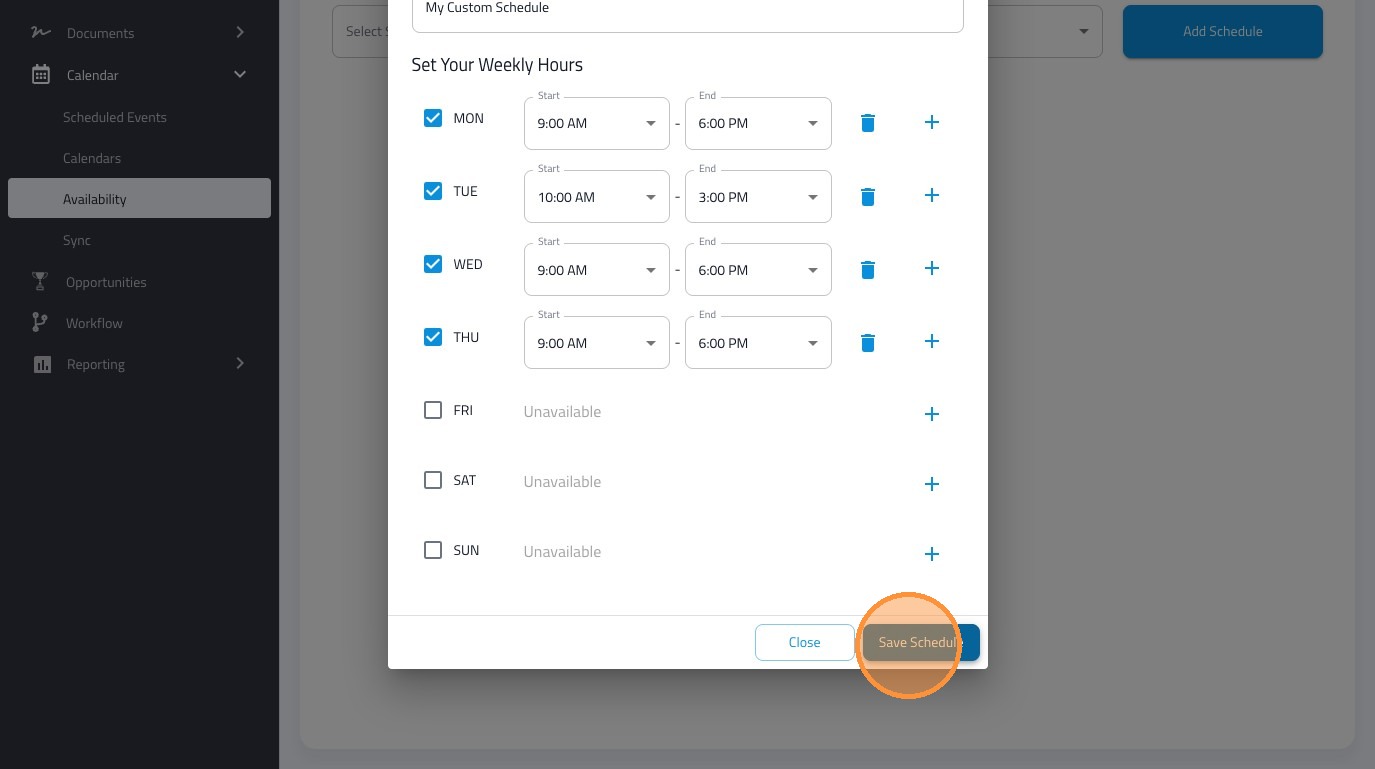
5. Click "Save Schedule"
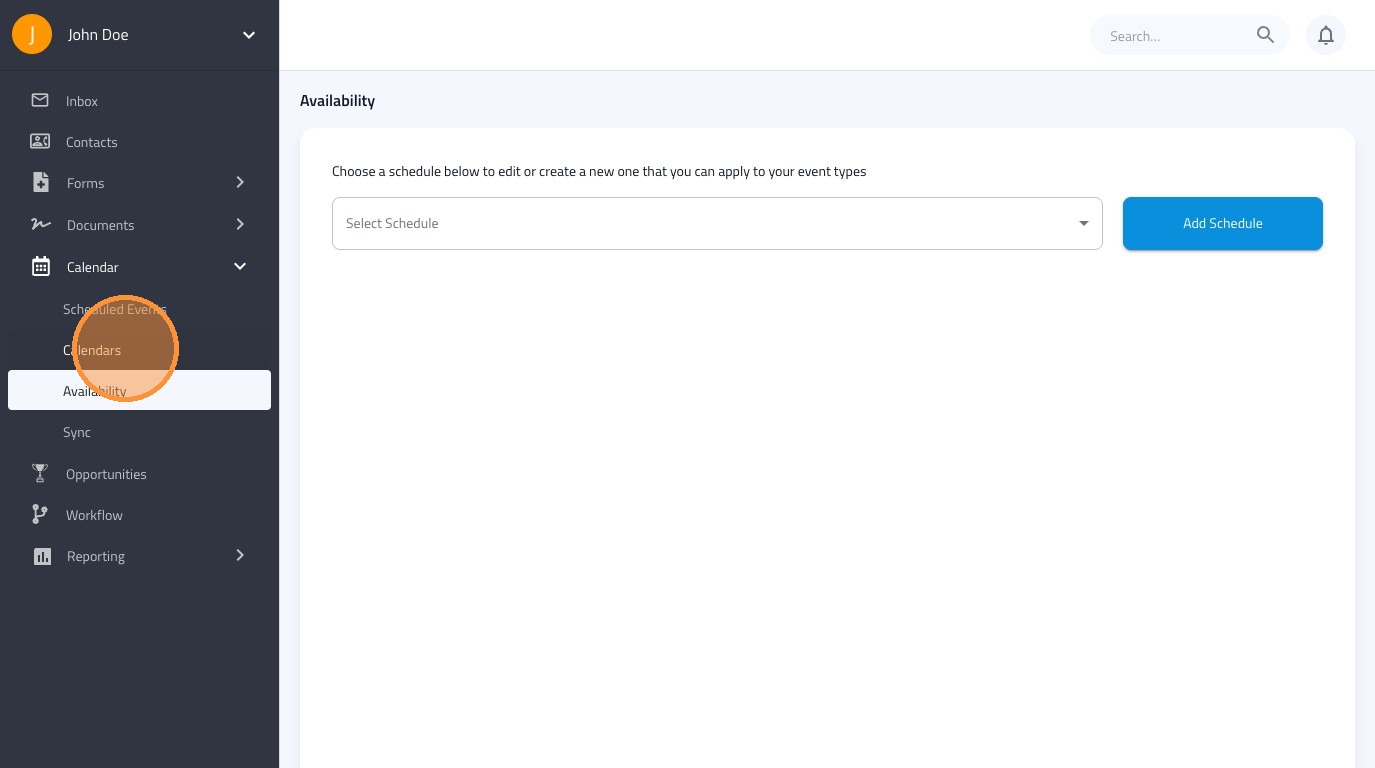
6. Click "Calendars"
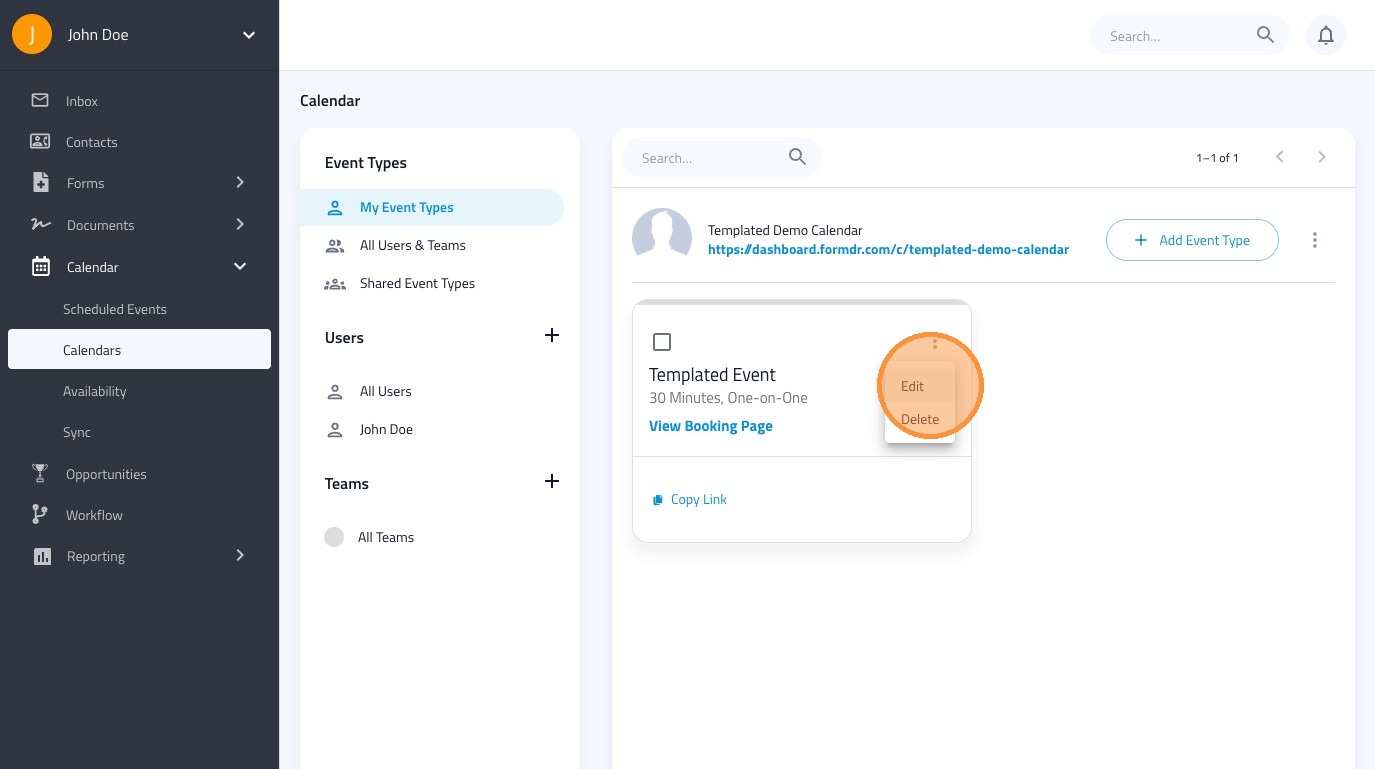
7. To apply your custom schedule to an event type, select this icon.
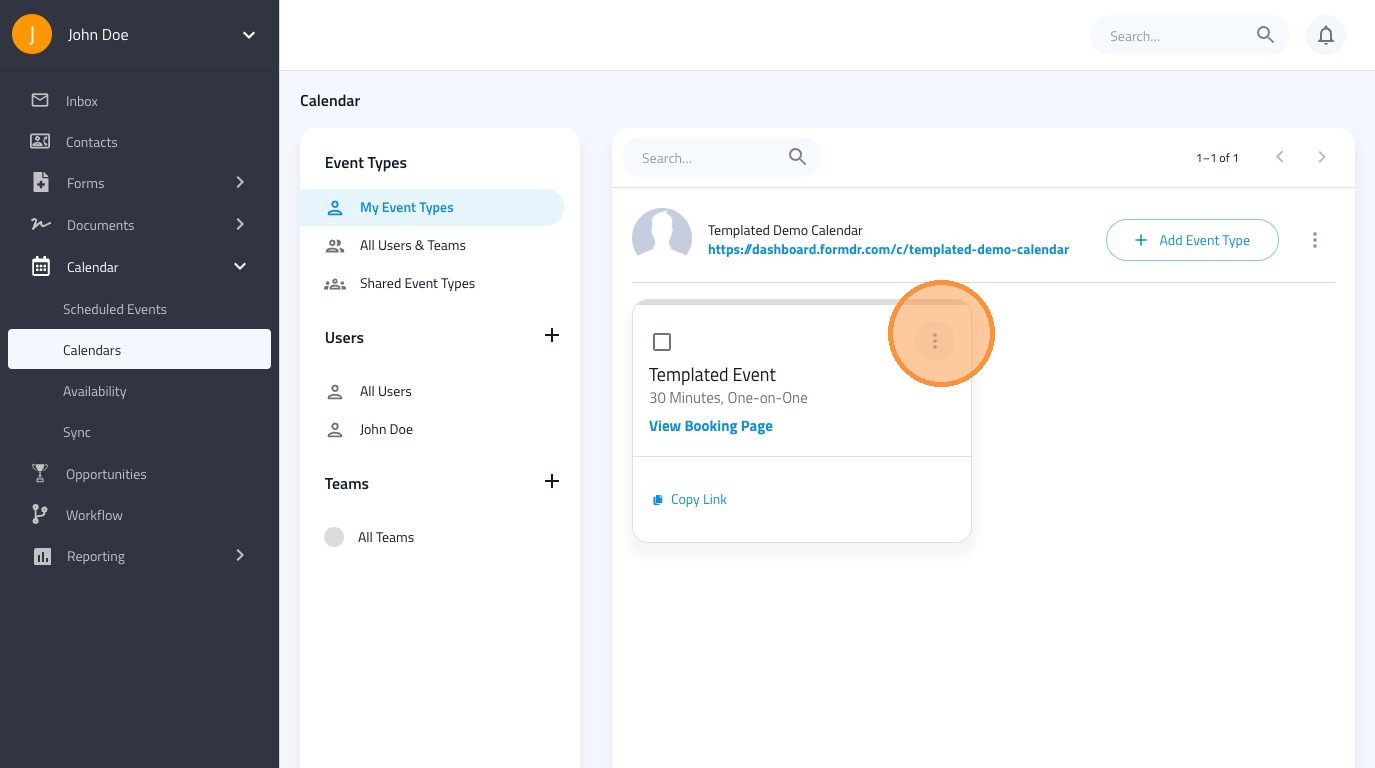
8. Click "Edit"
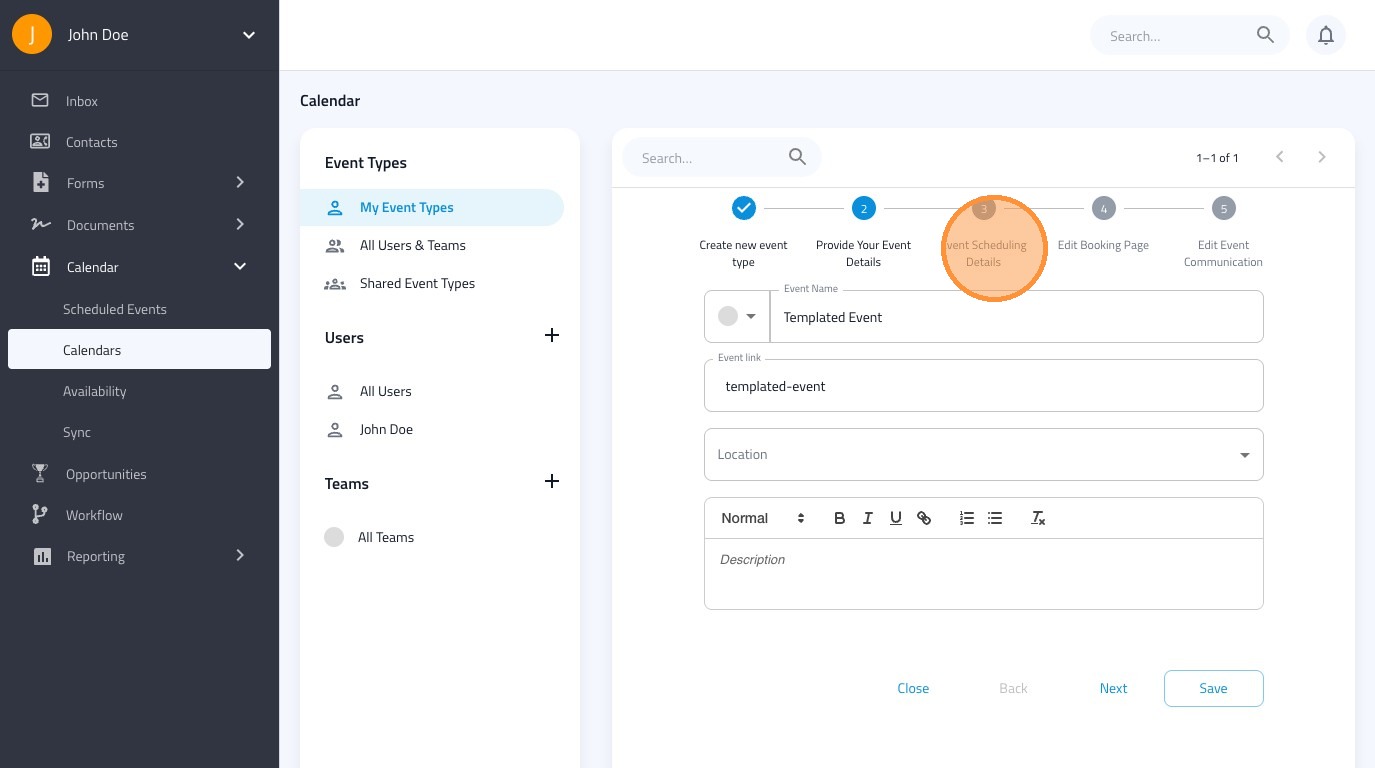
9. Click "Event Scheduling Details"
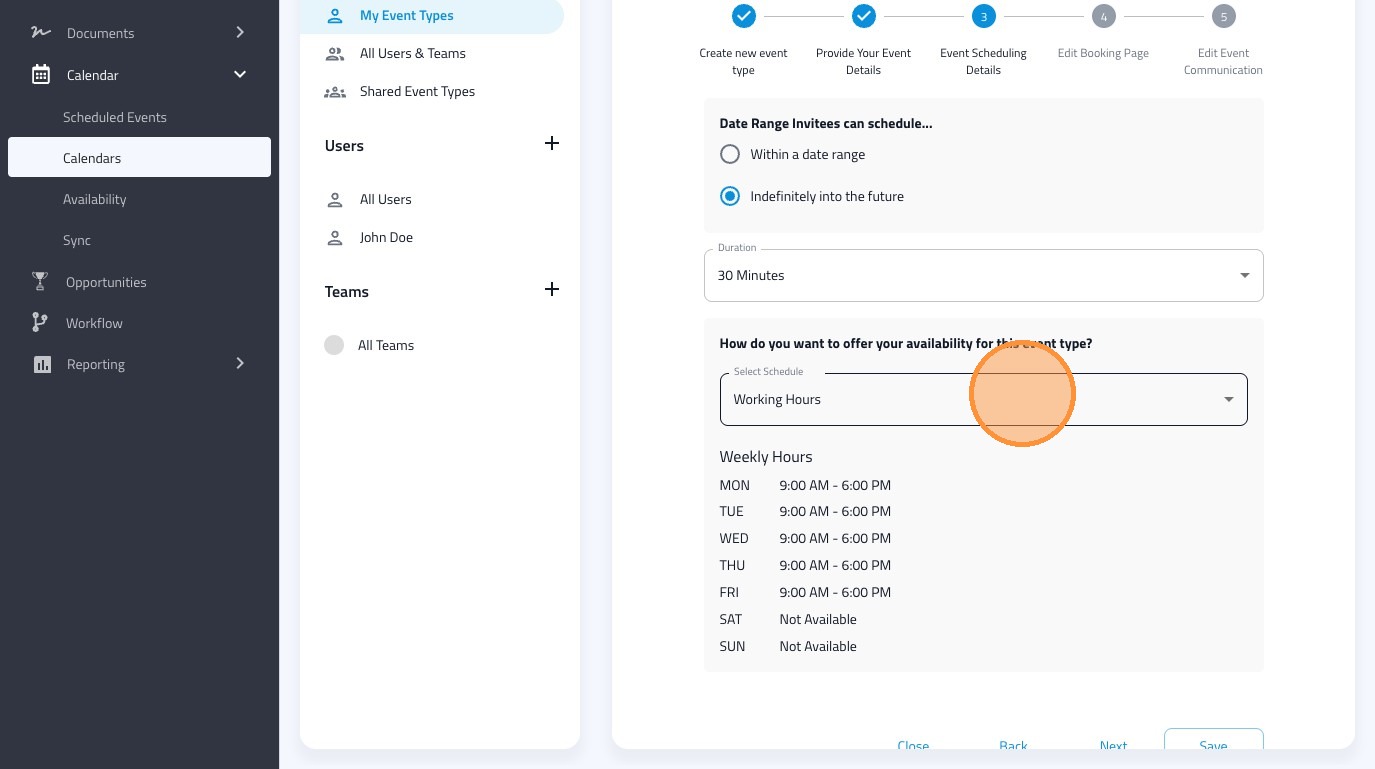
10. Click "Working Hours"
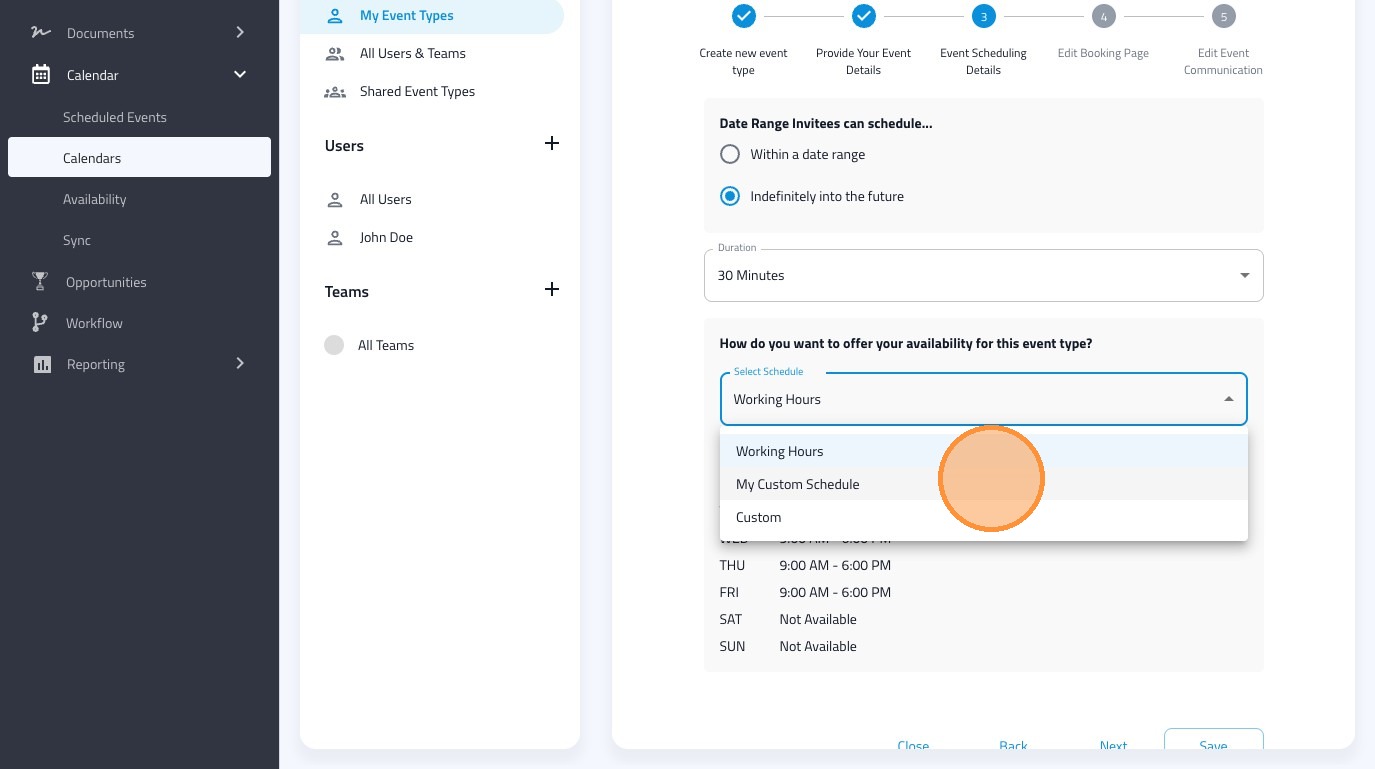
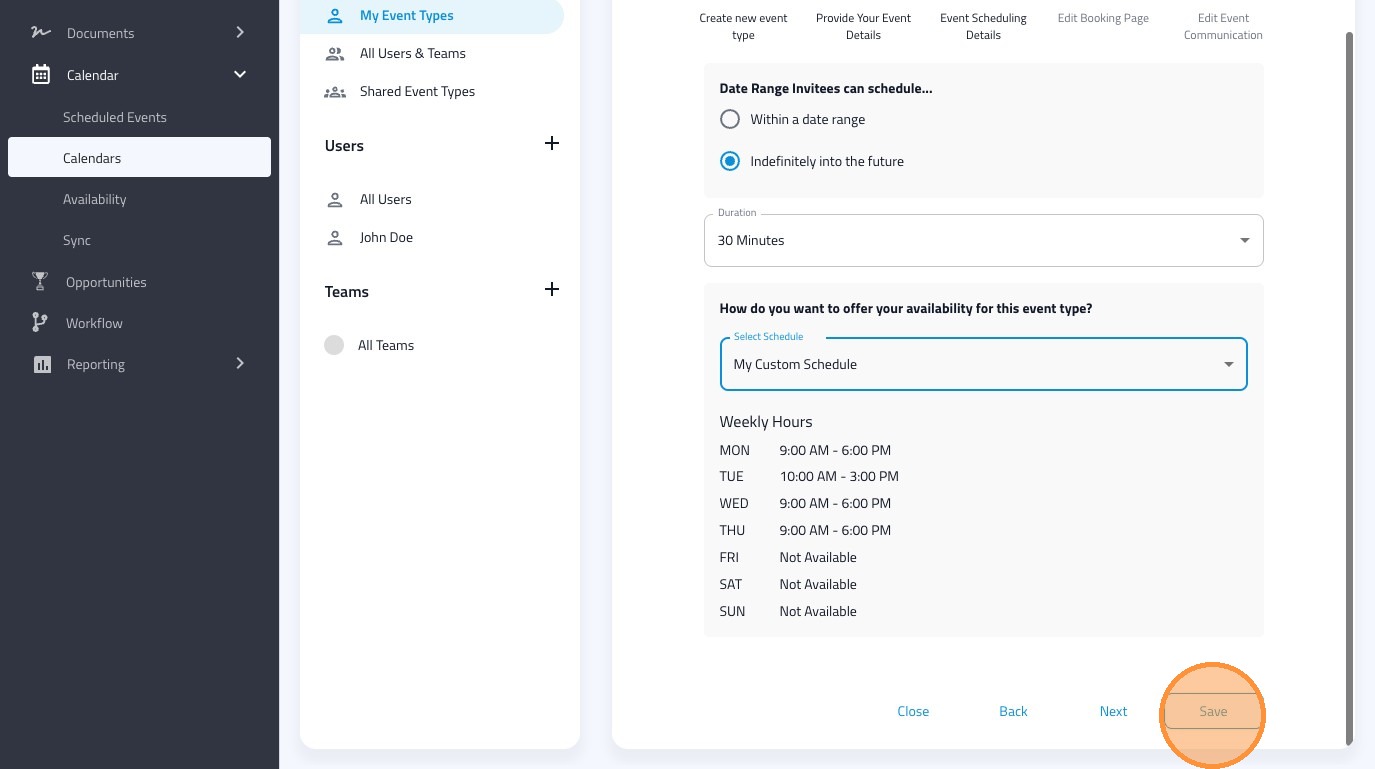
11. Apply your custom schedule to the event
12. Click "Save"
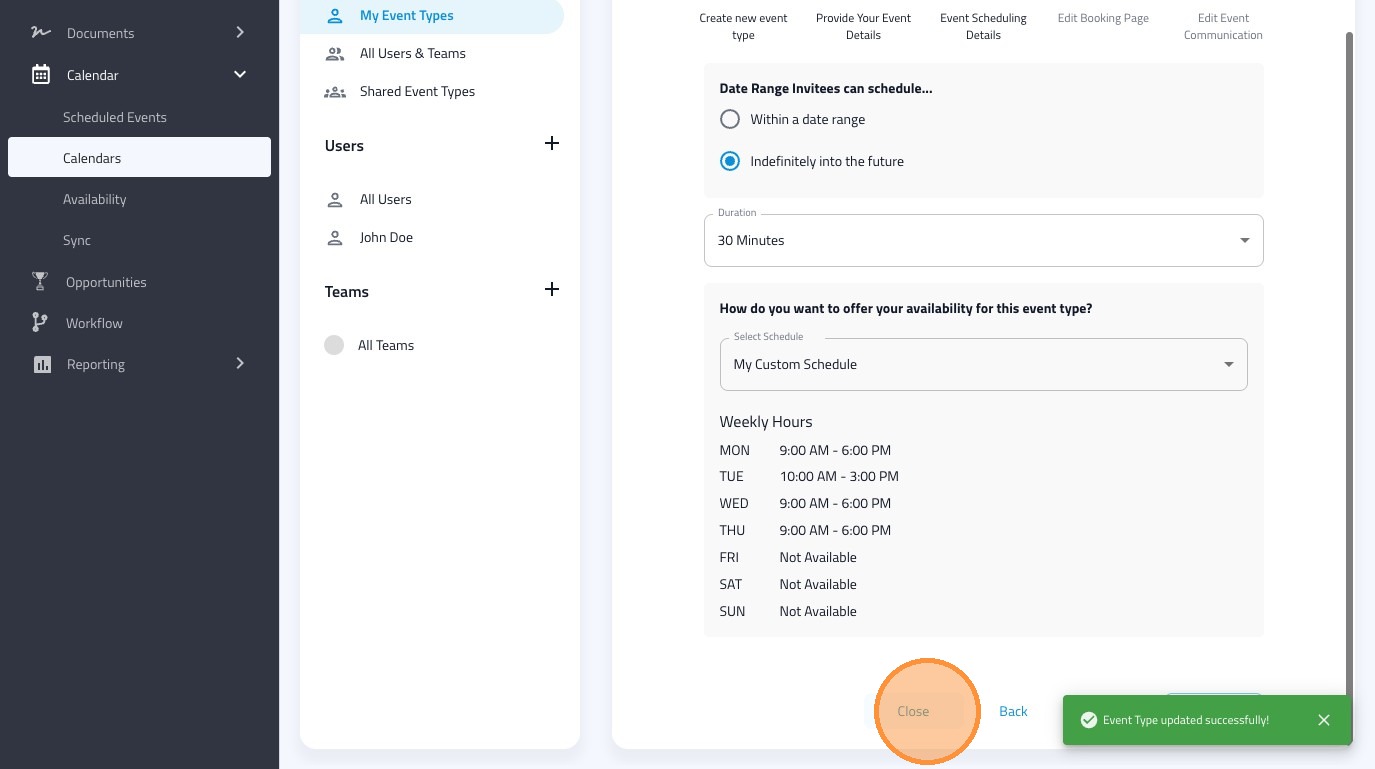
13. Click "Close"
14. Click "View Booking Page"
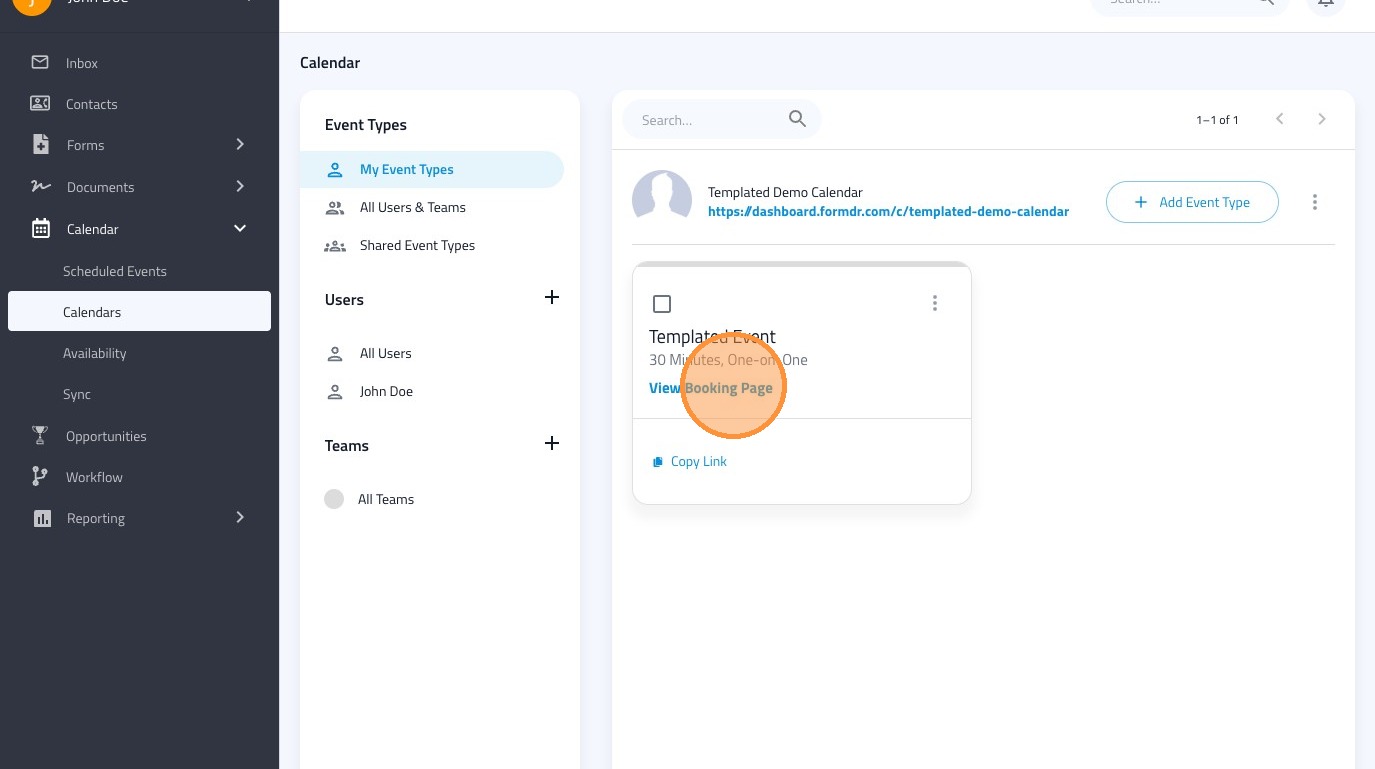
15. Confirm that your custom scheduled has been applied to the event by viewing the booking page.