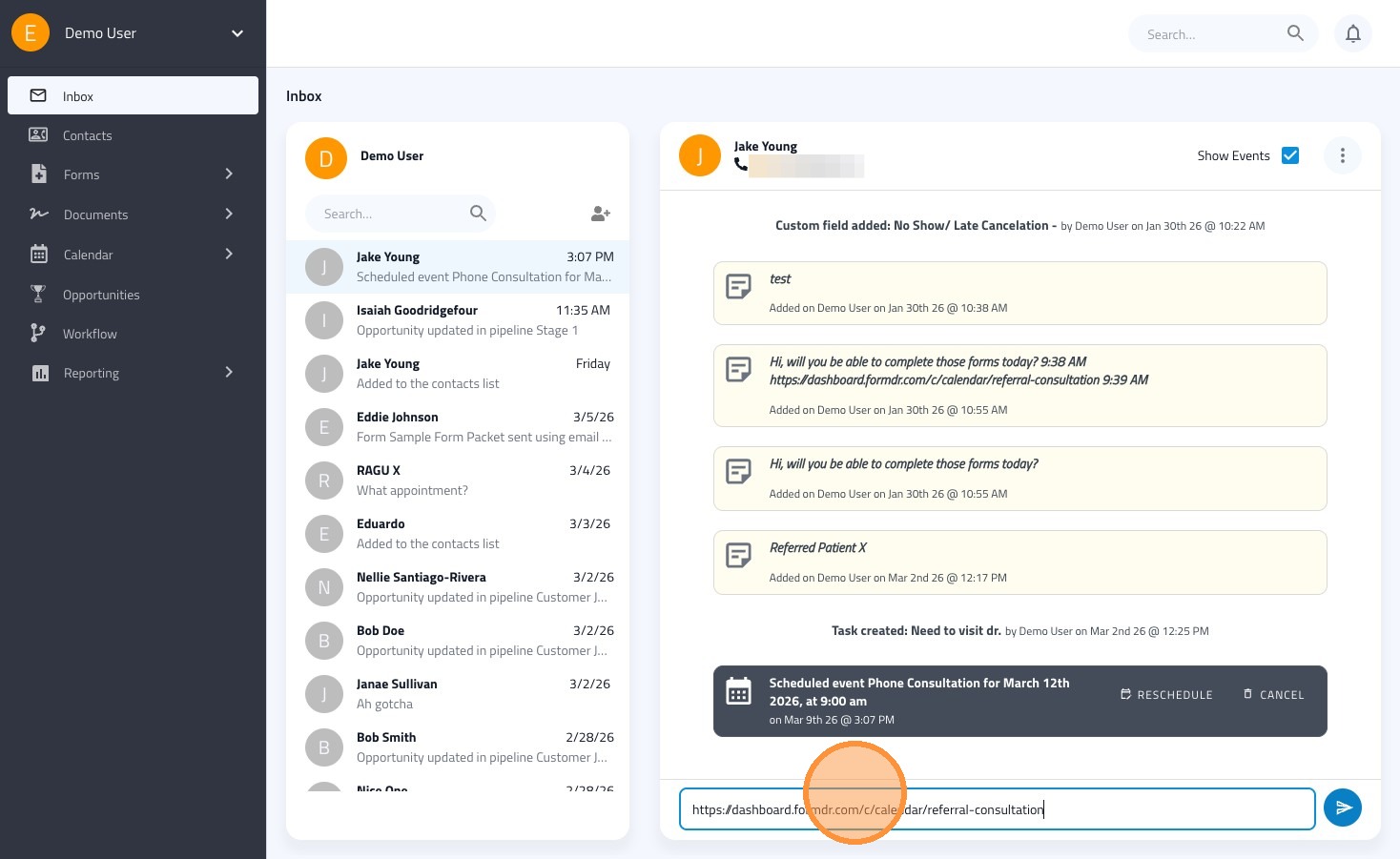
This guide will walk you through scheduling an appointment for a patient and sending them an SMS message. Learn how to navigate the FormDoctor dashboard to manage appointments and communications effectively.
Schedule an Appointment from the Inbox
1. Navigate to https://dashboard.formdr.com/inbox
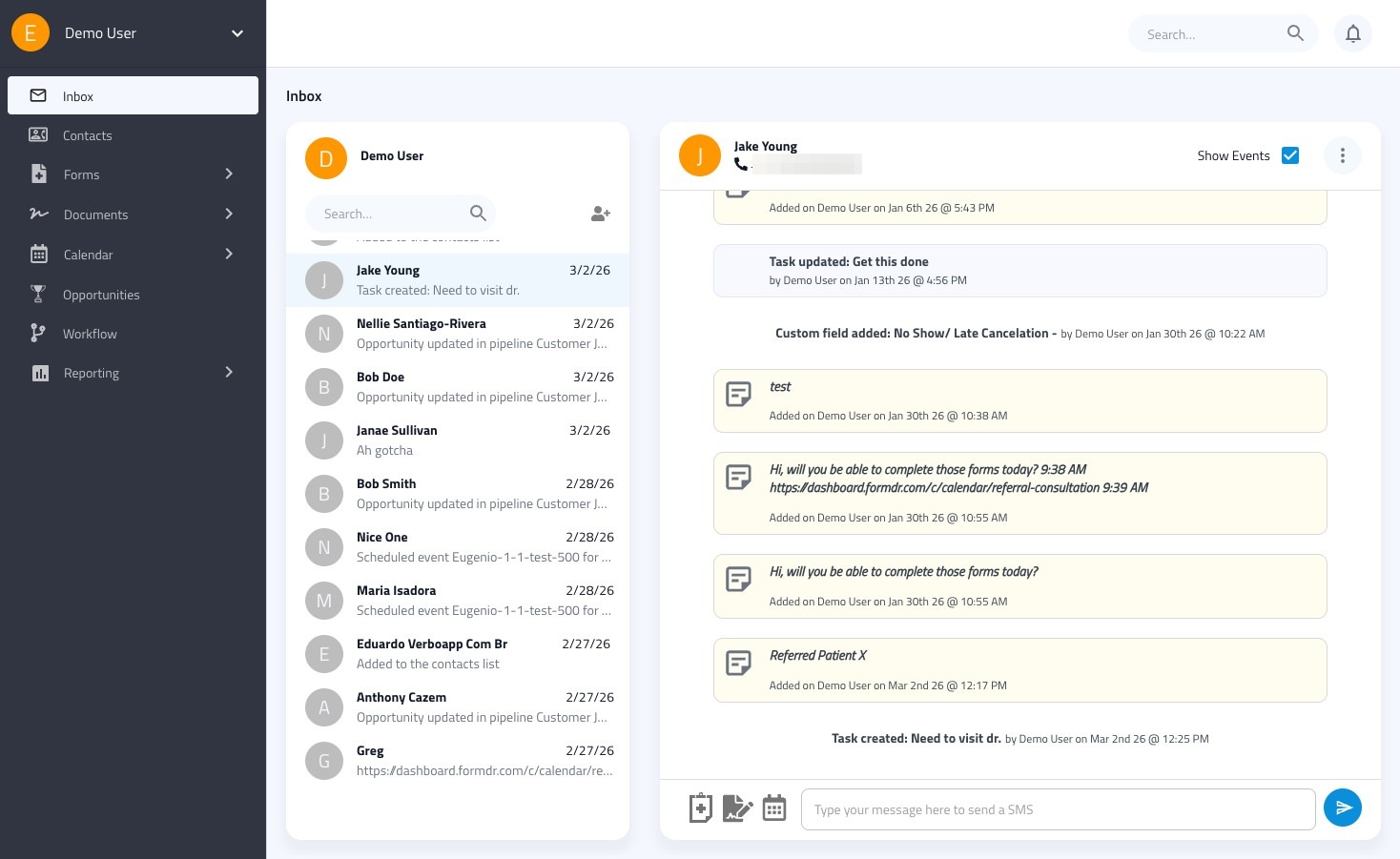
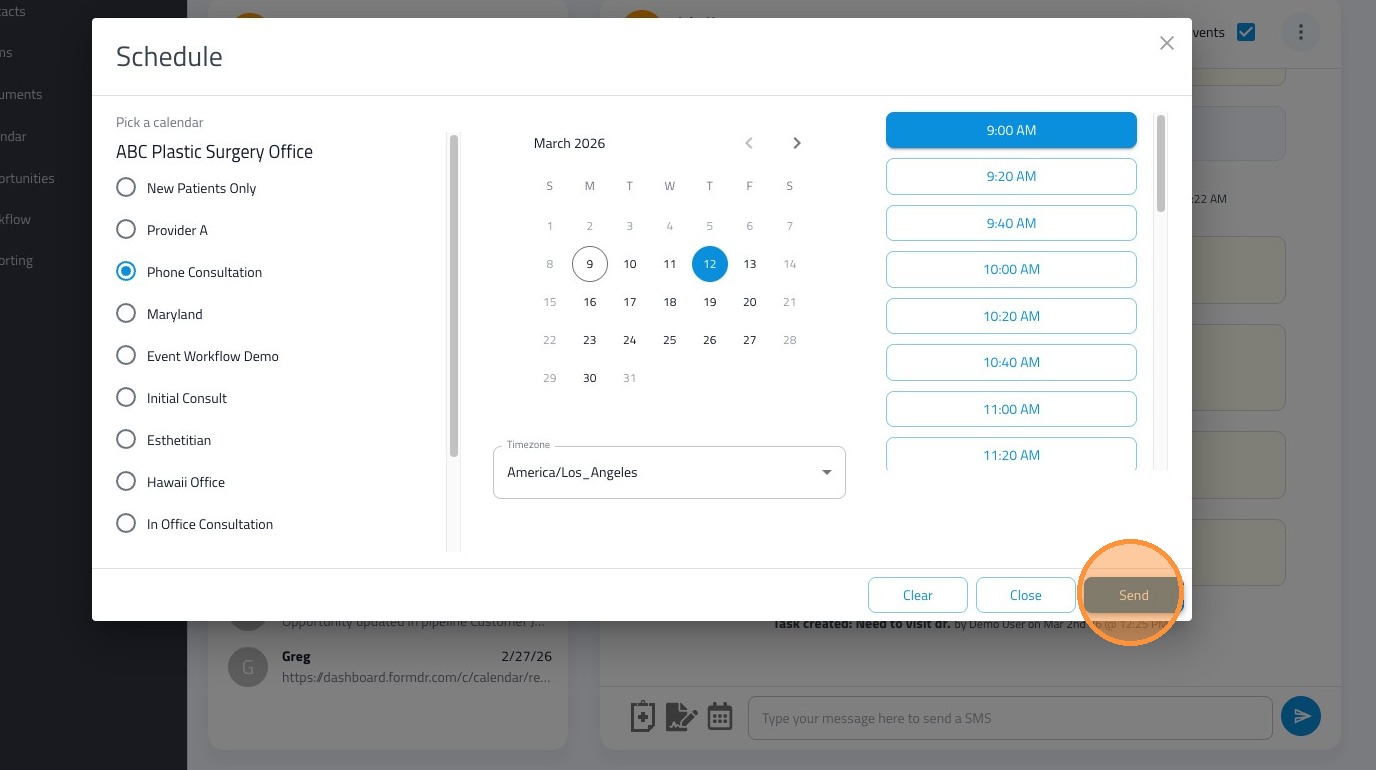
2. Click the calendar icon.
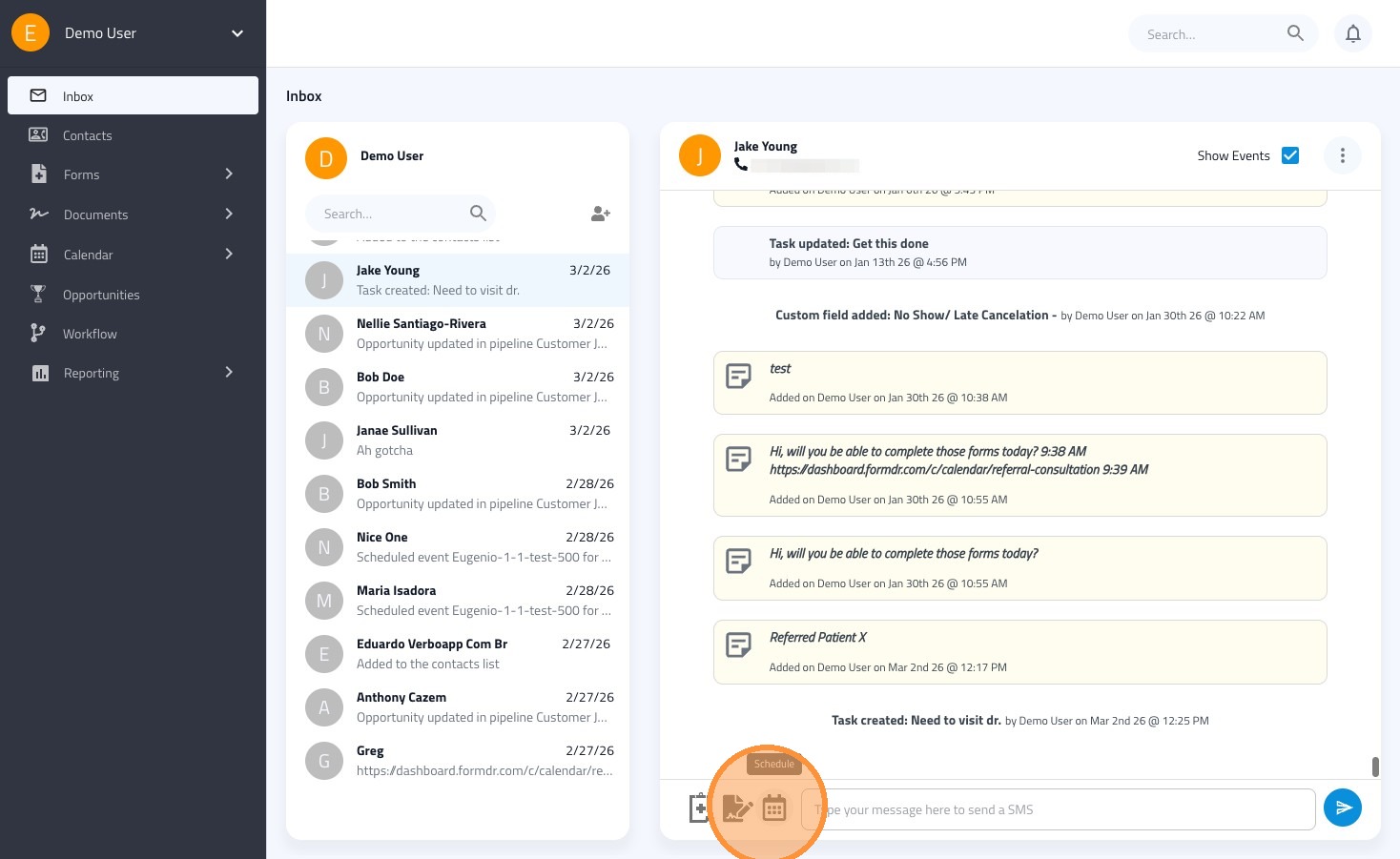
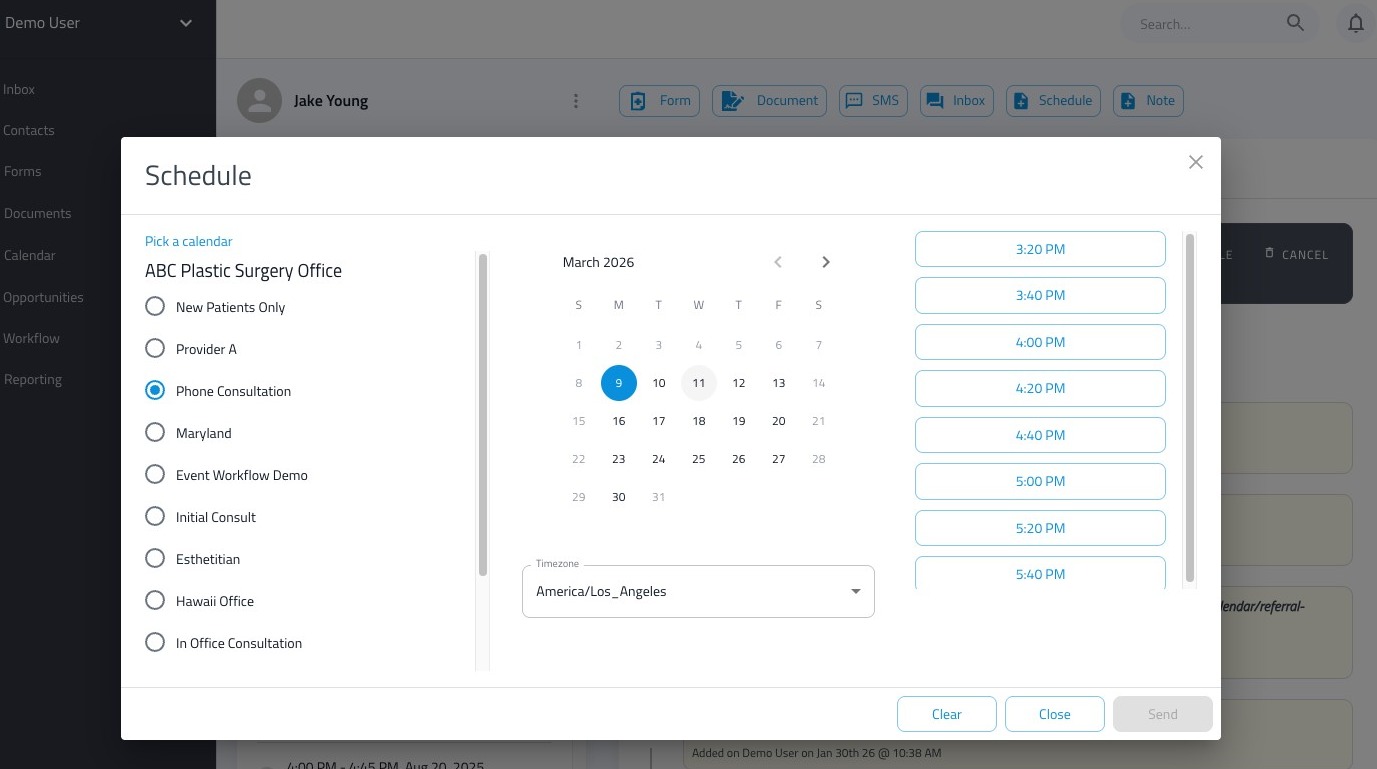
3. Select the date and time of the appointment
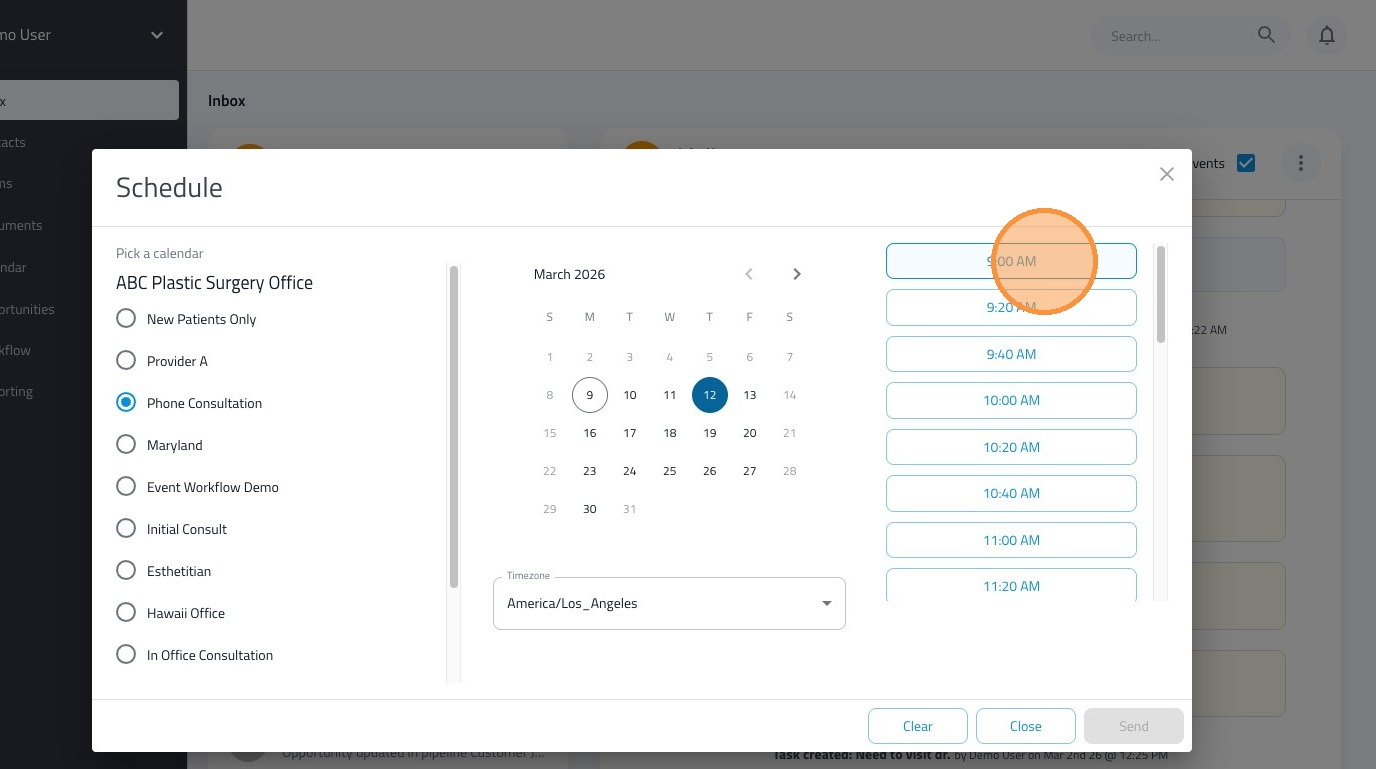
4. Click "Send" to schedule the appointment on behalf of the patient
Schedule an appointment from the contacts page
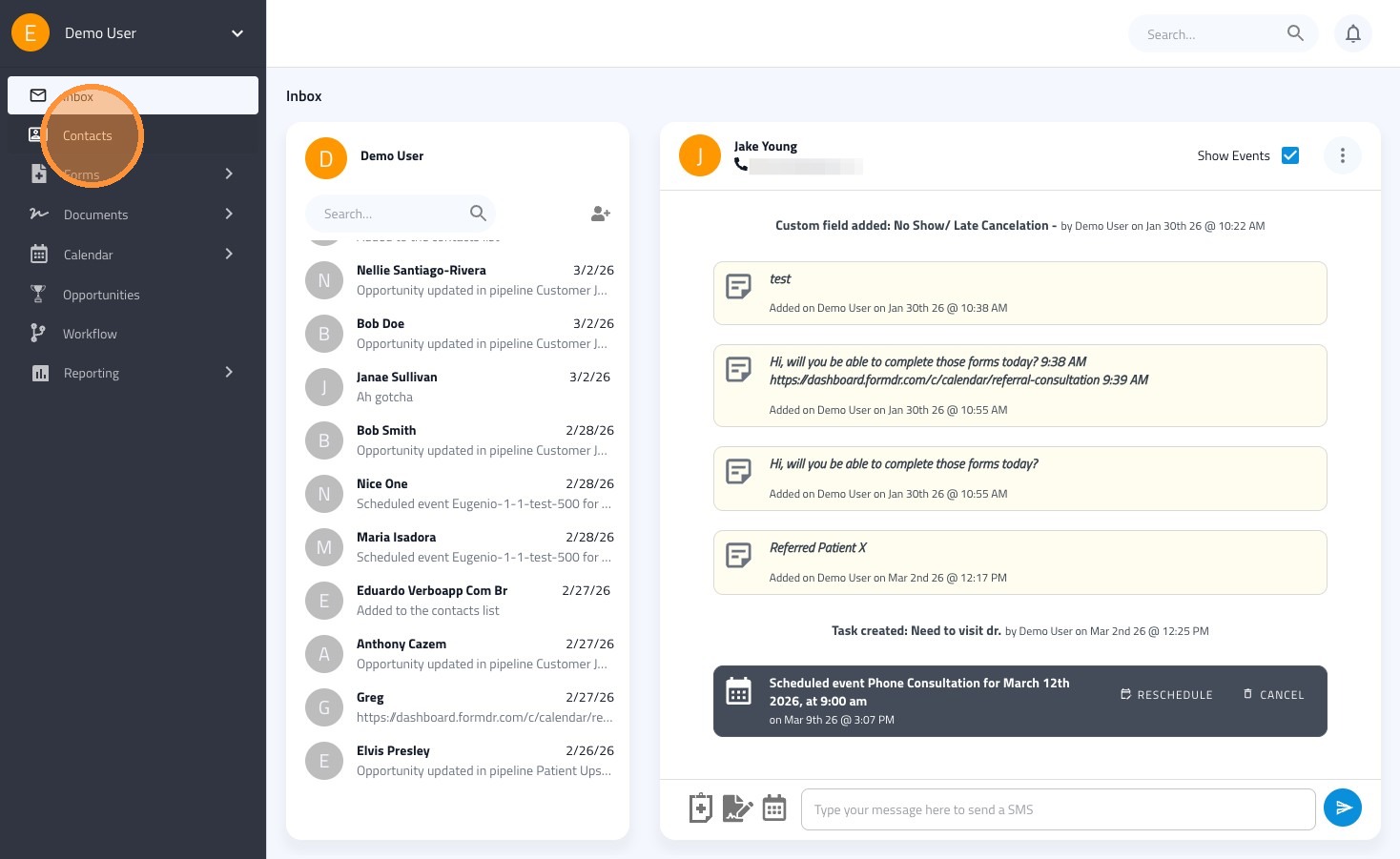
5. Click "Contacts"
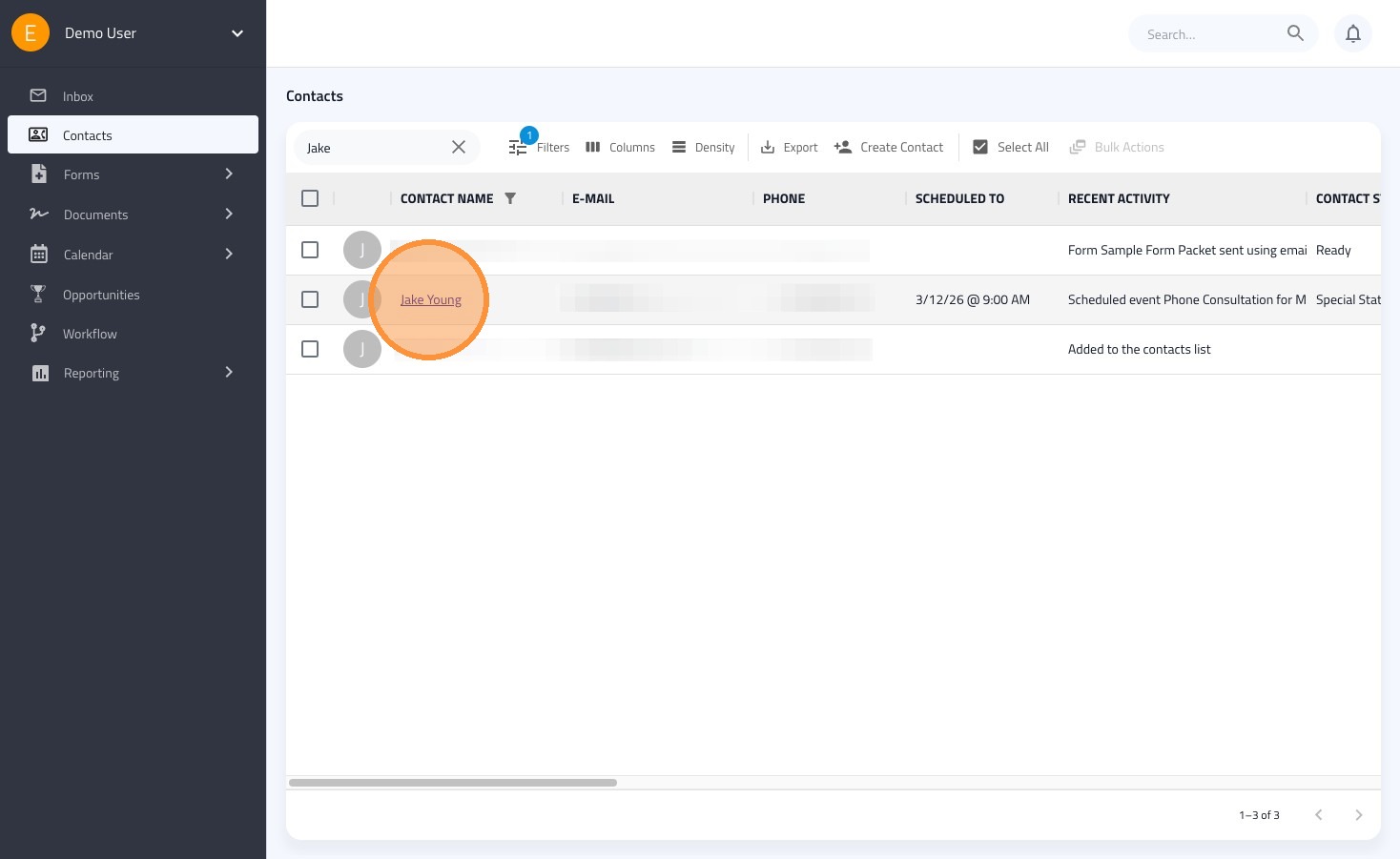
6. Search for and select the contact you would like to schedule an appointment
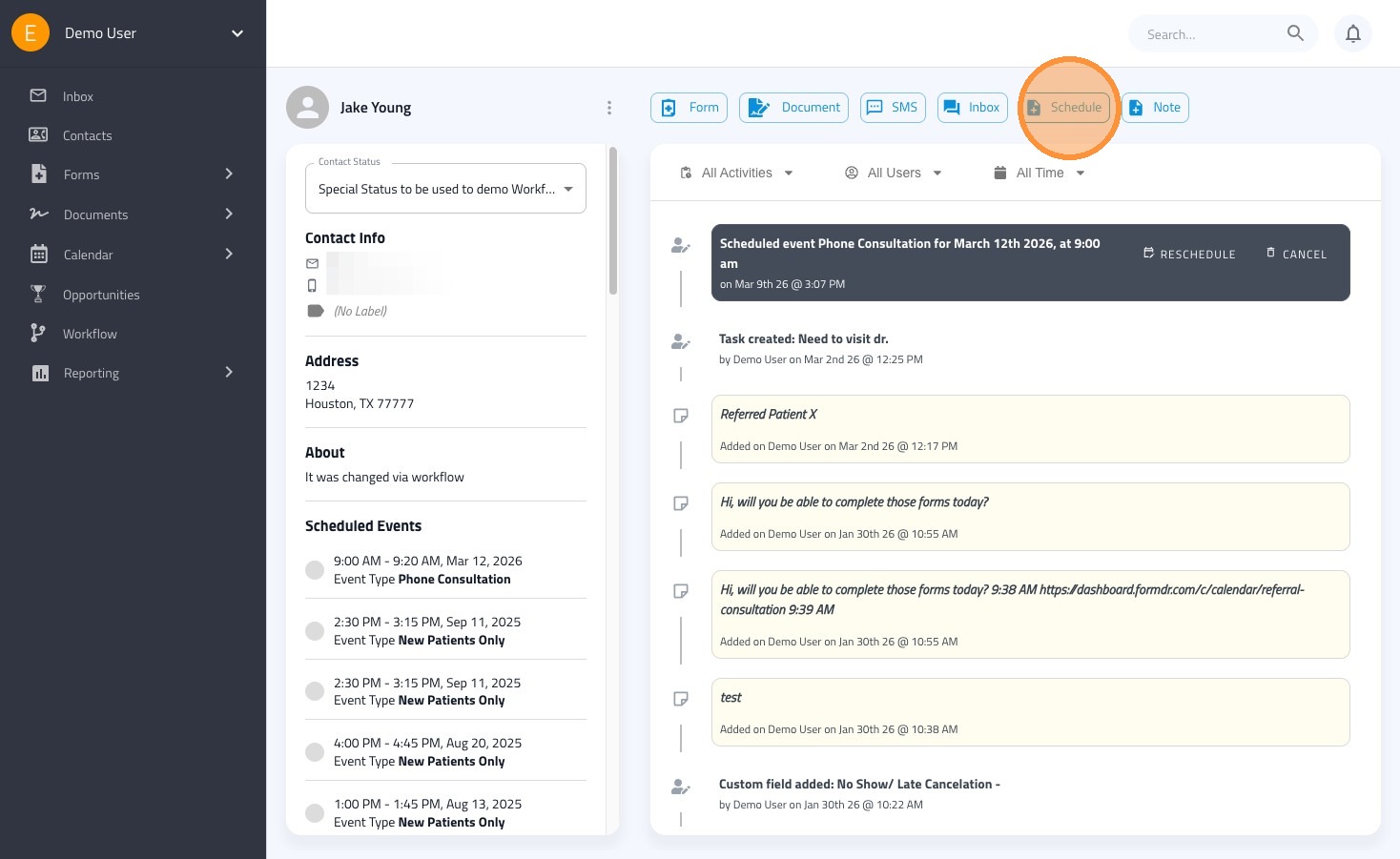
7. Click "Schedule" in the contacts page
8. Select the date and time of the appointment
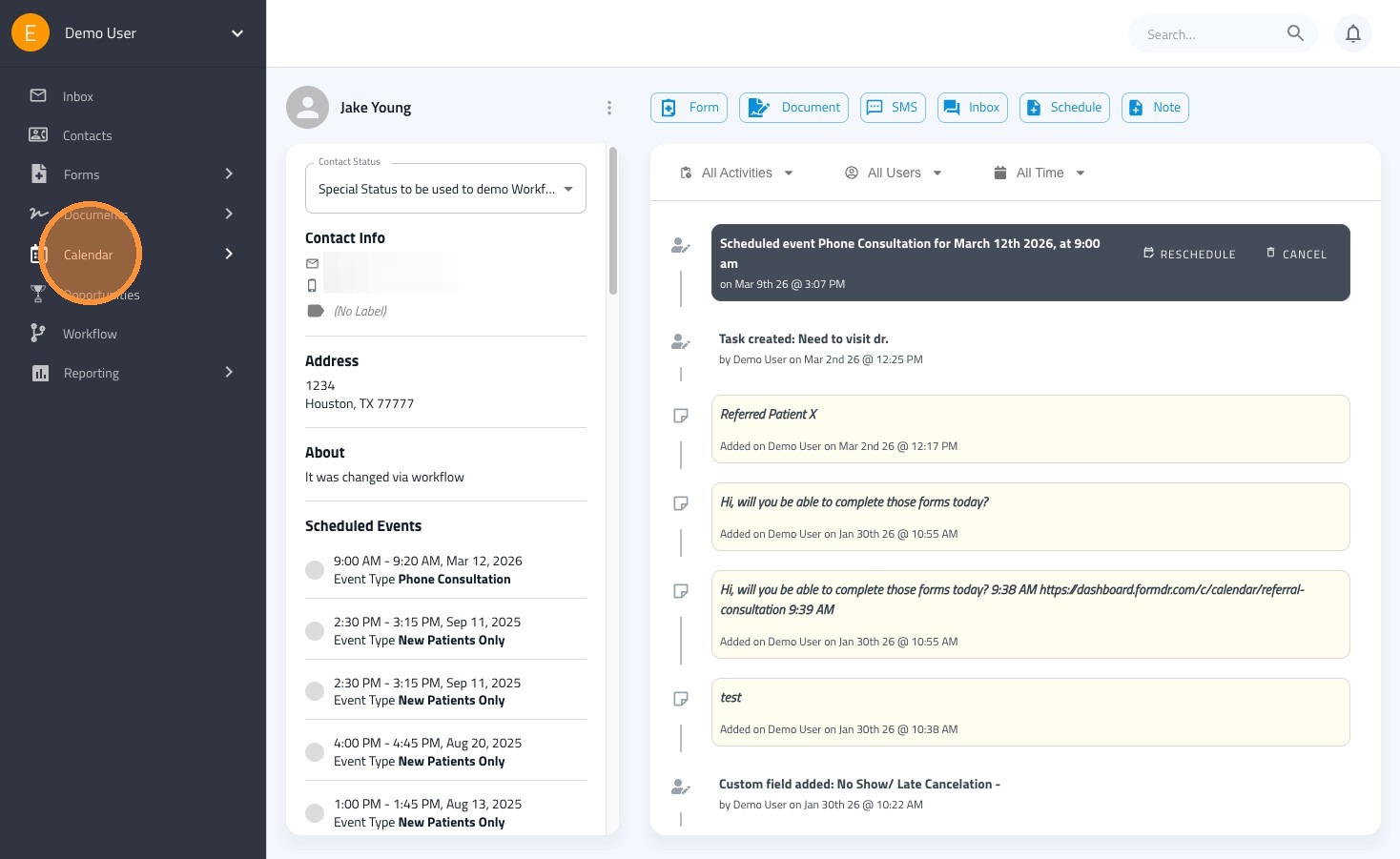
9. Click "Calendar"
Copy the URL of the booking page link to send manually
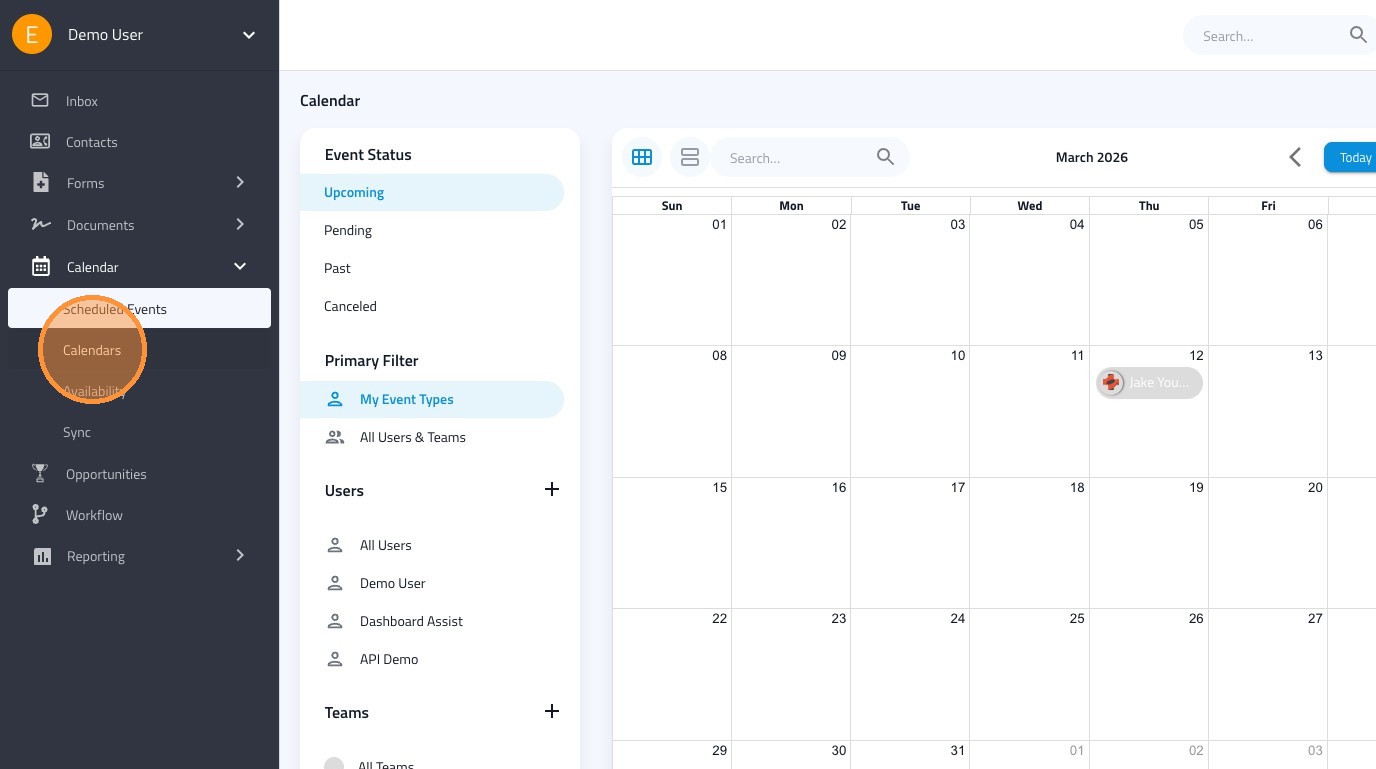
10. Click "Calendars"
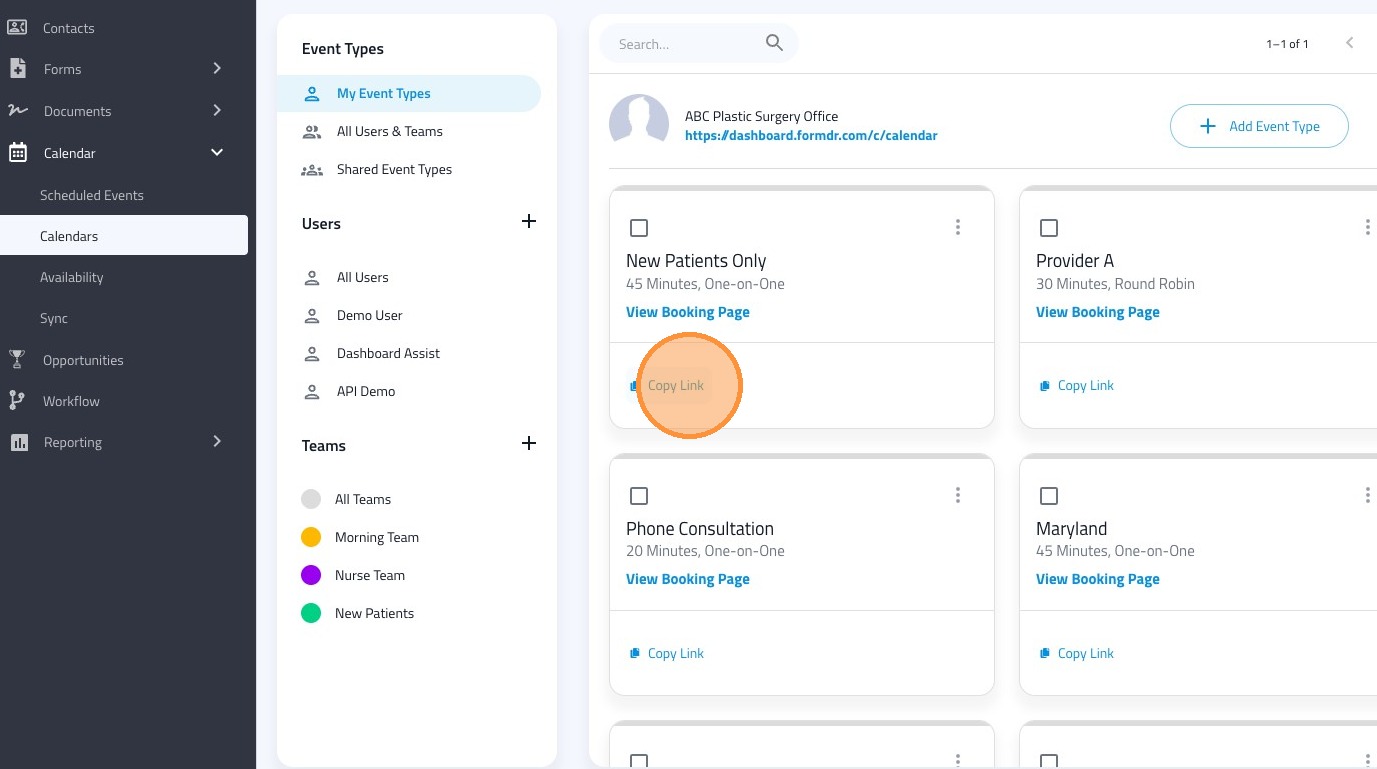
11. Click "Copy Link" on the event type you want
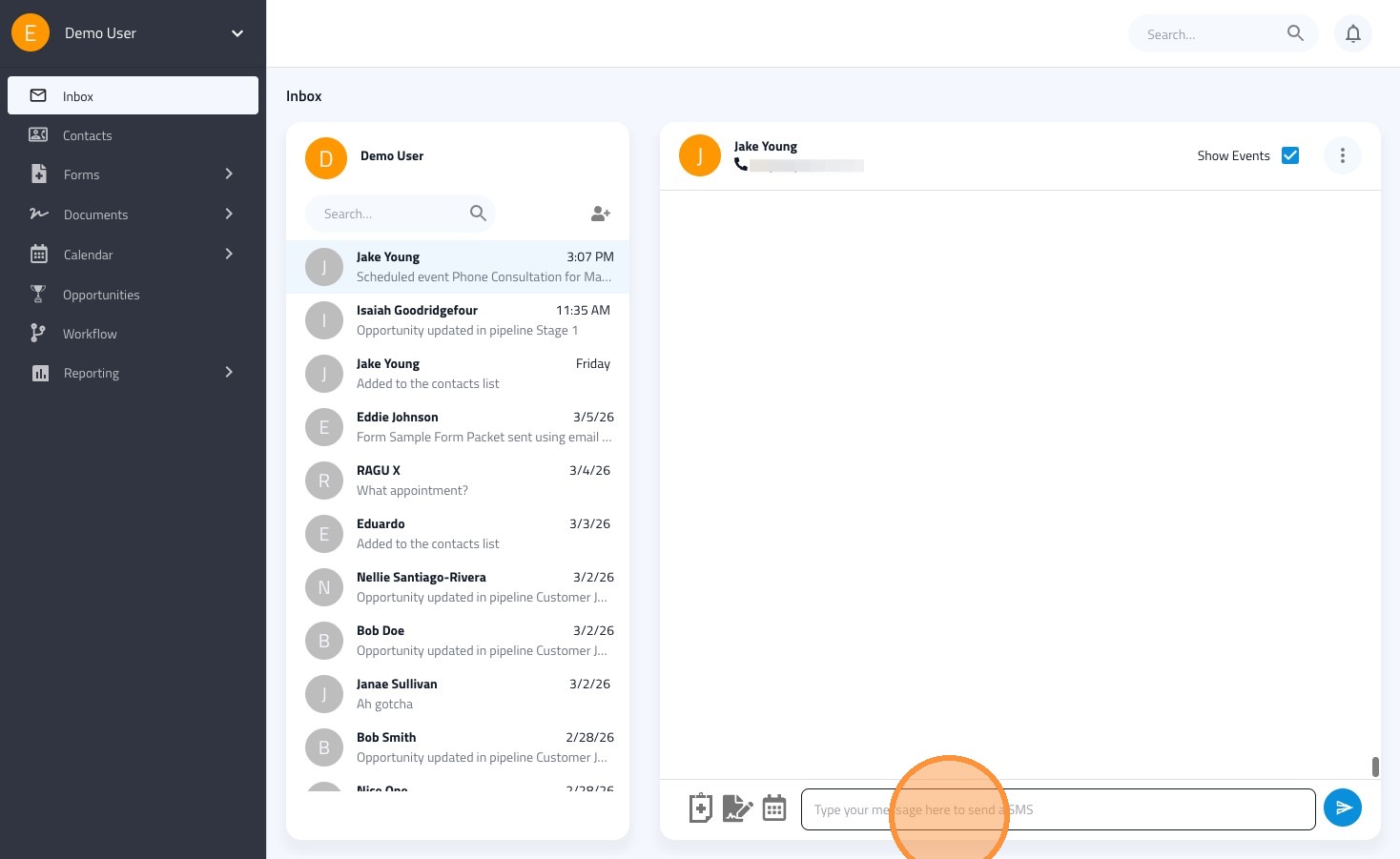
12. Click the "Type your message here to send a SMS" field.
13. Paste in the booking page URL