
Learn how to send bulk text (SMS) messages to your contact list.
In this Article
Send a Mass SMS Message
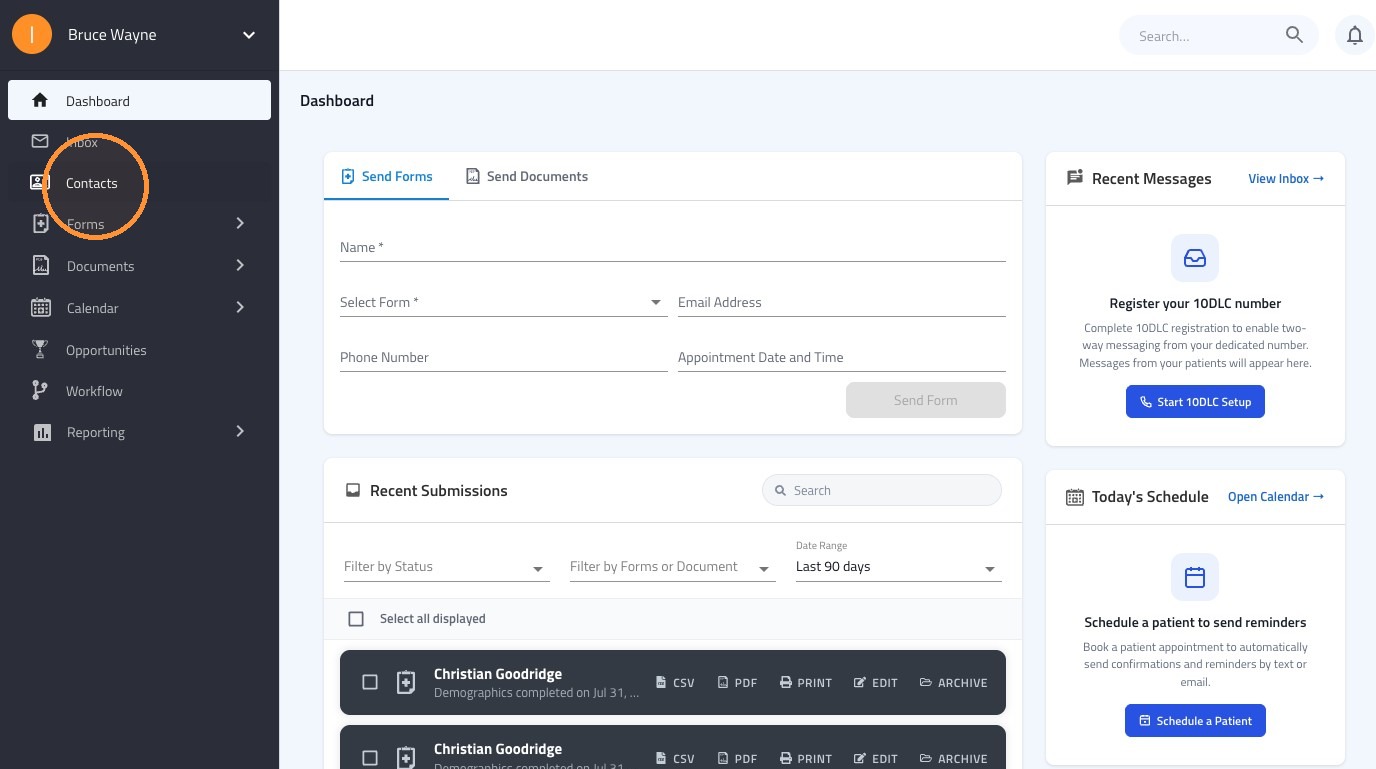
1. Navigate to the left-hand menu and click on Contacts.
2. To message your entire list, click the Select All checkbox at the top of the contact list. This will select all contacts on all pages.
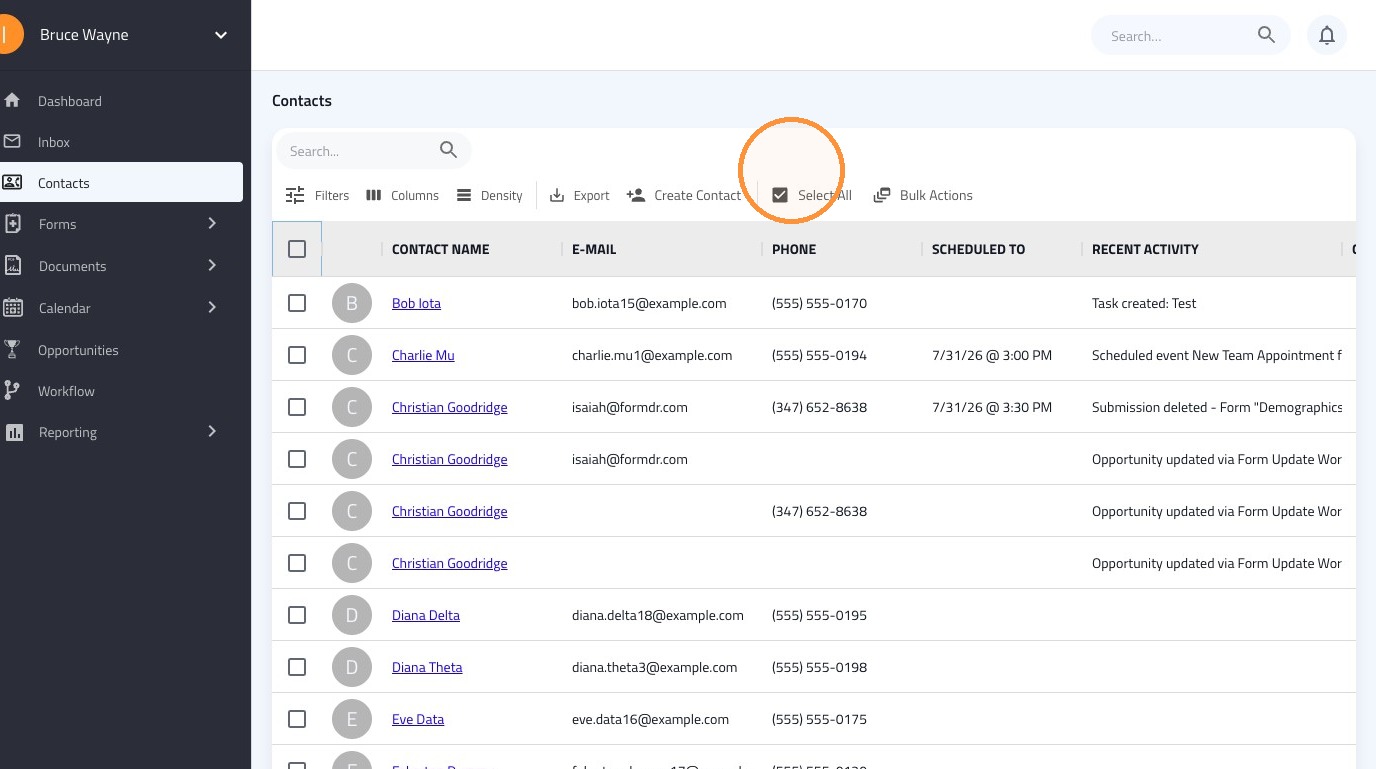
Tip: Use filters (e.g., labels, contact statuses, custom fields, or opportunity statuses) to send highly relevant messages to specific groups.
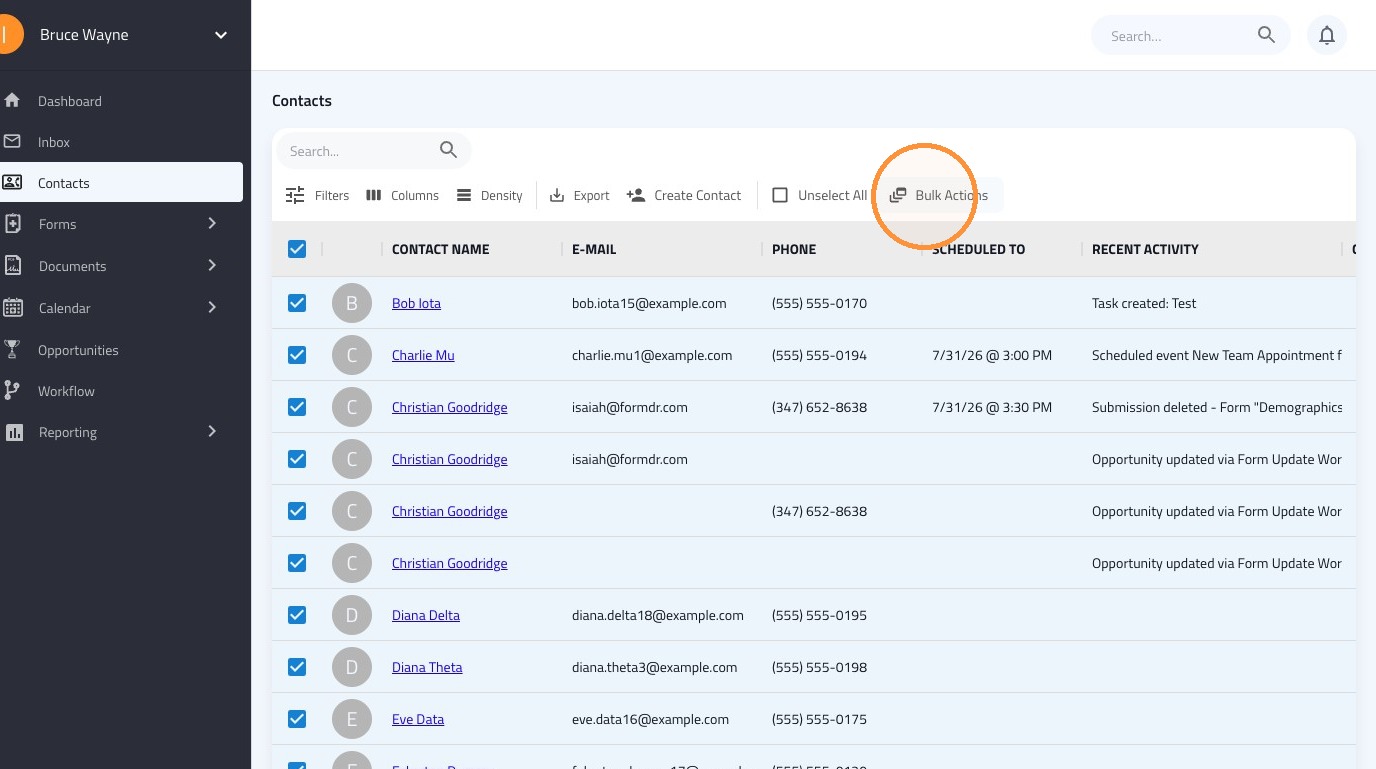
3. With your contacts selected, click the Bulk Actions dropdown menu located at the top of the screen.
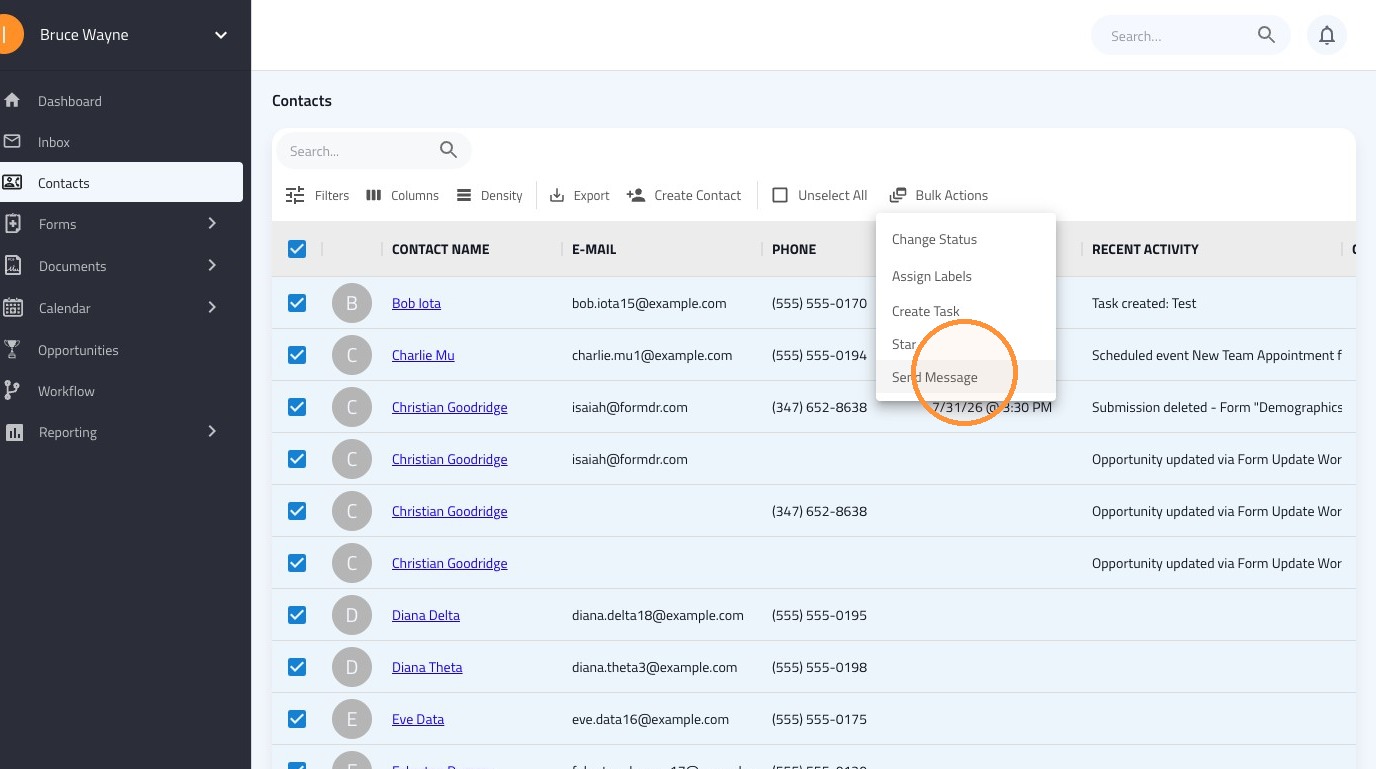
4. Choose Send Message from the available options.
5. In the message window, click the dropdown menu and select the desired template you want to use. Take a moment to preview the text to ensure it applies to all selected patients.
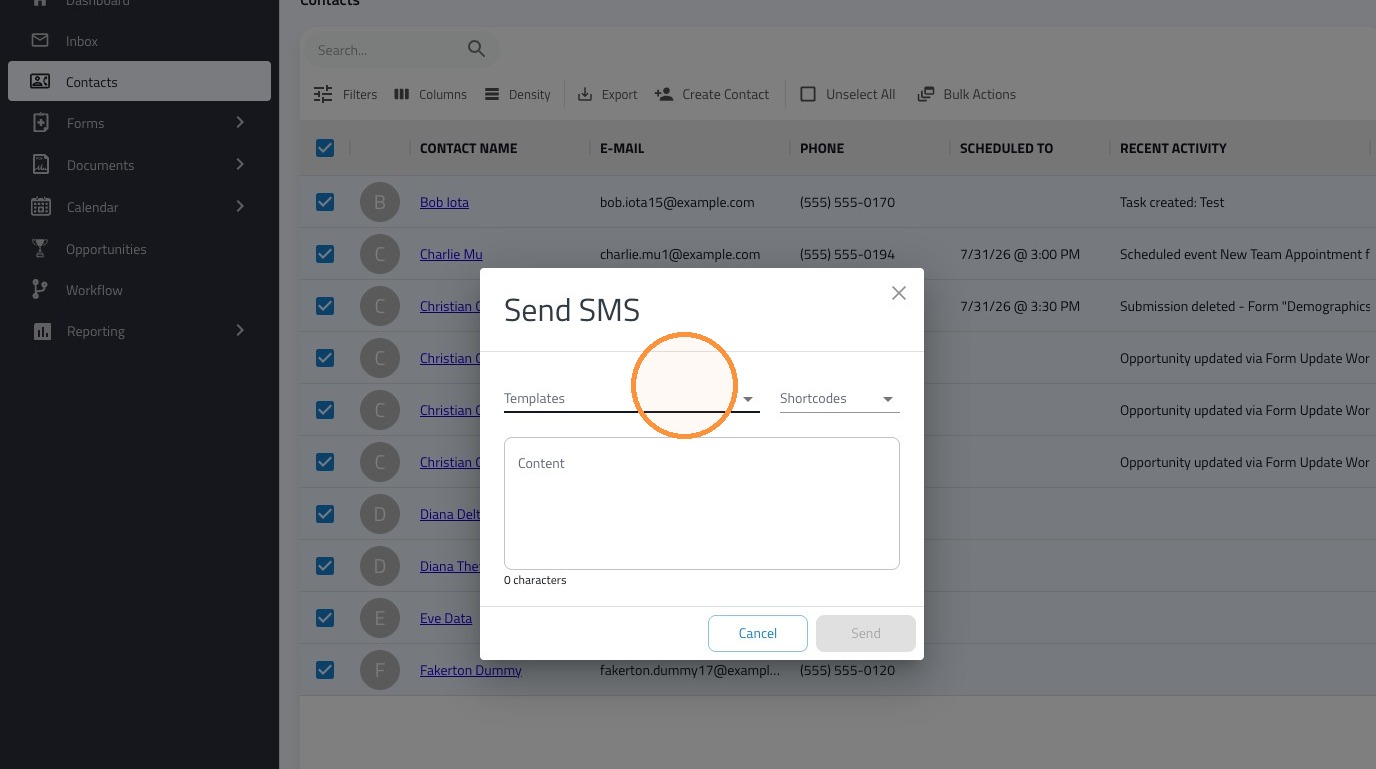
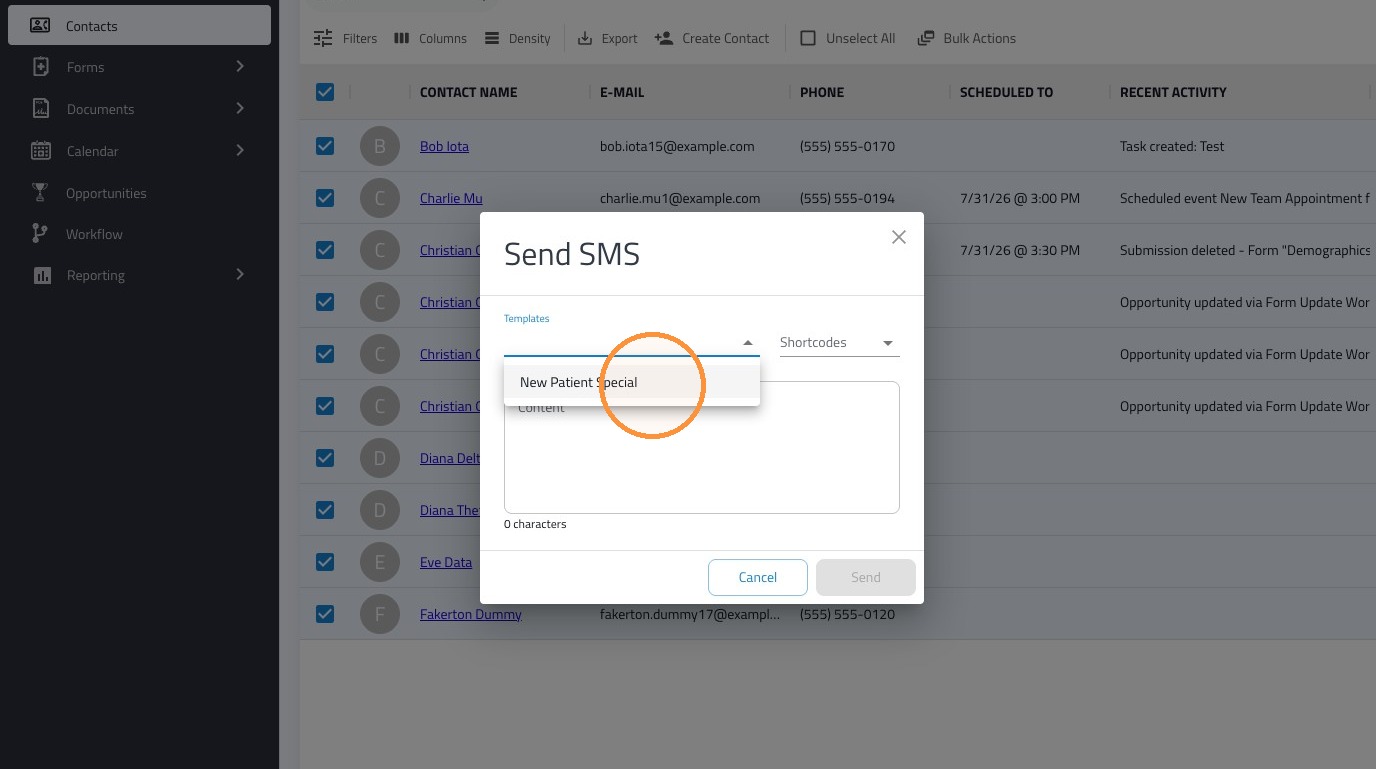
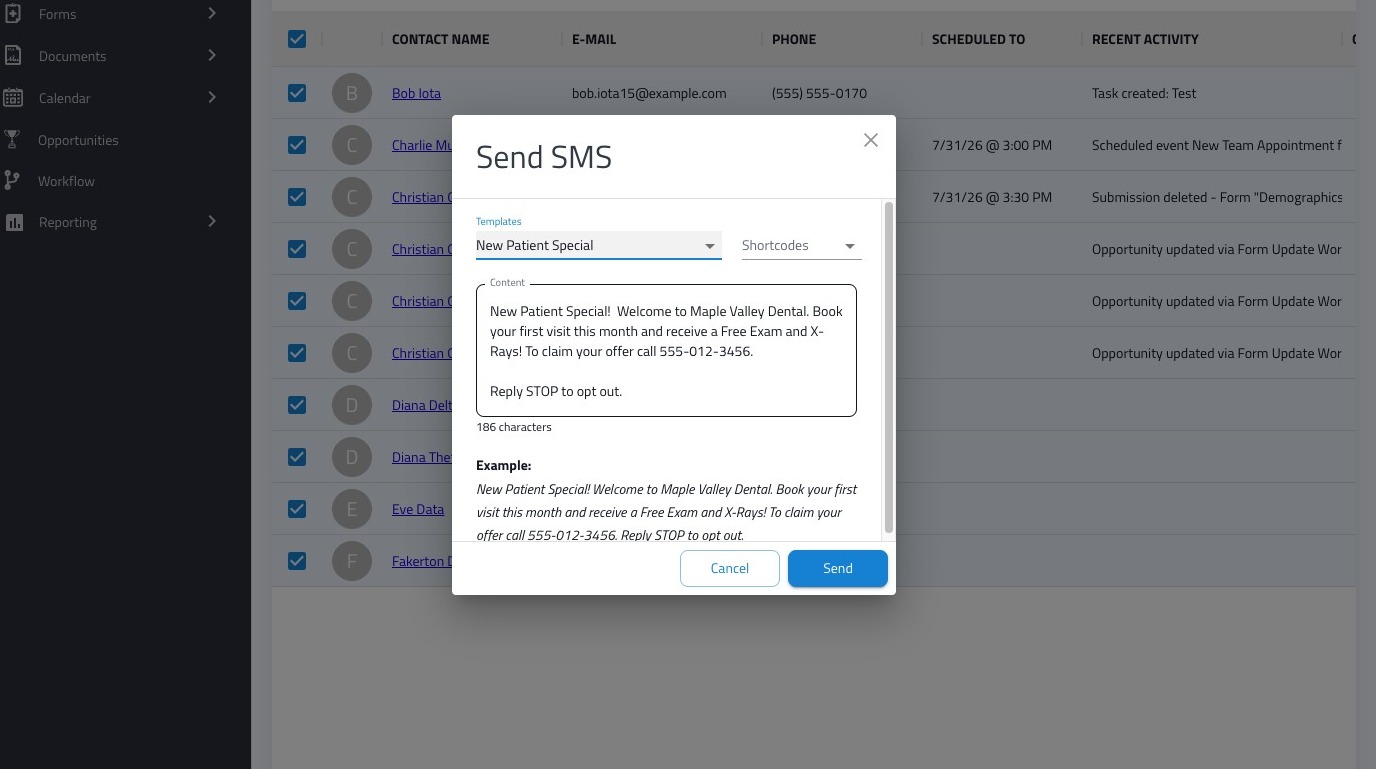
6. Click "Send"
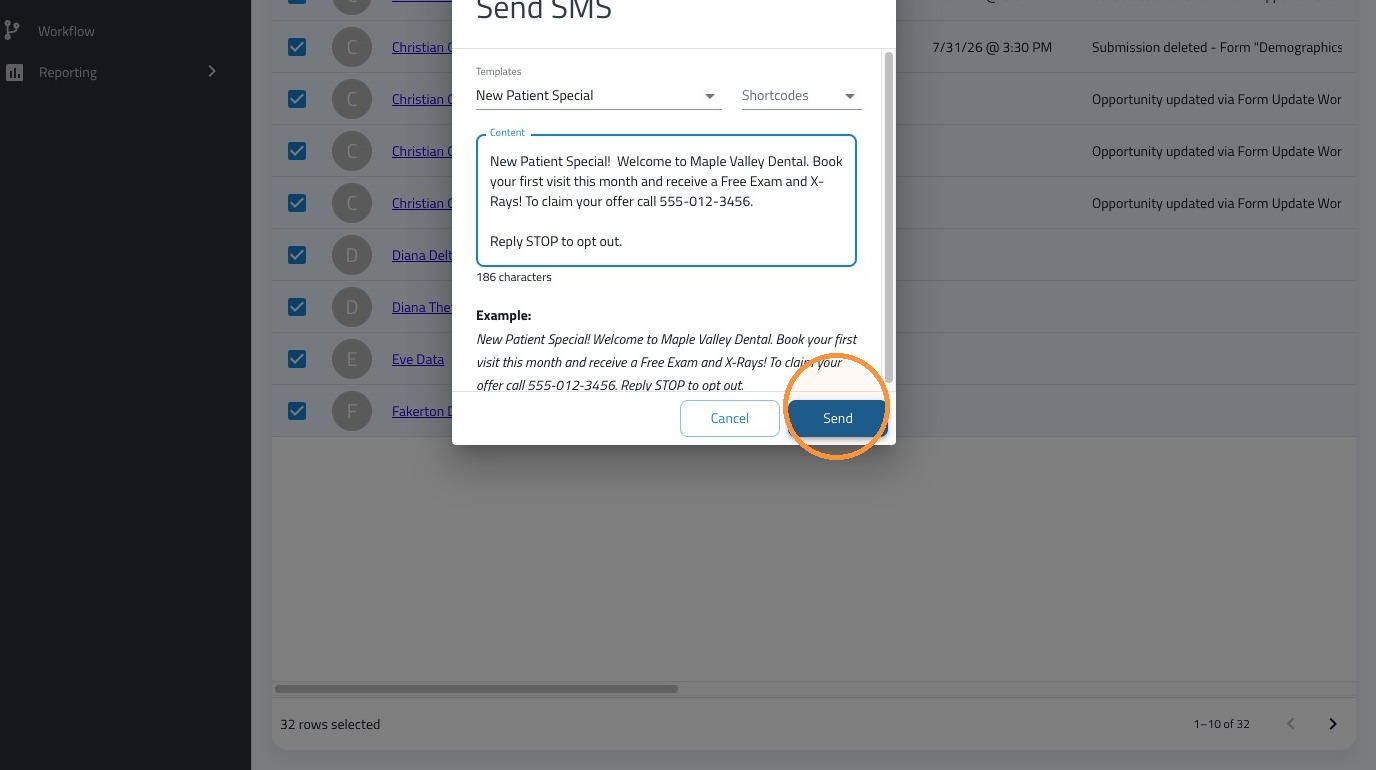
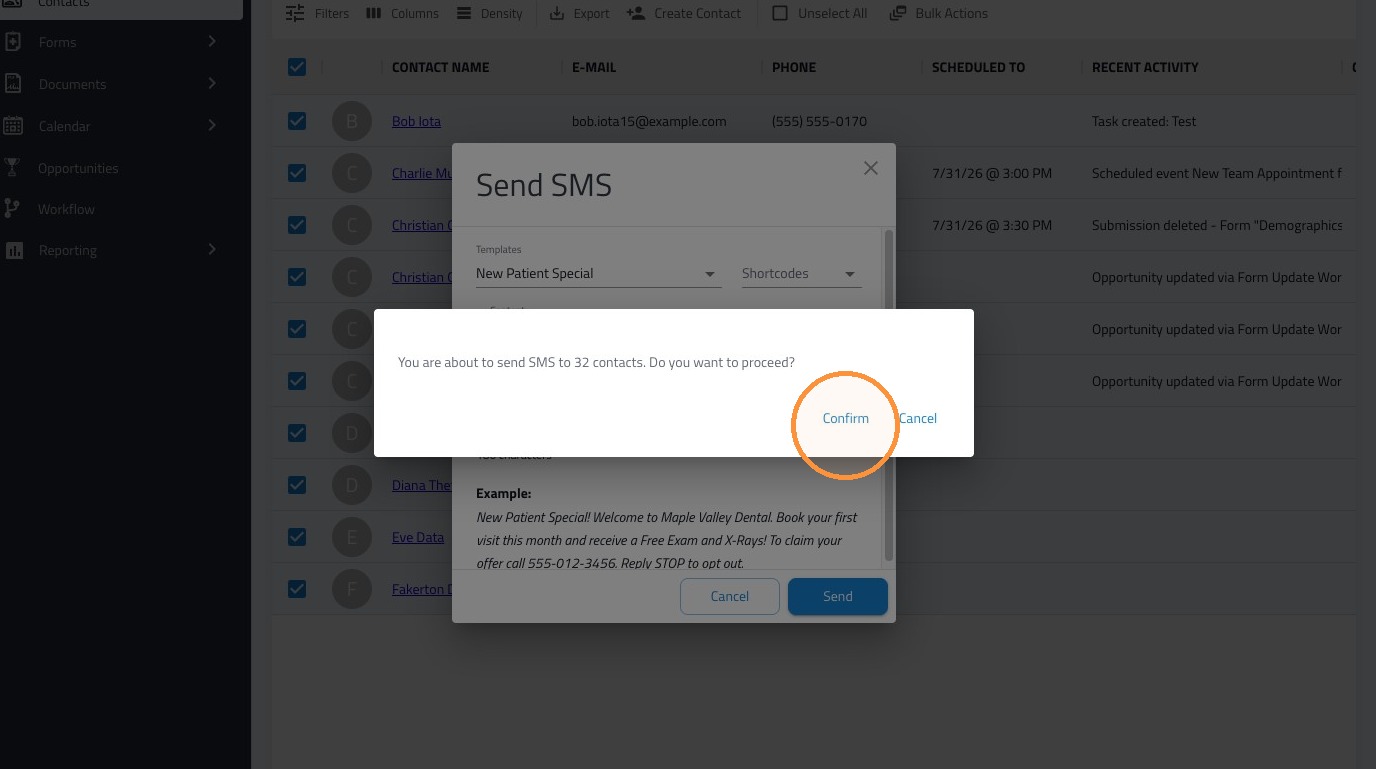
7. A final confirmation prompt will appear. Review the details to verify the correct number of contacts are receiving the SMS, then confirm to dispatch your messages.
Best Practices
SMS Character Limits - The 160 Rule
A standard SMS text message is limited to exactly 160 characters. If your text exceeds this limit, carriers will split it into multiple segments. While most modern phones stitch these segments back together into one continuous message for the recipient, you are essentially sending multiple messages. To ensure optimal efficiency and delivery, we strongly recommend keeping your texts concise and under the 160-character limit.
Use of Emojis
Emojis add a warm, fun tone, but they should be used sparingly—especially in a professional healthcare environment. Additionally, inserting even a single emoji changes the encoding of your message, instantly dropping your limit from 160 characters down to just 70 per segment. Furthermore, overusing emojis is highly associated with spam and can cause carriers to block your messages entirely.