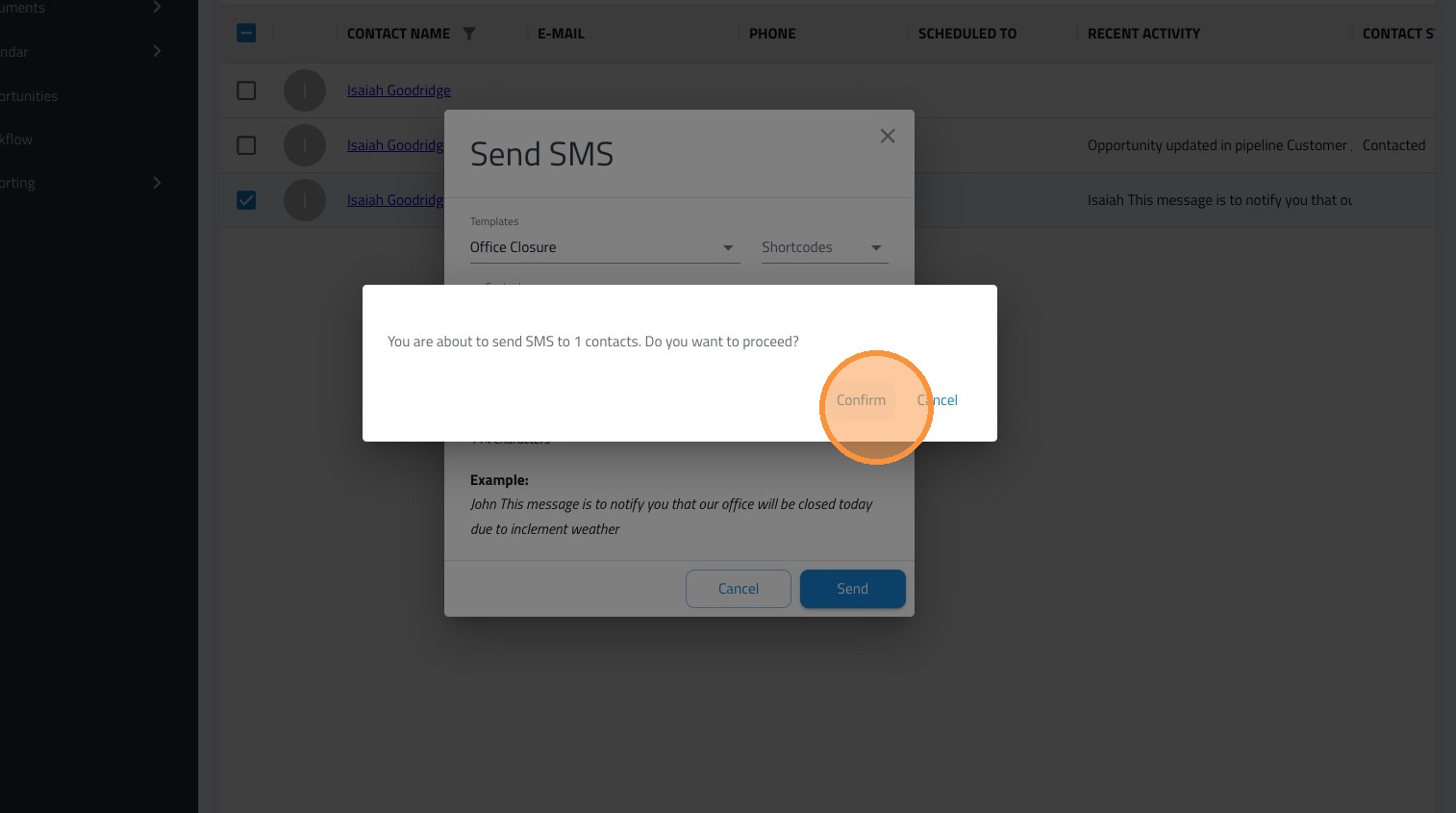
Learn how to send text message templates.
From the Unified Inbox
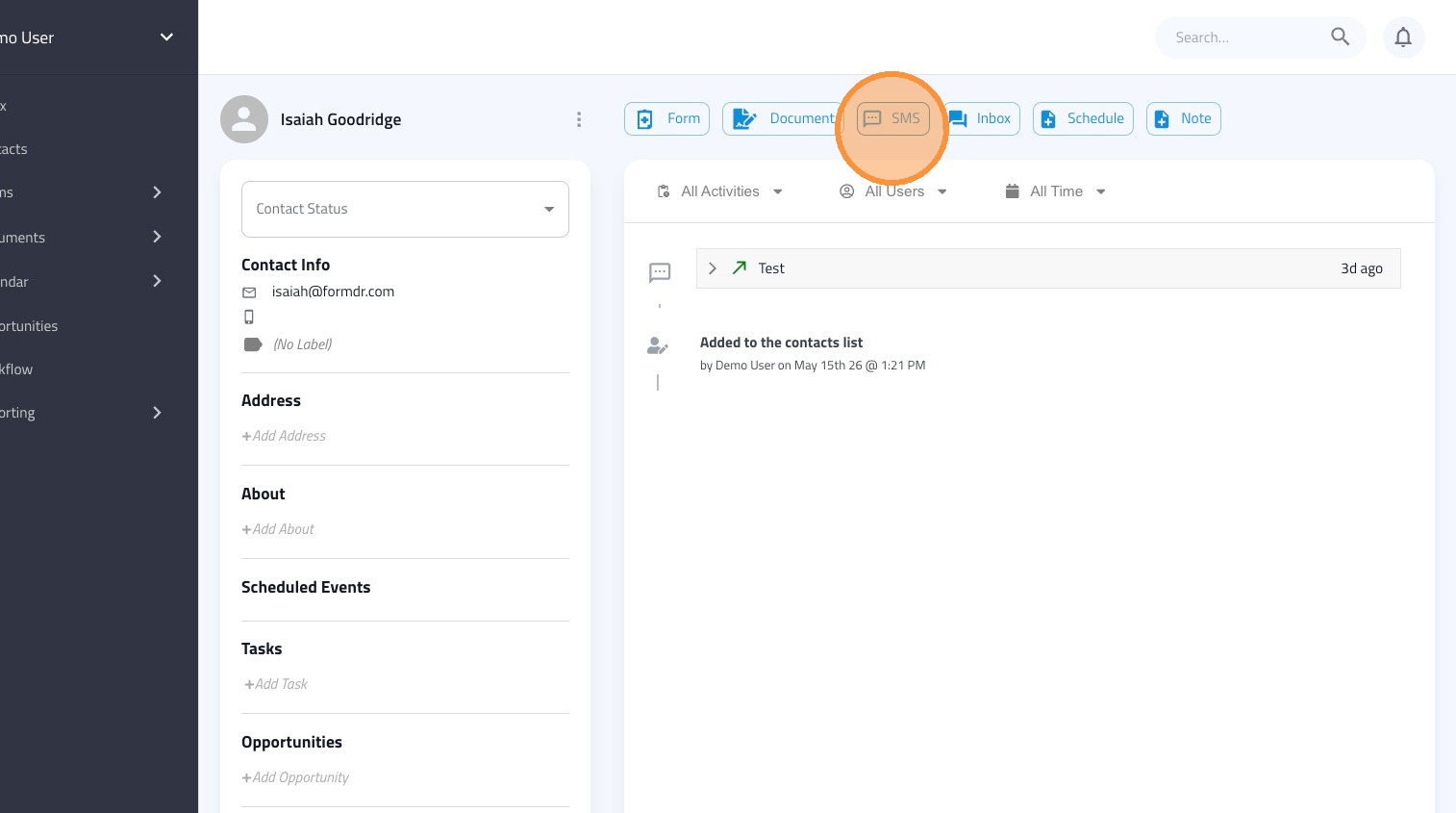
1. Navigate to the FormDr Inbox. This is the first option in the left menu.
2. Search for and choose the contact you wish to message.
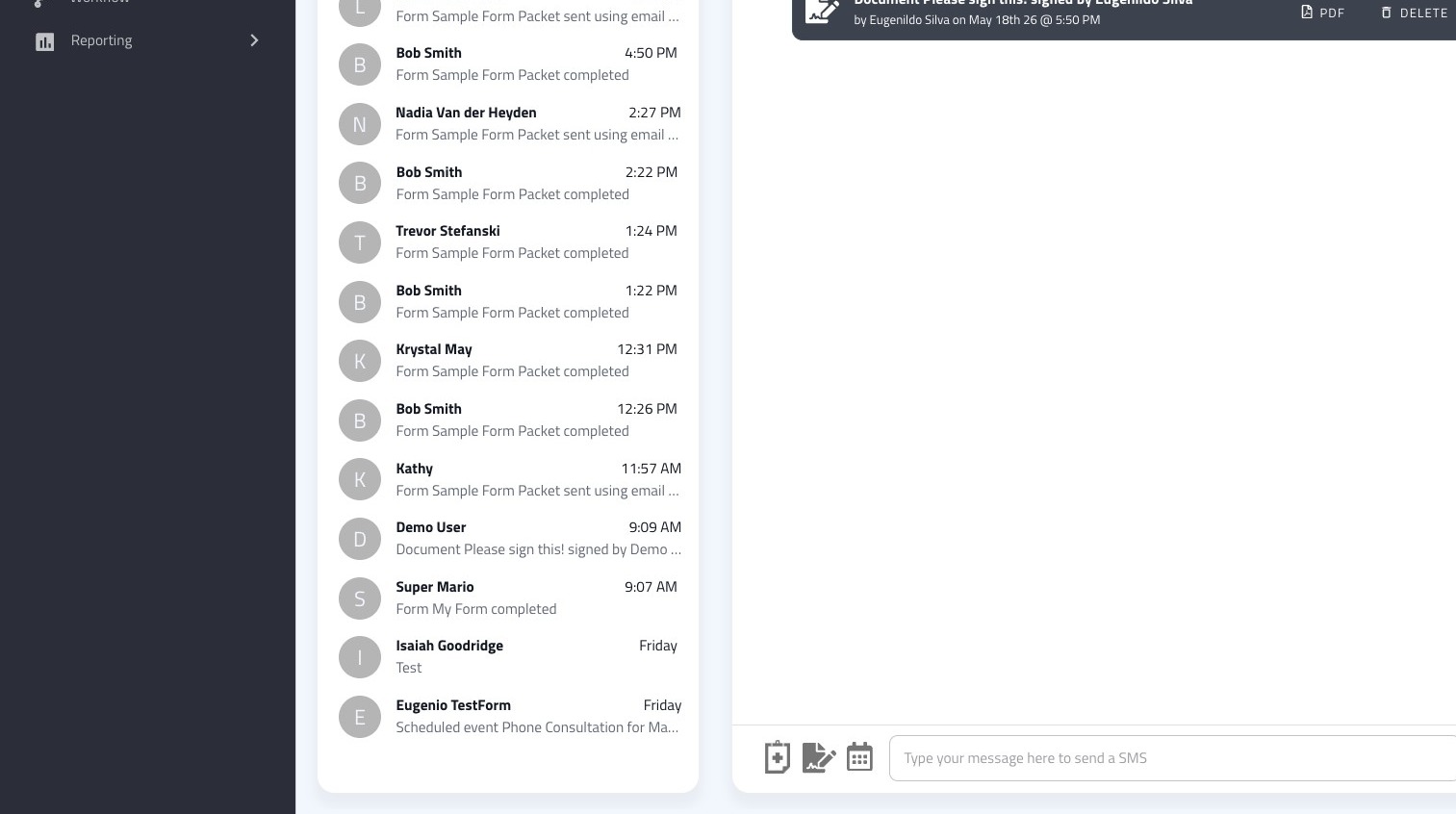
3. Click the contact's name to open their full profile.
Tip: You can also search for and select a the patient in your Contact list.
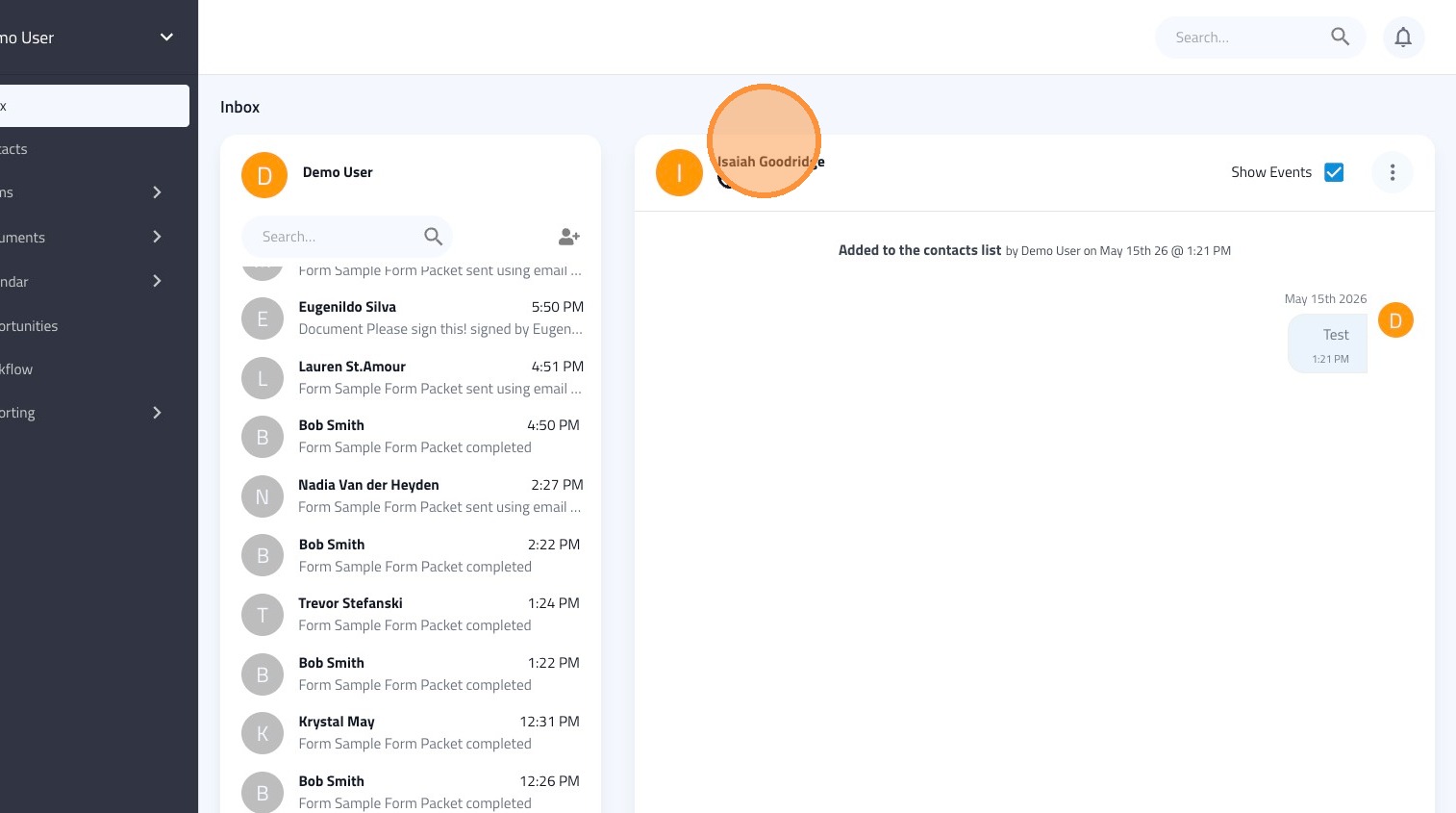
4. Click SMS to open the message editor.

5. Select a template from the dropdown.
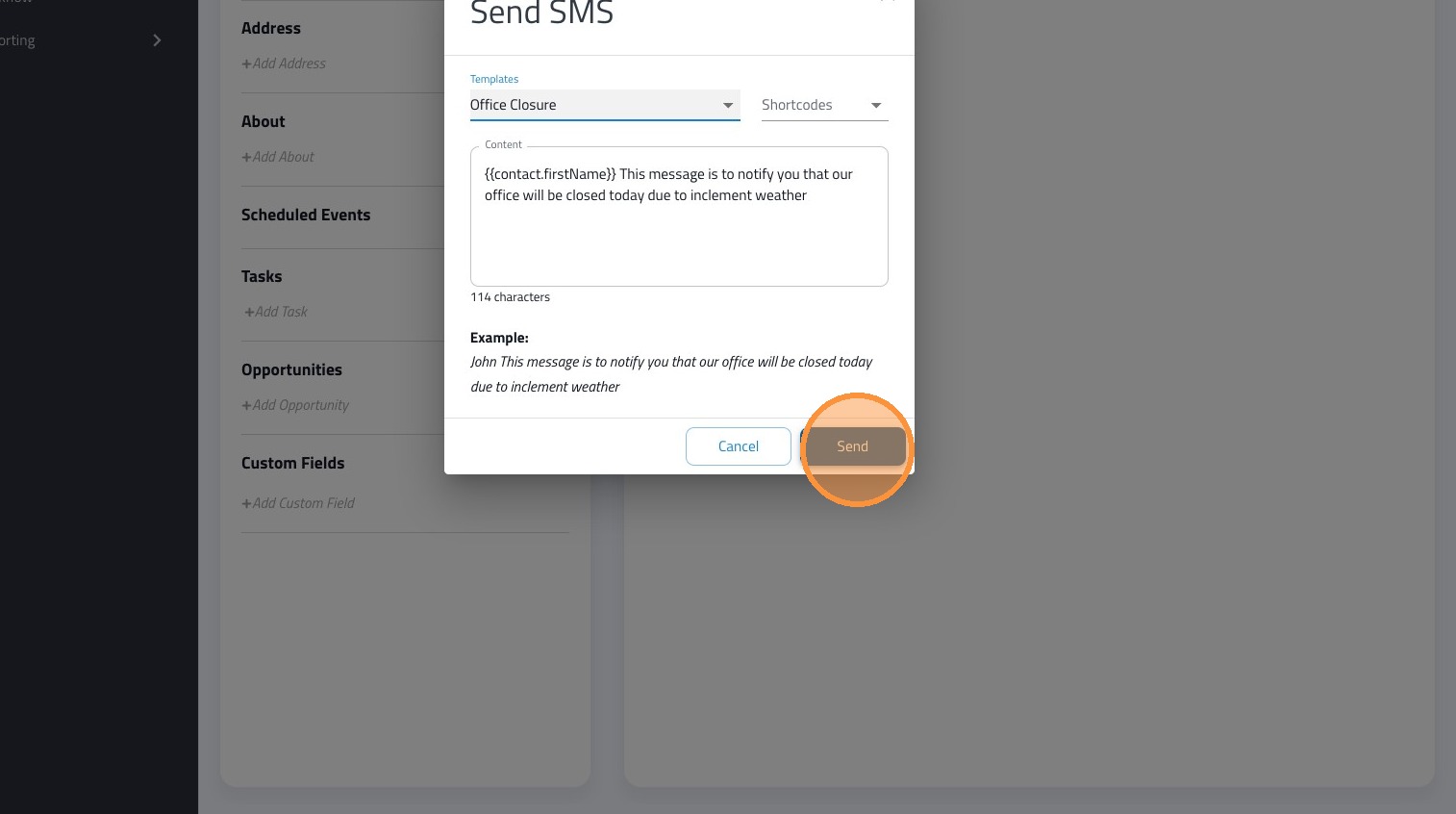
6. Click "Send"
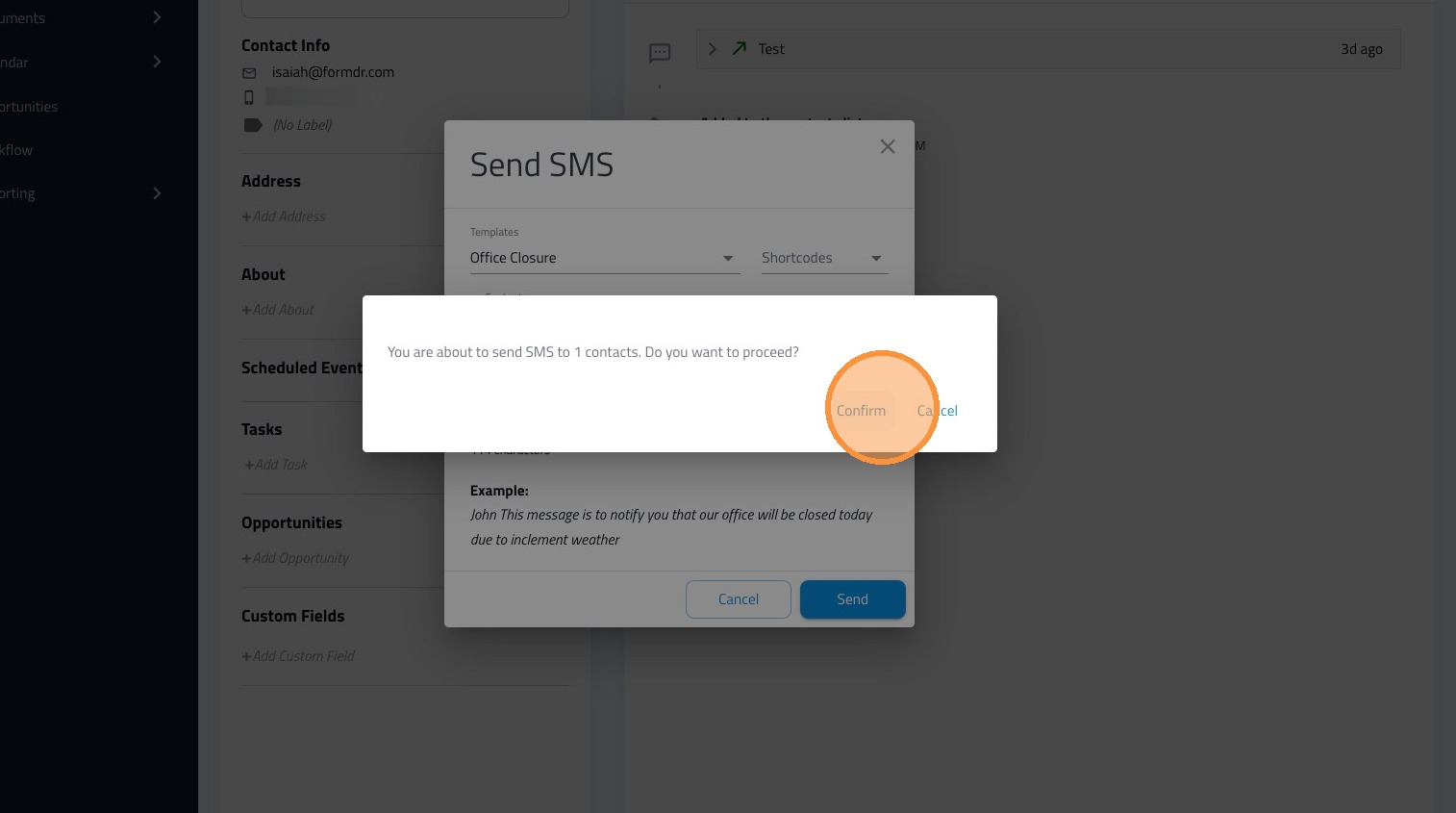
7. Click Confirm to send the SMS.
From the Contacts list
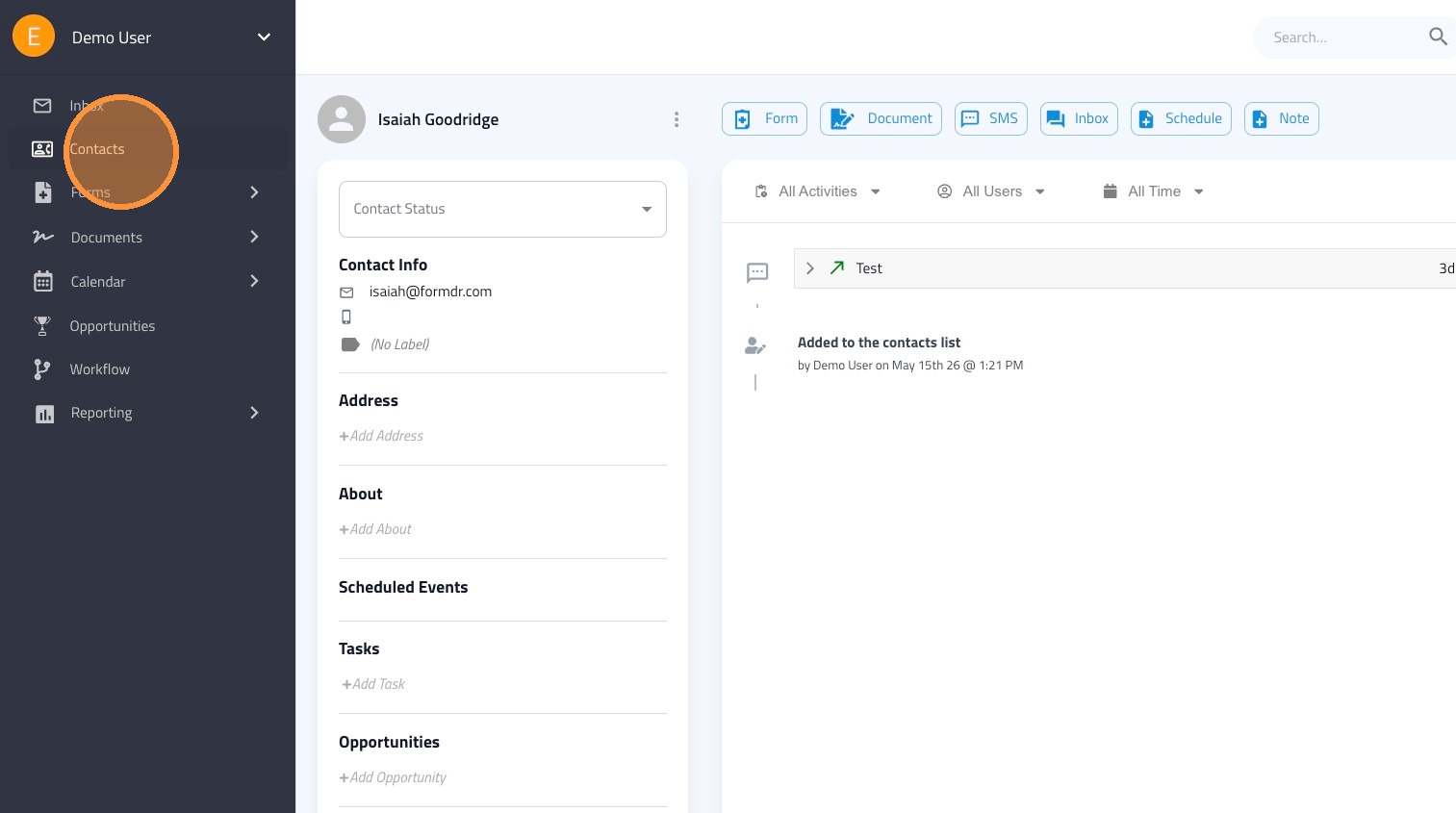
8. Navigate to the Contacts section.
9. Search for the contact by name in the search field.

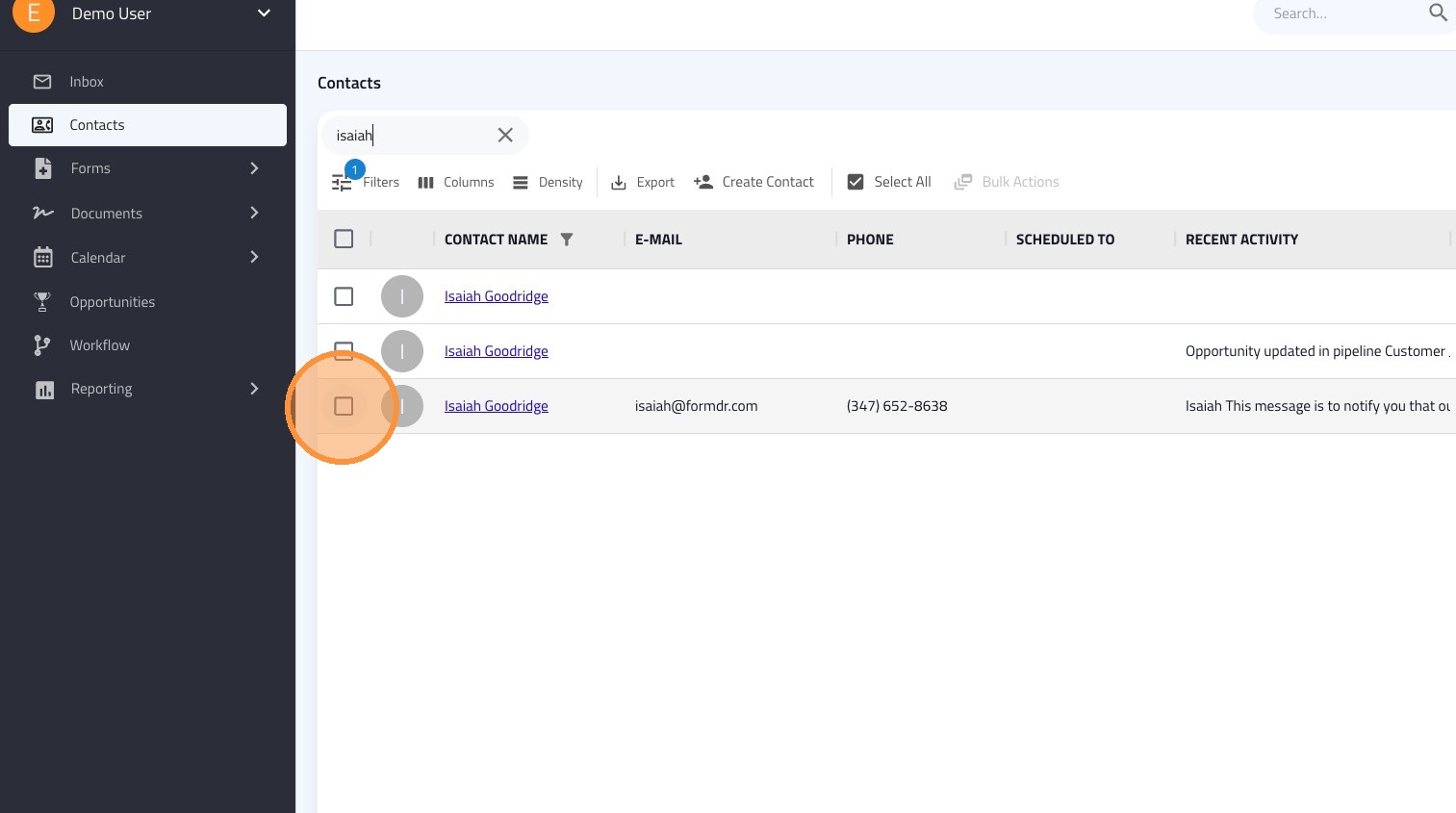
10. Select the checkbox for the desired contact.
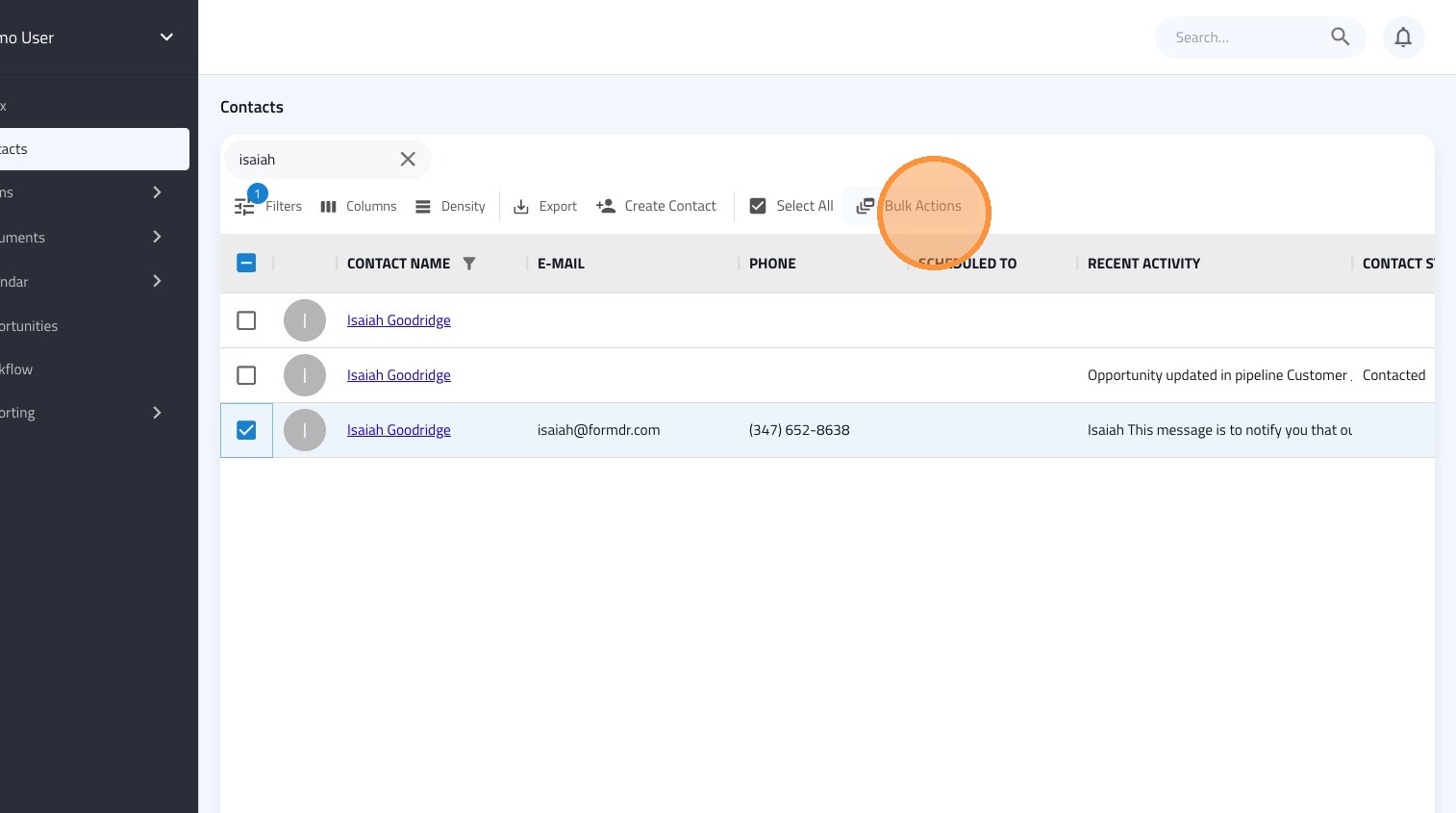
11. Click "Bulk Actions"
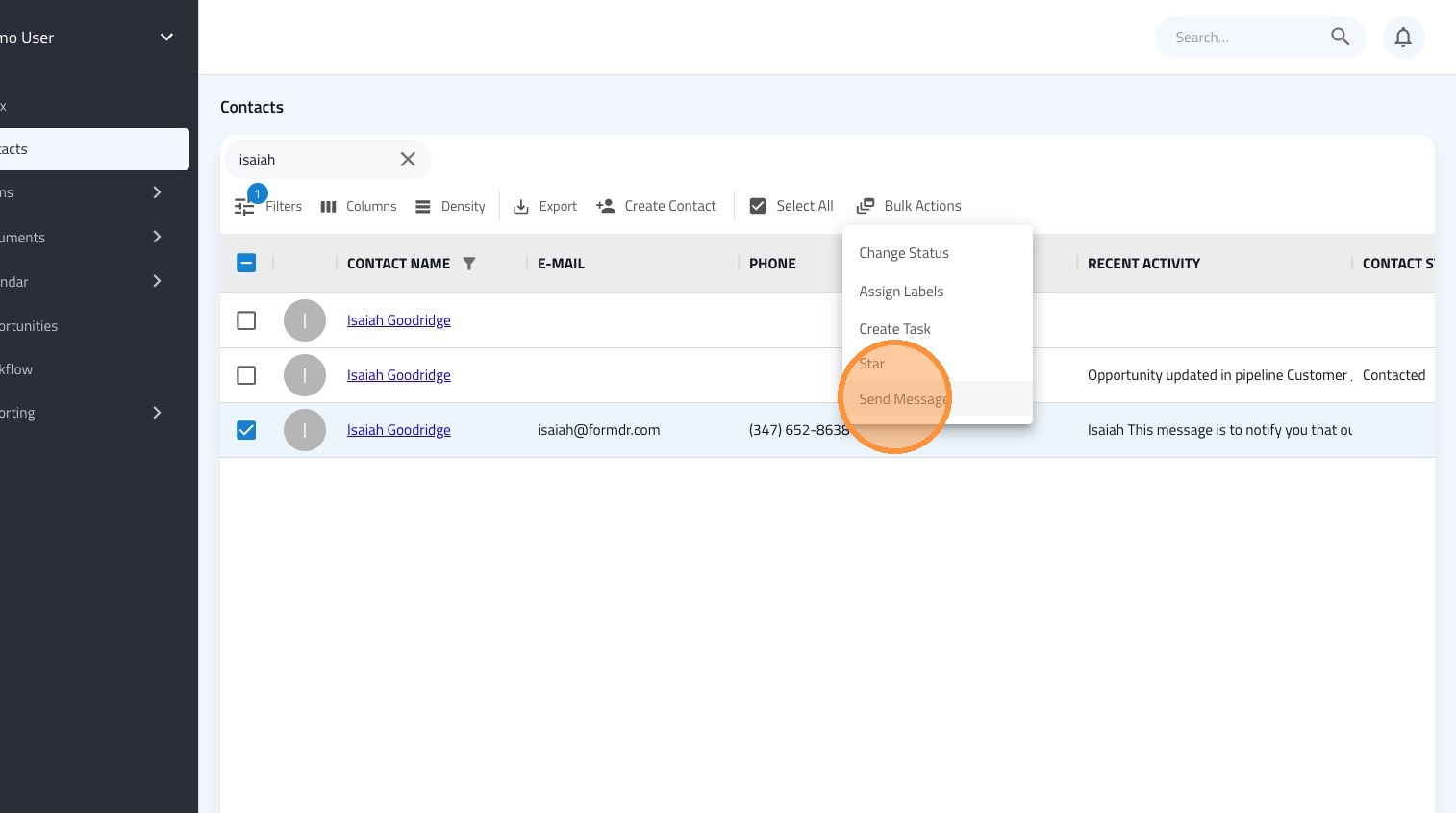
12. Select 'Send Message' from the Bulk Actions menu.

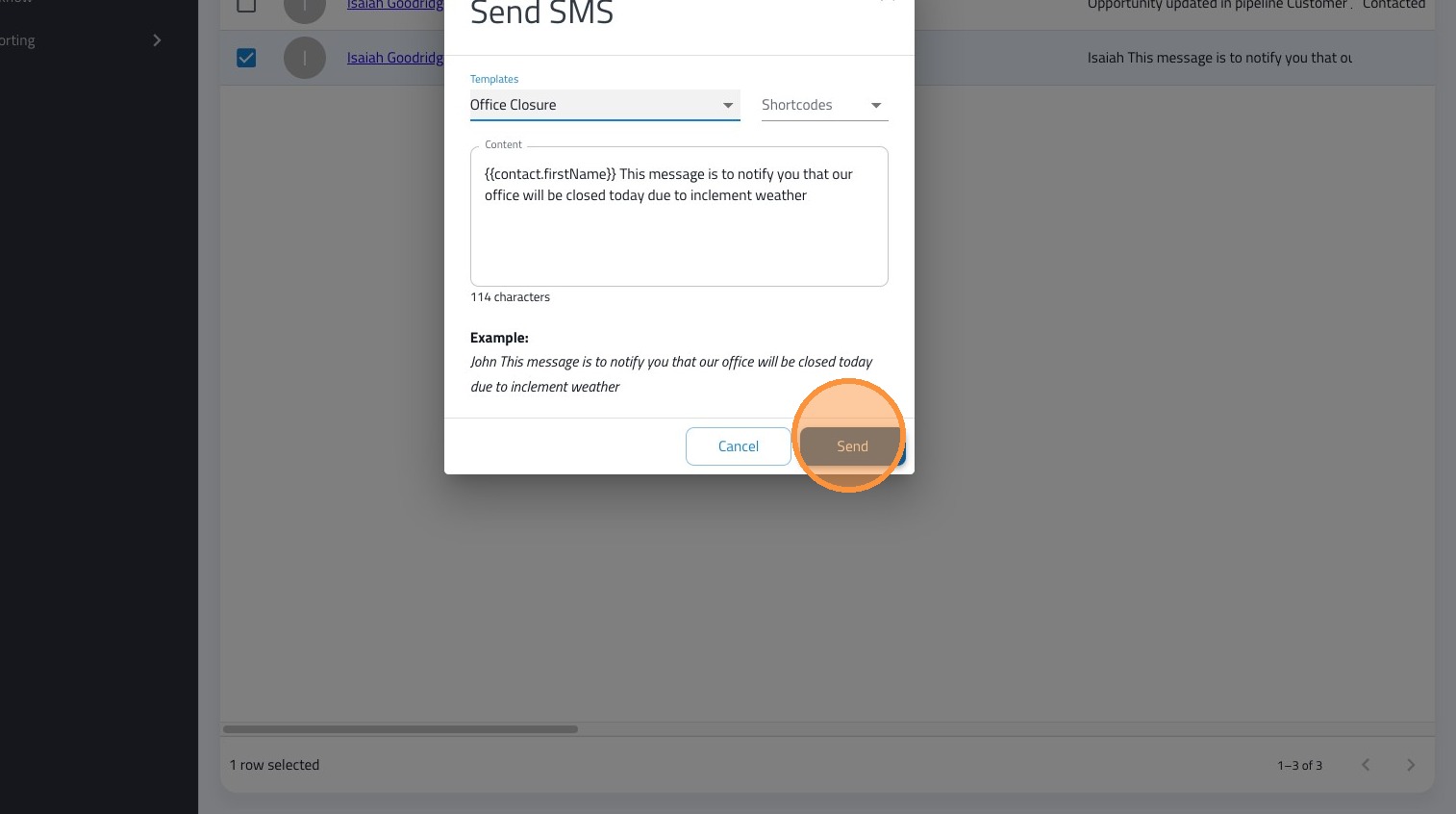
13. Select a template from the dropdown.
14. Click "Send"
15. Click Confirm.