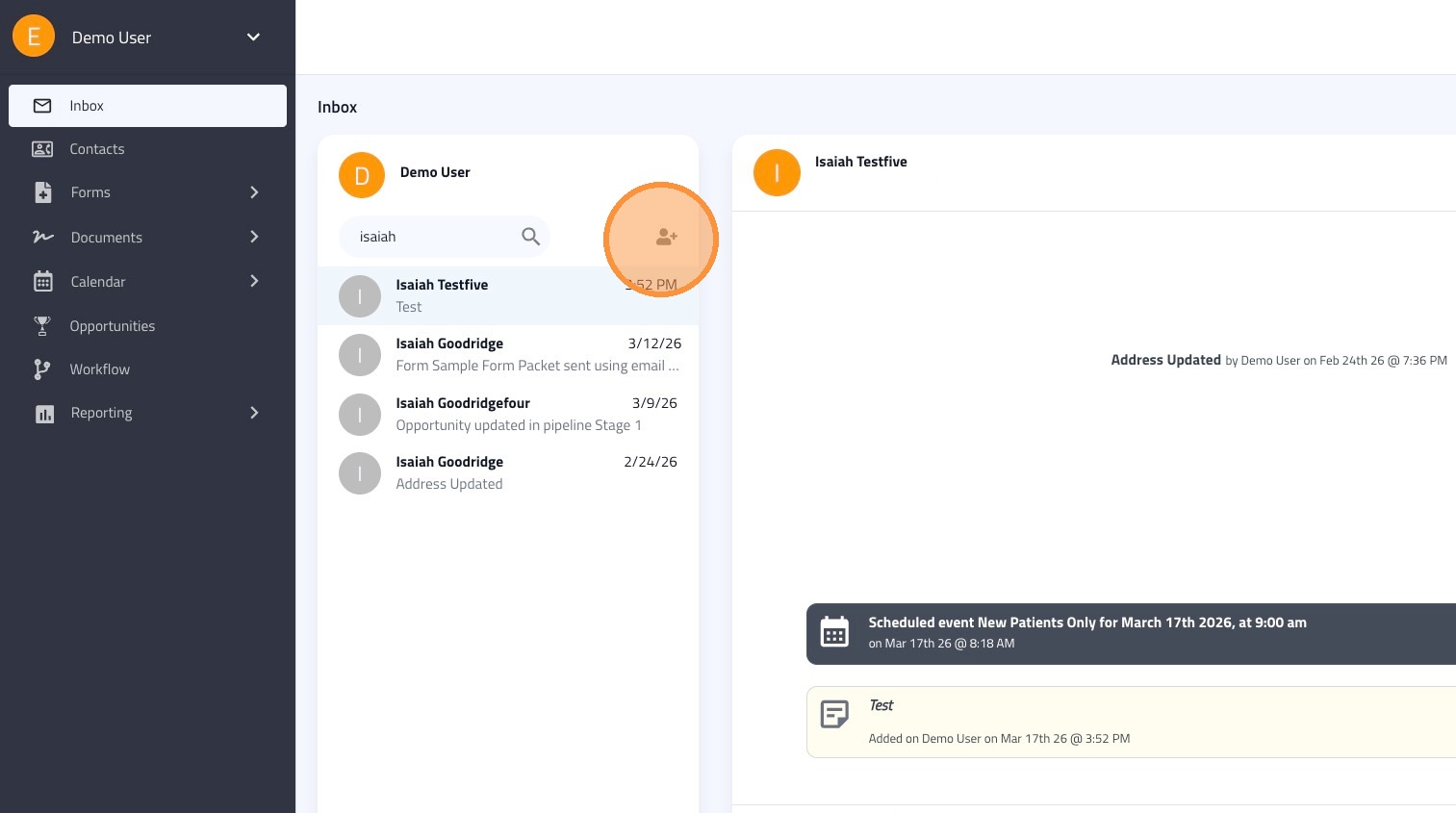
Learn to manage SMS, forms, scheduling, and contact records from a single interface, centralizing your entire workflow into one powerful view.
1. Click "Inbox"
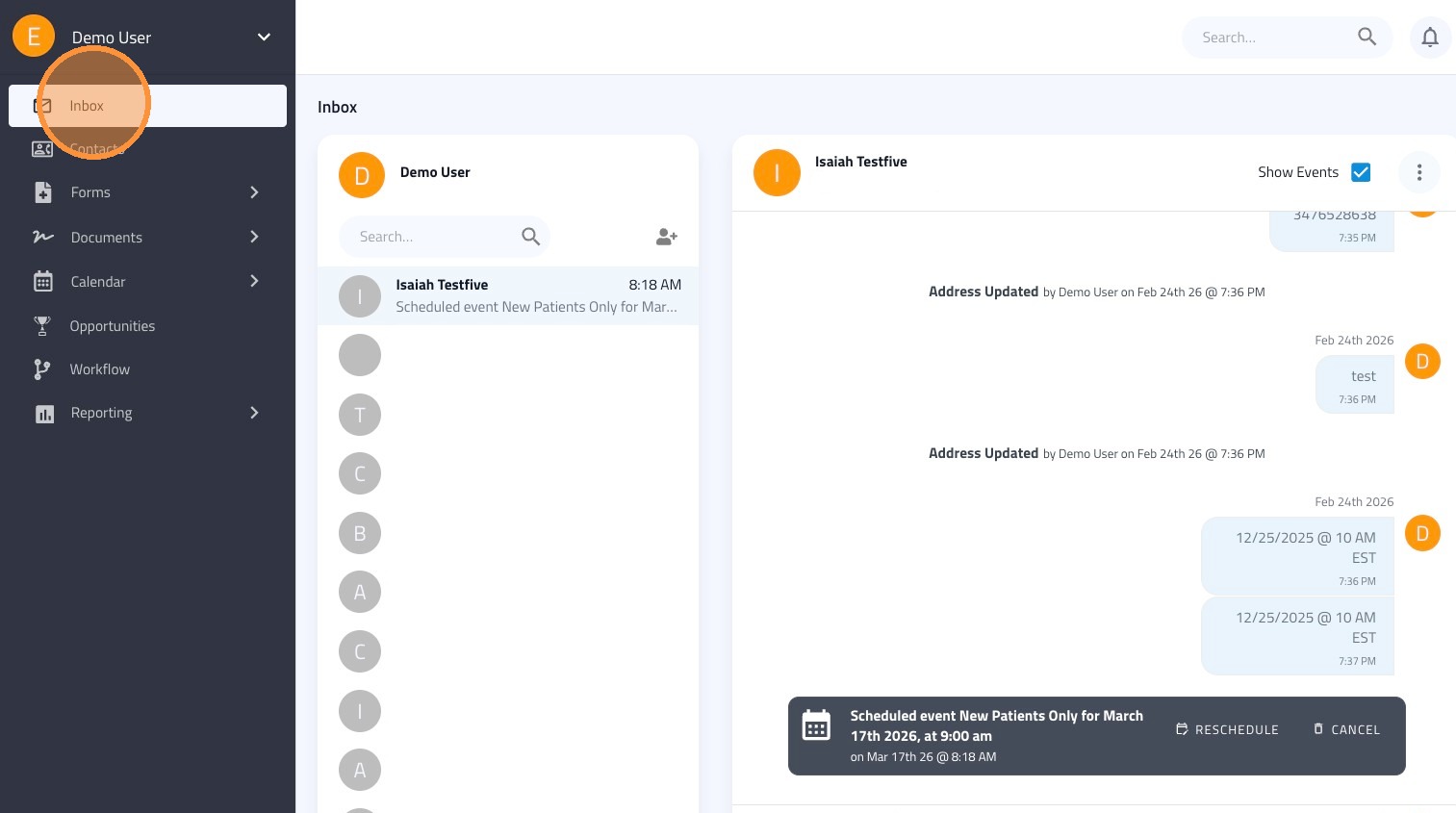
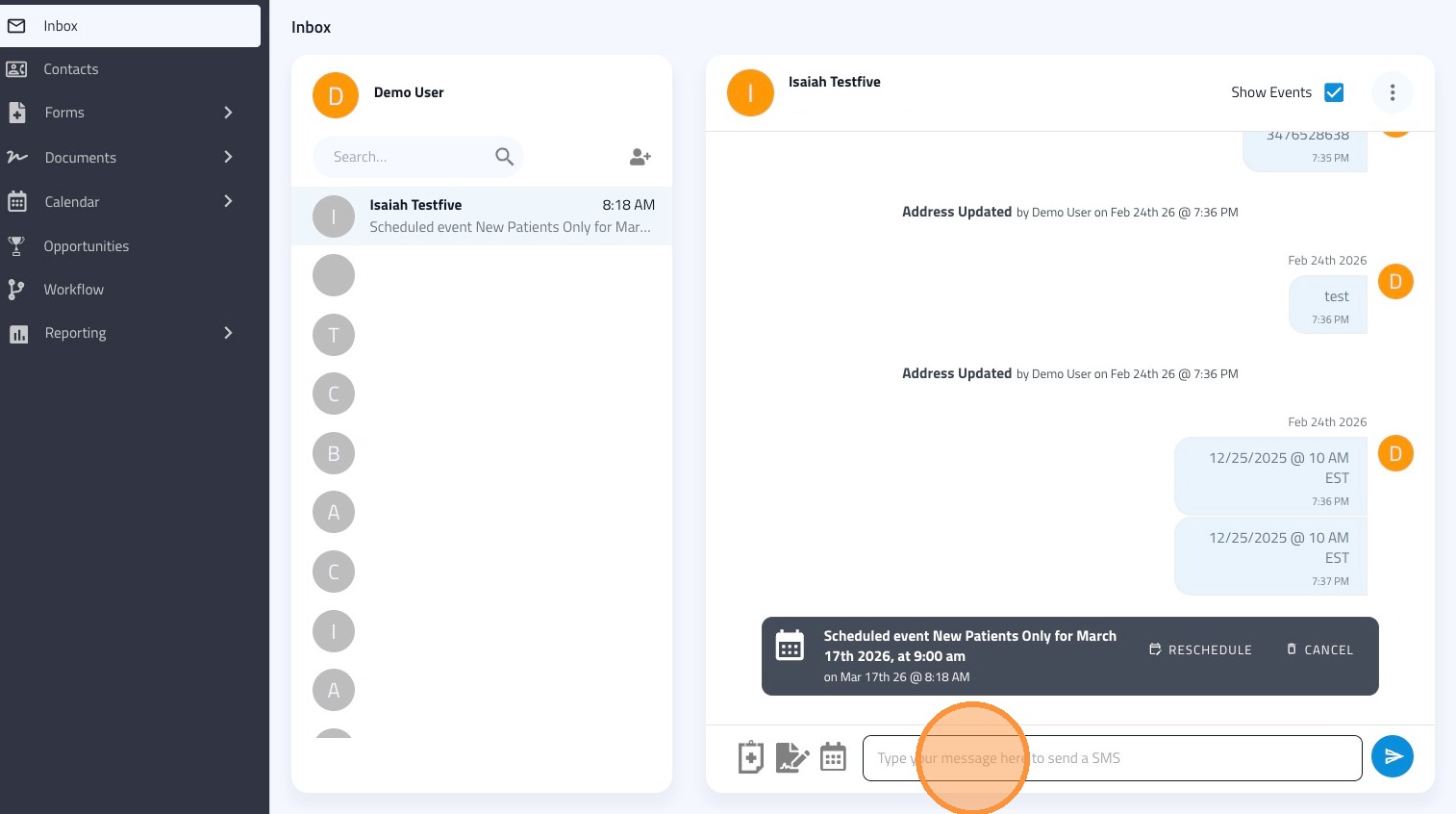
2. Type your message into the text field to send an SMS. Click the blue arrow button to send.
3. To send a form or packet, click on the clipboard icon.
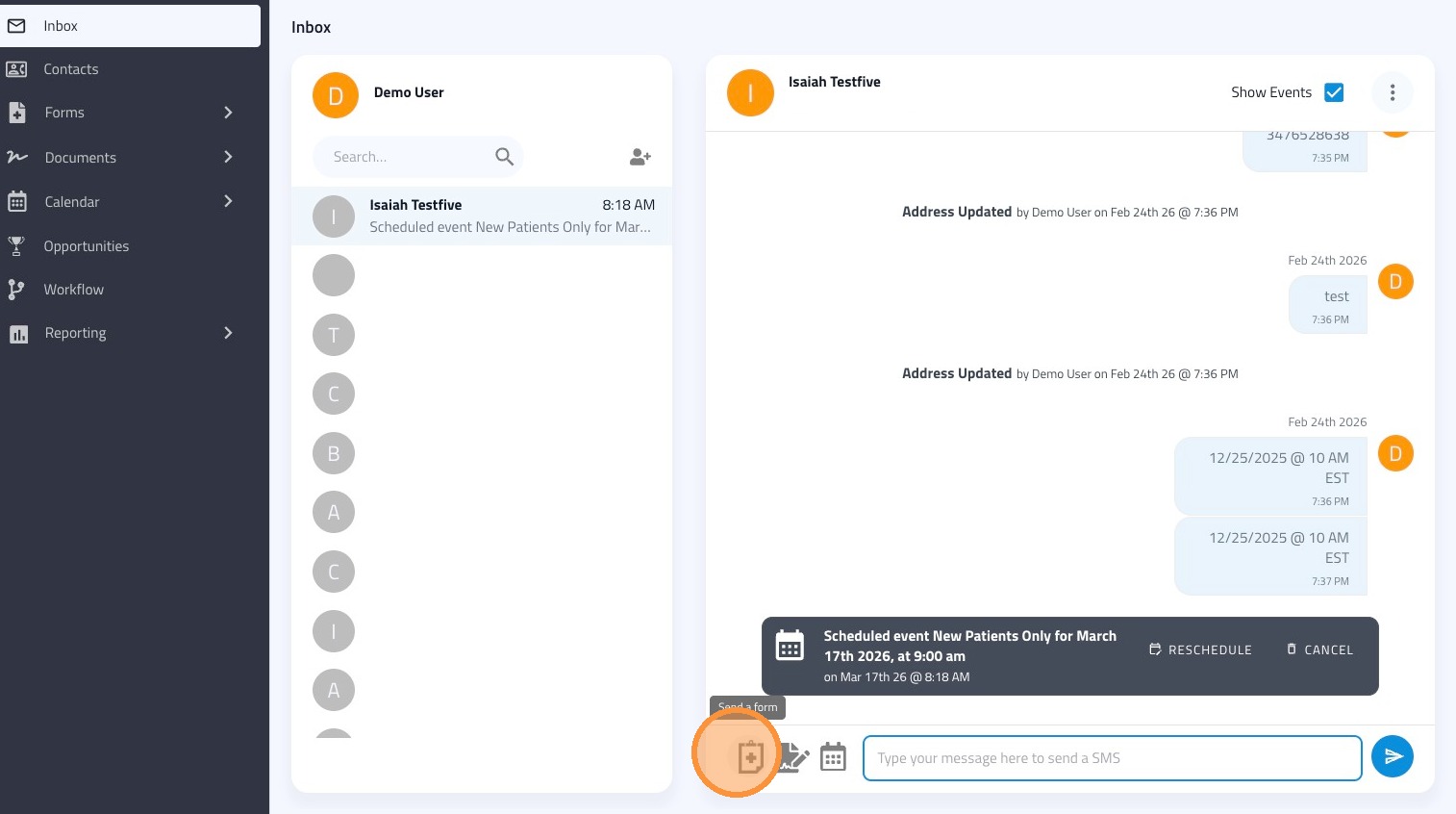
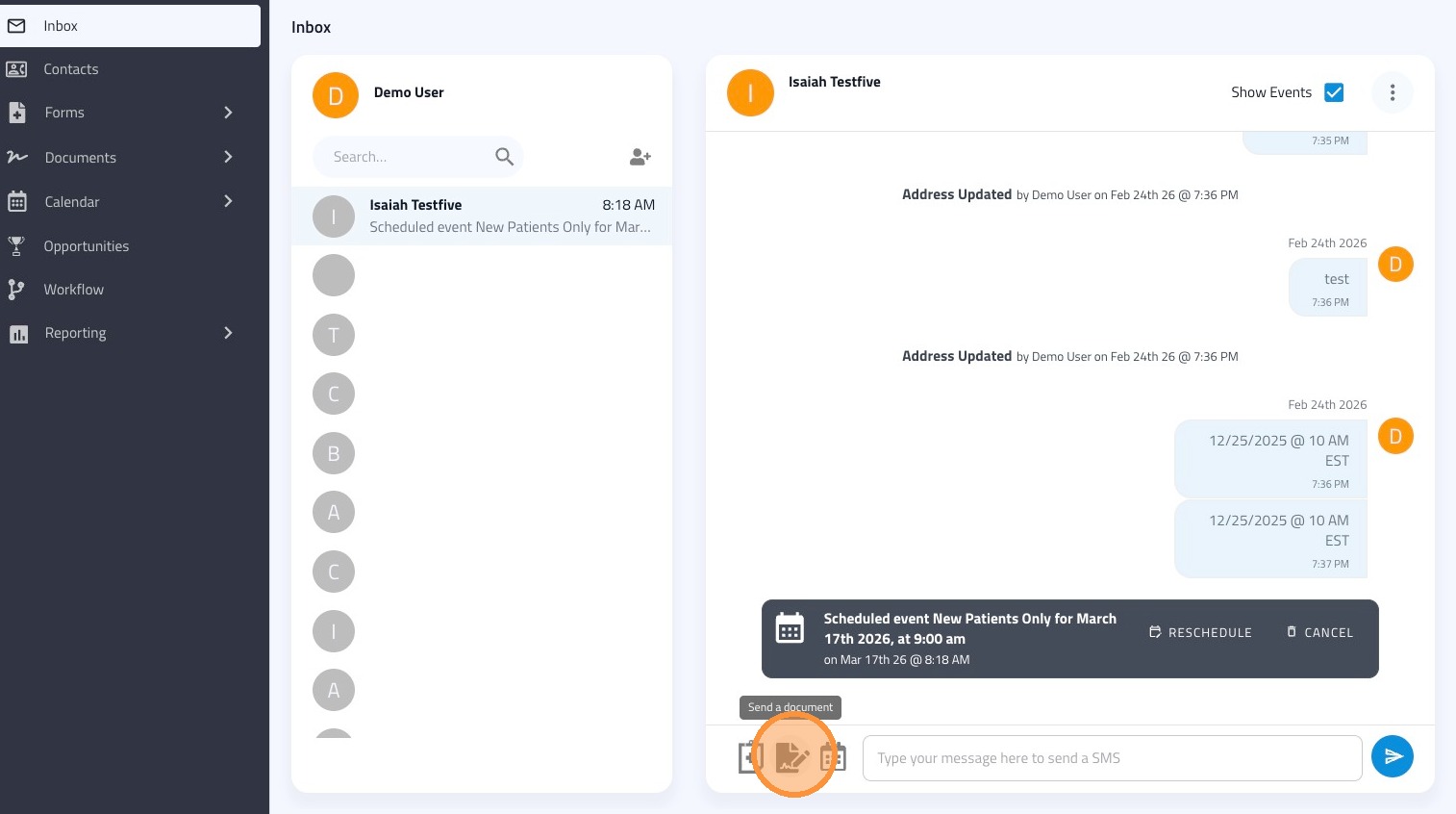
4. To send a document out for signature, click on the page & pencil icon.
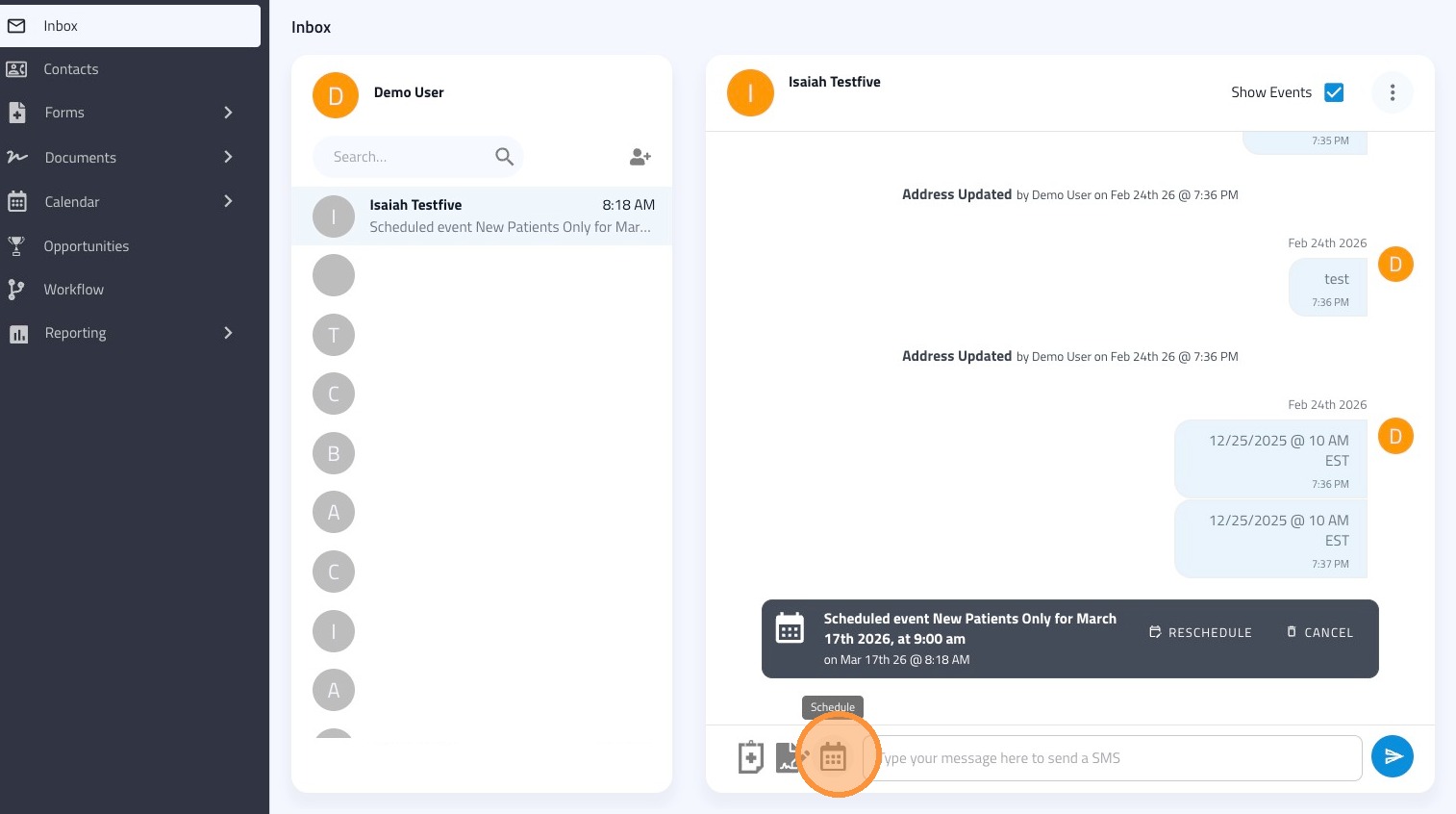
5. To schedule an appointment, click on the calendar icon.
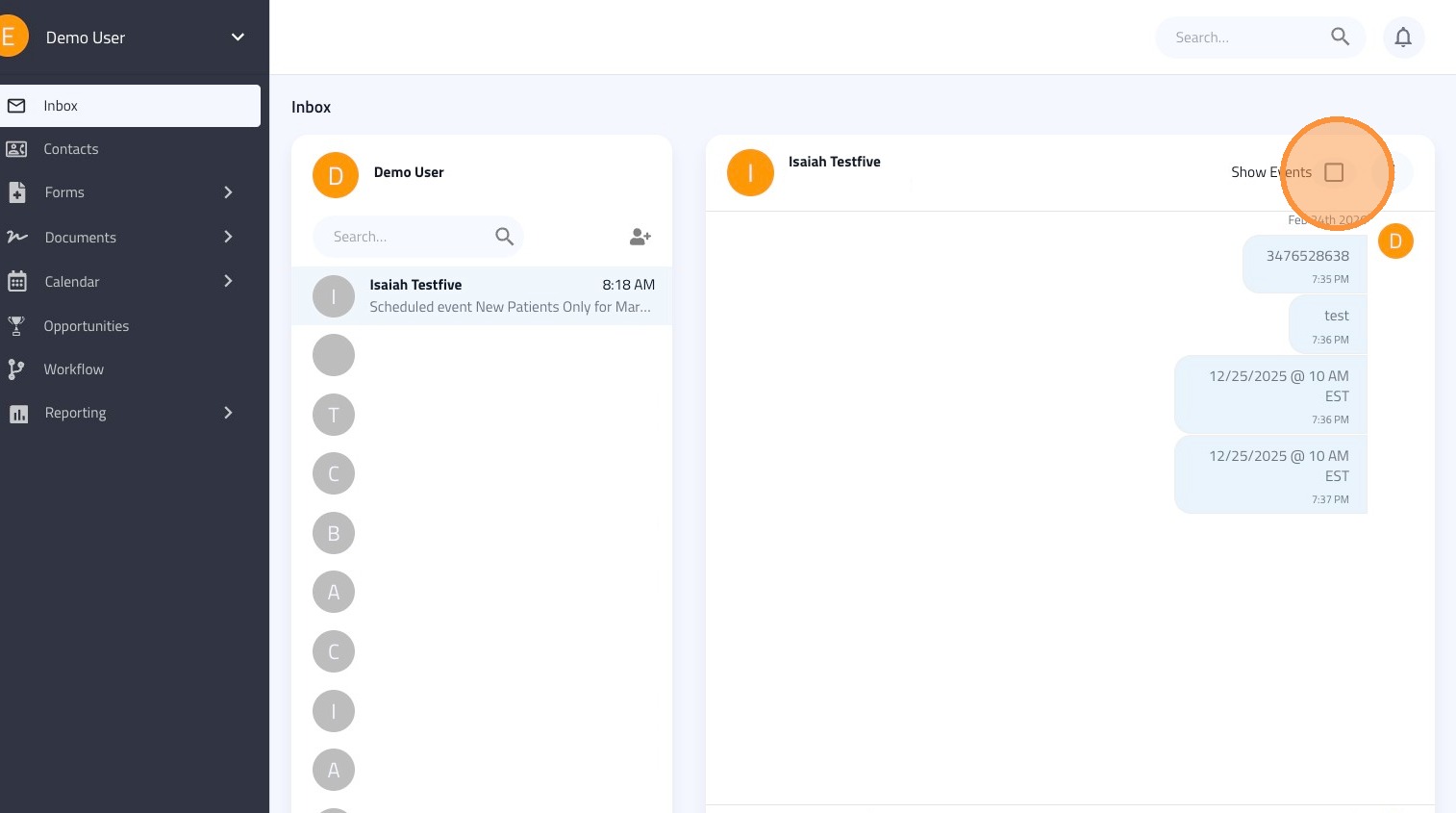
6. Uncheck "Show Events" to only see messages.
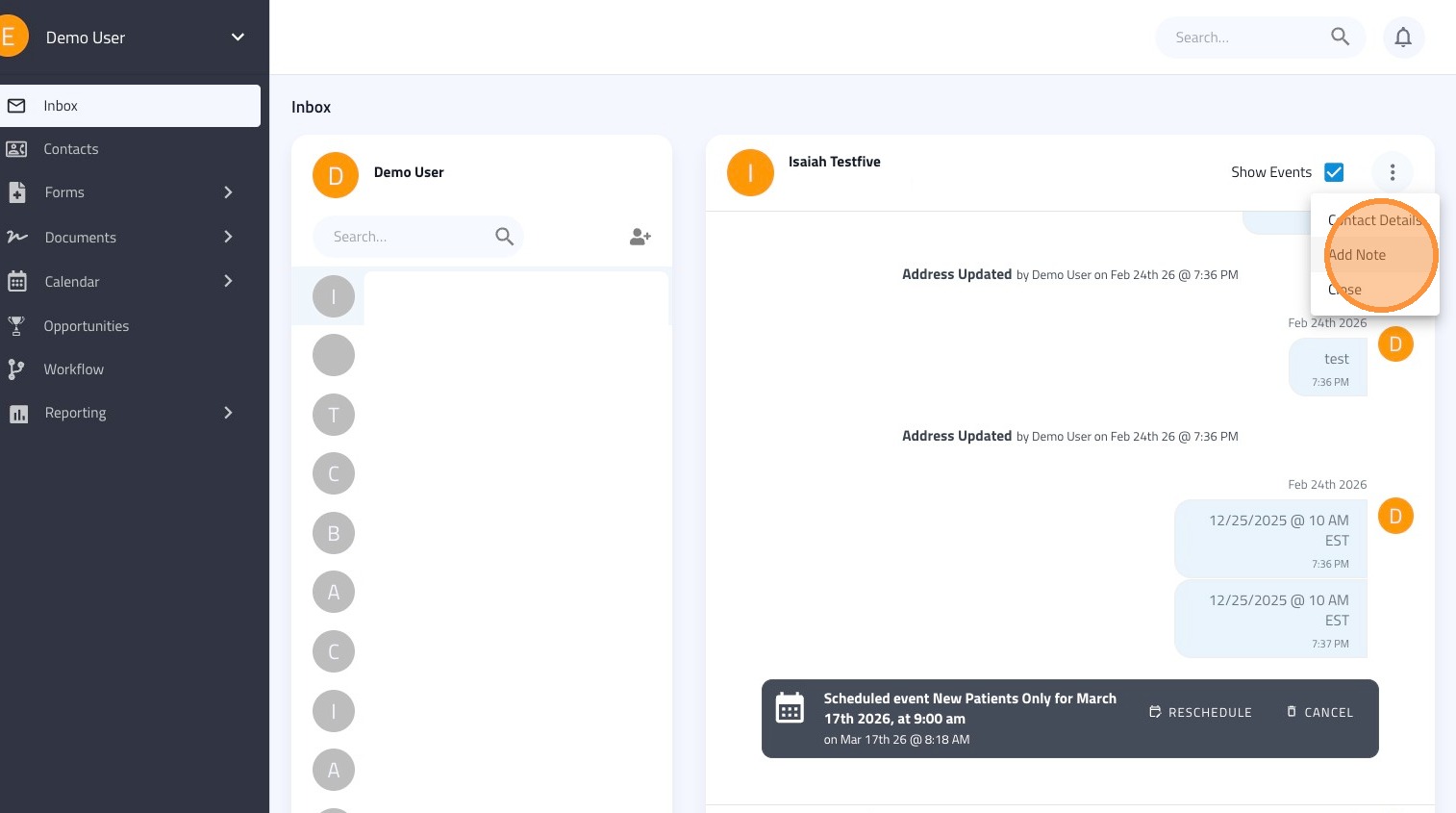
7. Click on the ellipsis on the top right to view Contact Details, add a note, or to close out this contact's window
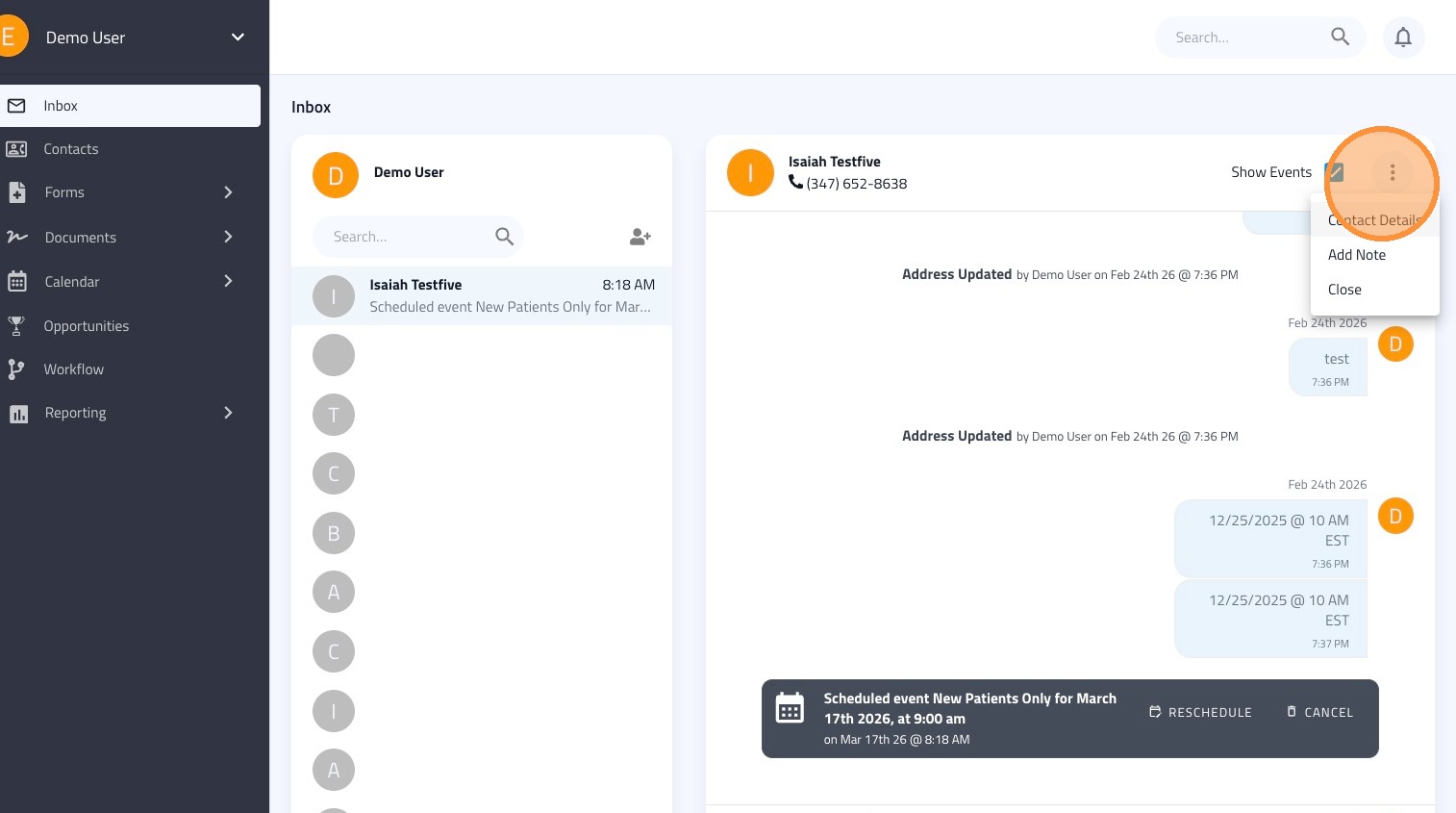
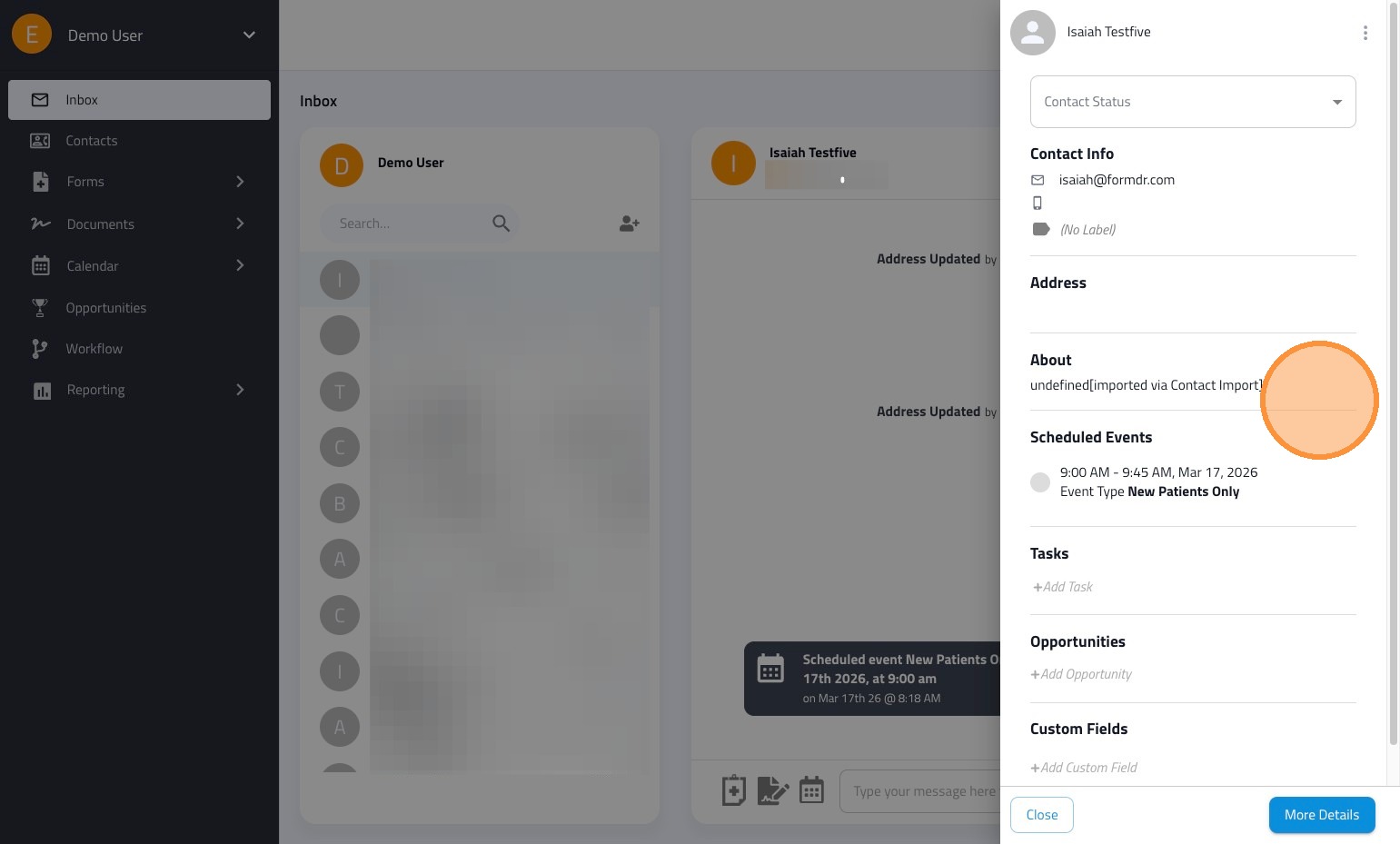
8. Contact Details can be viewed and edited from the unified inbox
9. You can add a time stamped note to the contact's record from the unified inbox.
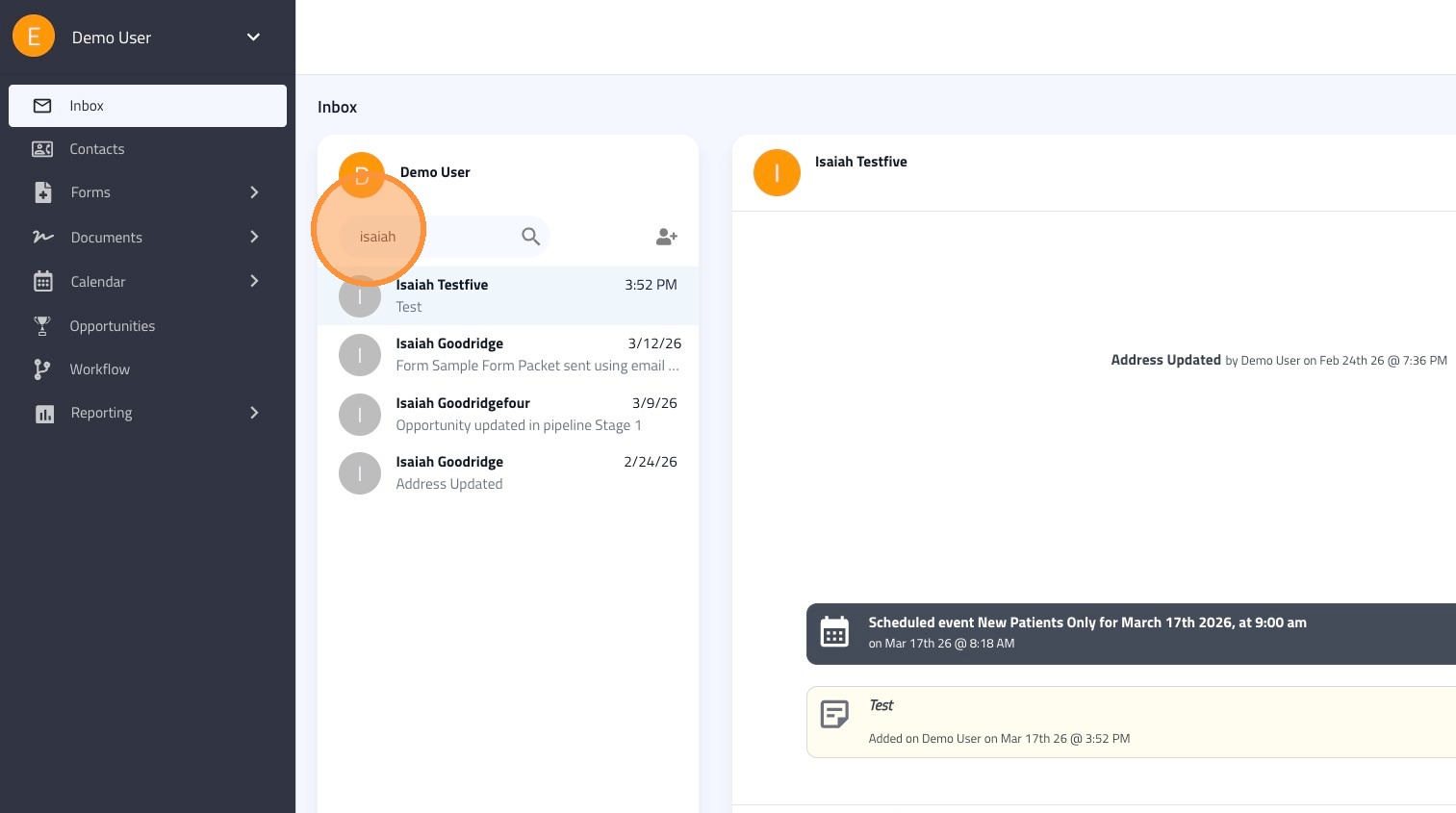
10. Use the search field to search for a thread by the contact's name
11. To create a new contact, click on the person+ icon.