Learn how to add new contacts directly from the Inbox, eliminating the need to toggle between screens and keeping your momentum high.
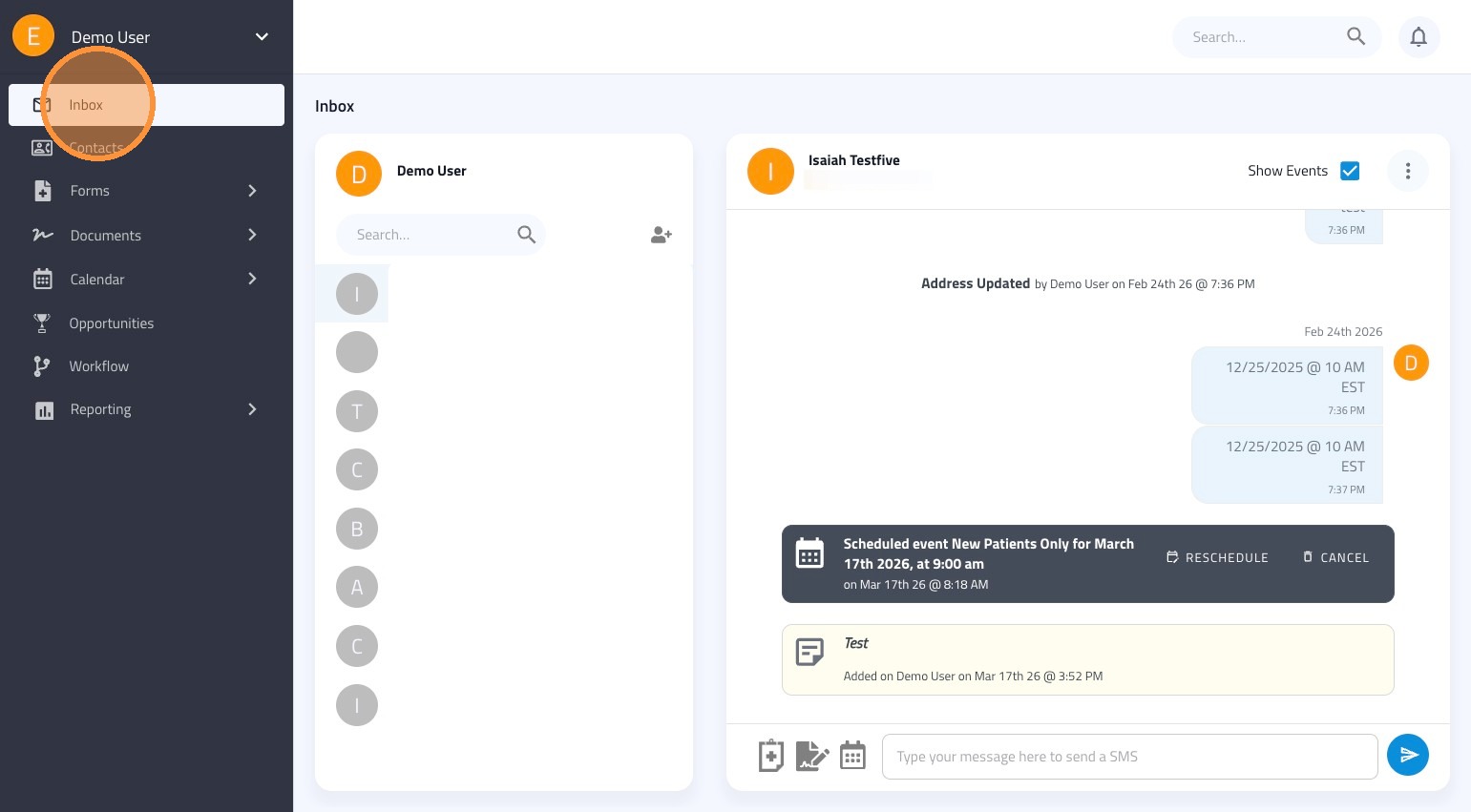
1. Click the Inbox tab on the left-hand sidebar.
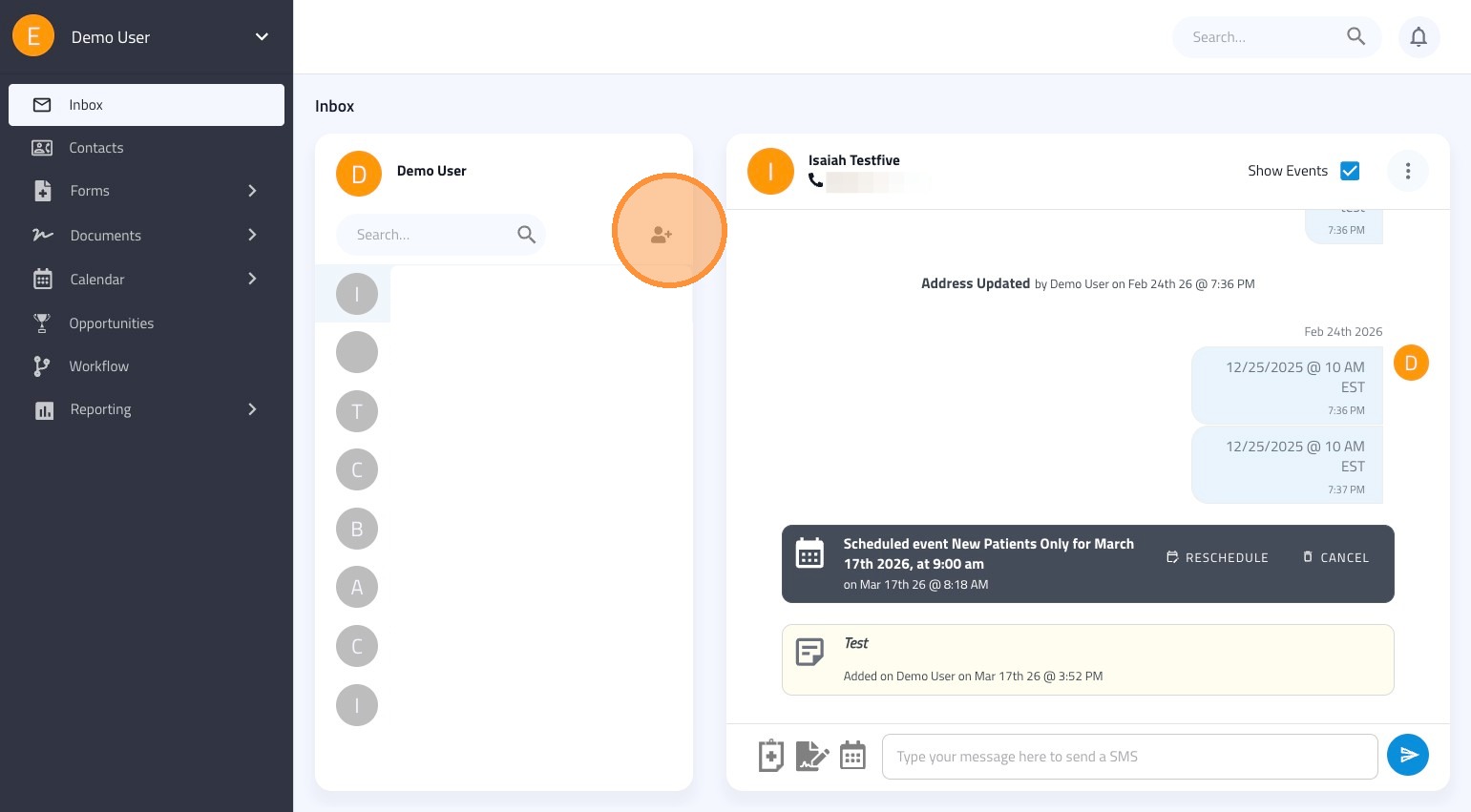
2. Locate the person icon with a plus sign (+) at the top of your message list and click it.
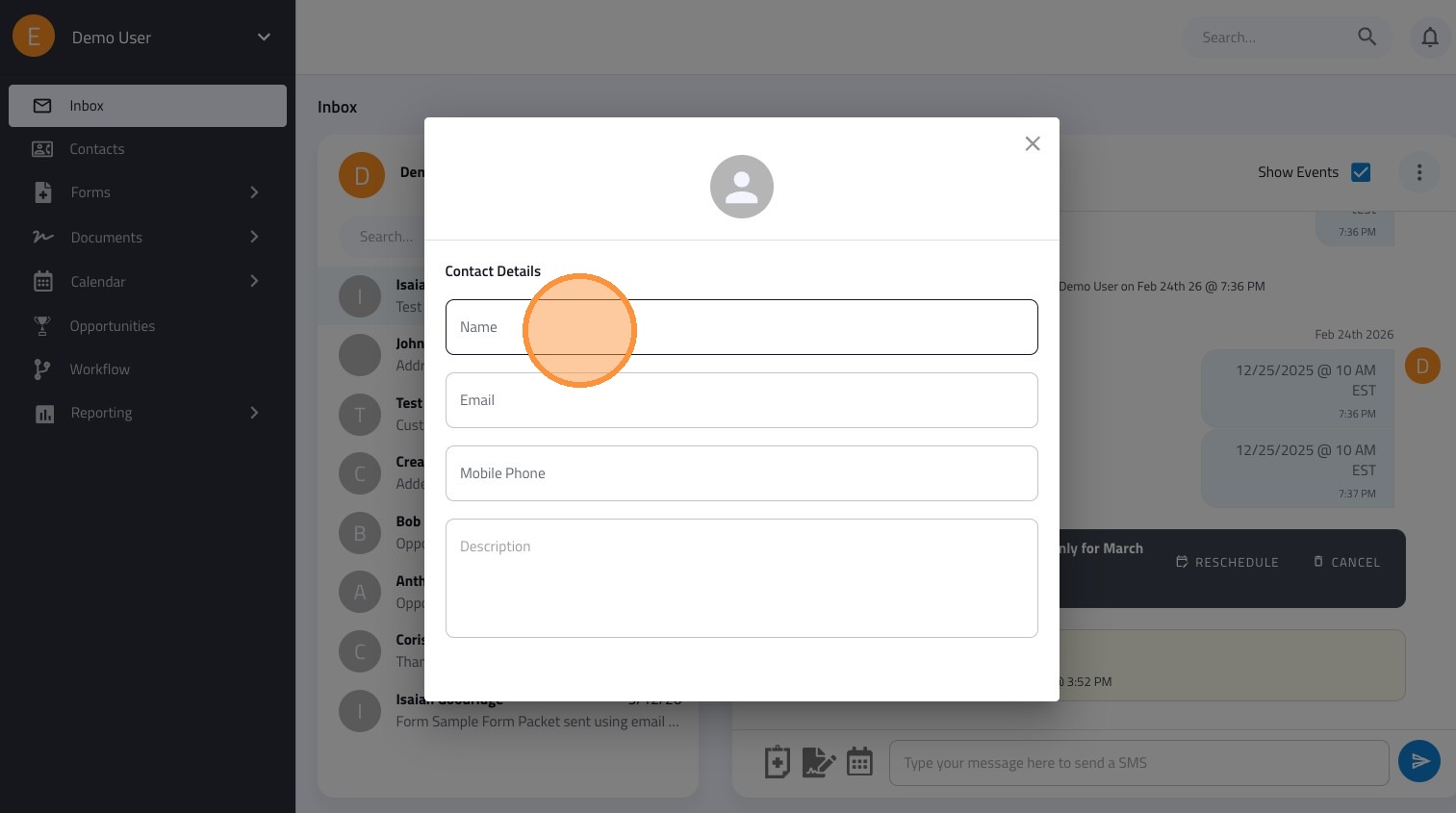
3. In the popup window, fill in the following details for your new contact:
- First & Last Name
- Email Address
- Mobile Phone Number
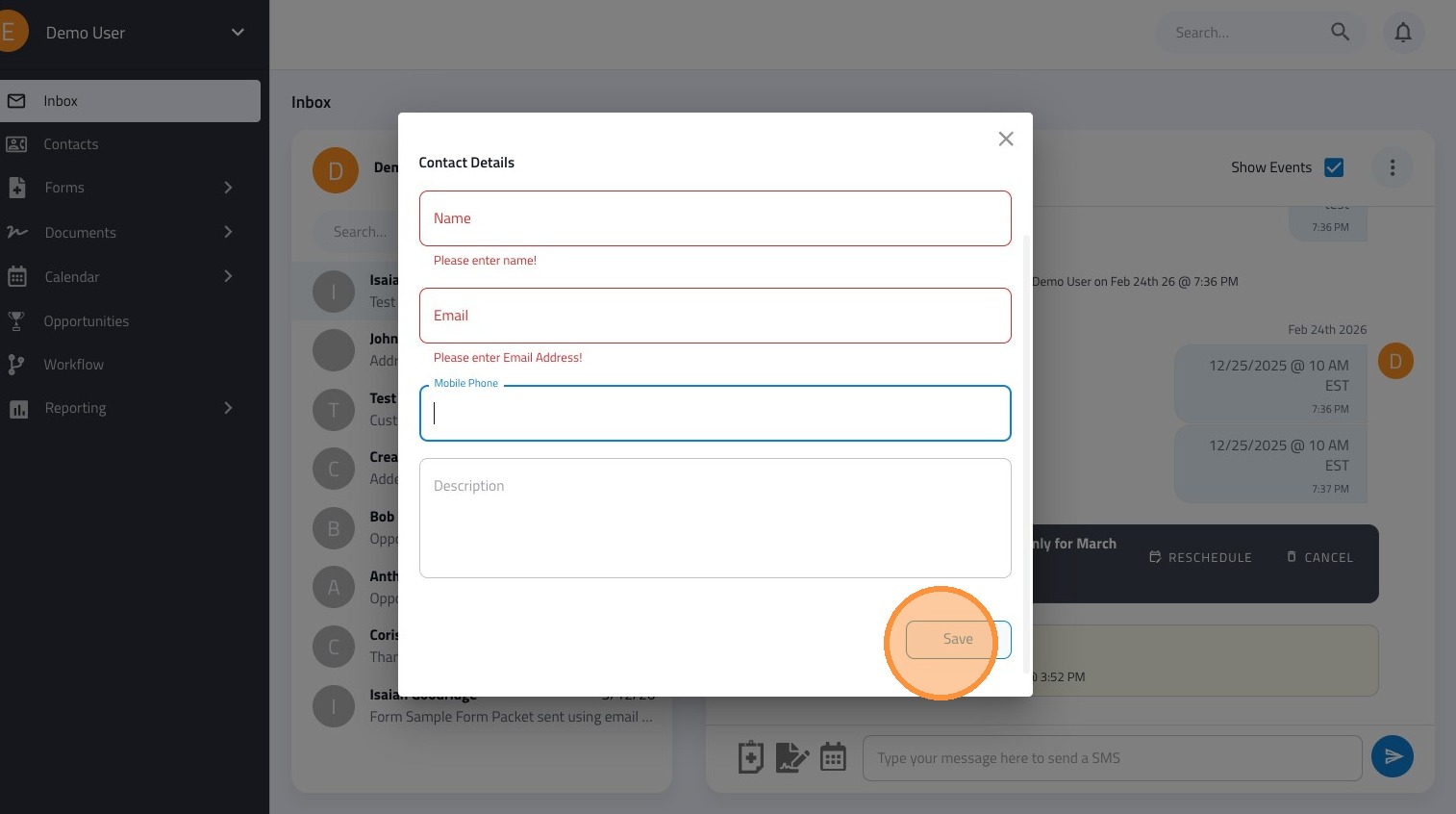
4. Click the Save button to finalize the entry and add them to your contact list.