
Follow this guide to easily manage your organization by setting up teams, roles, and permissions within the FormDr platform. These steps will walk you through creating accounts and assigning specific access levels to ensure your team is organized for secure and efficient form management.
Subscription Settings
1. Please follow the next steps in order to set up a Teams account:
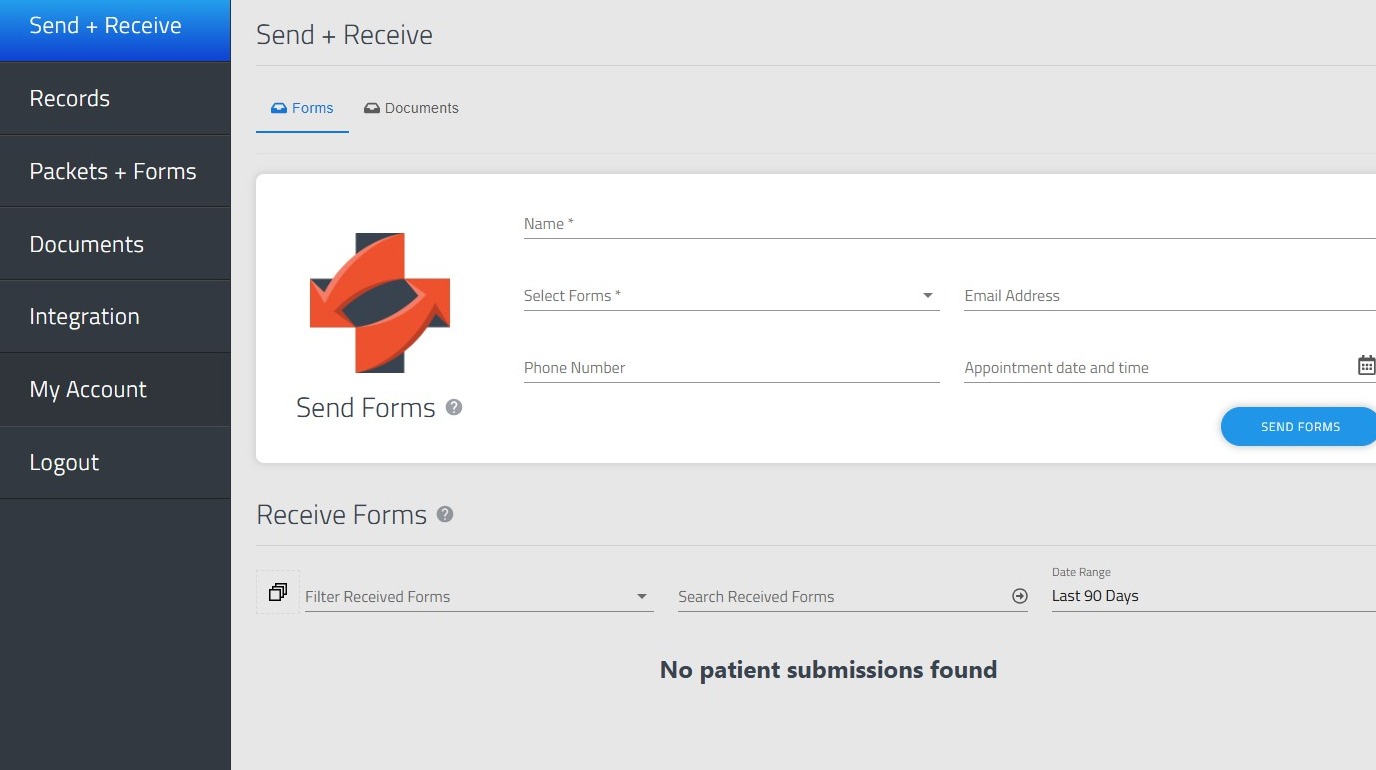
2. Go to "My Account"
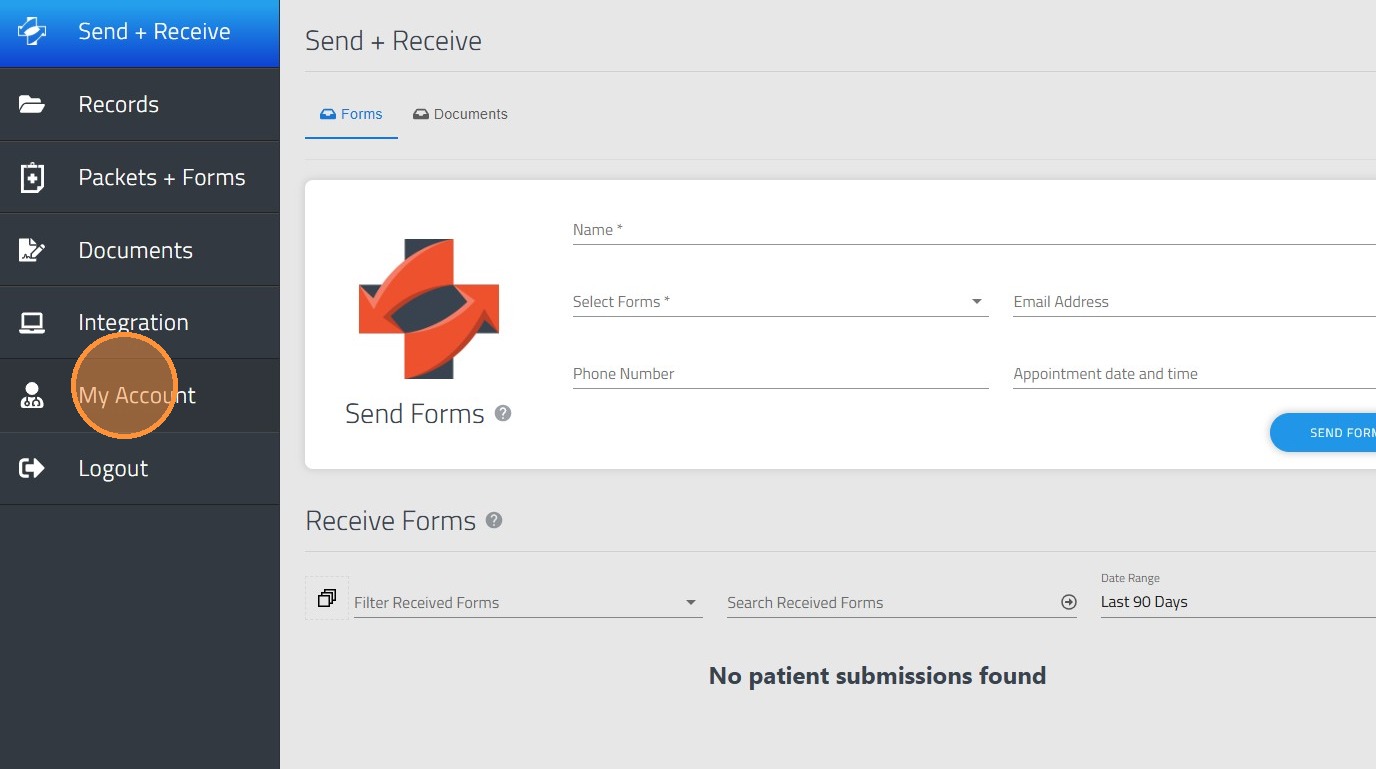
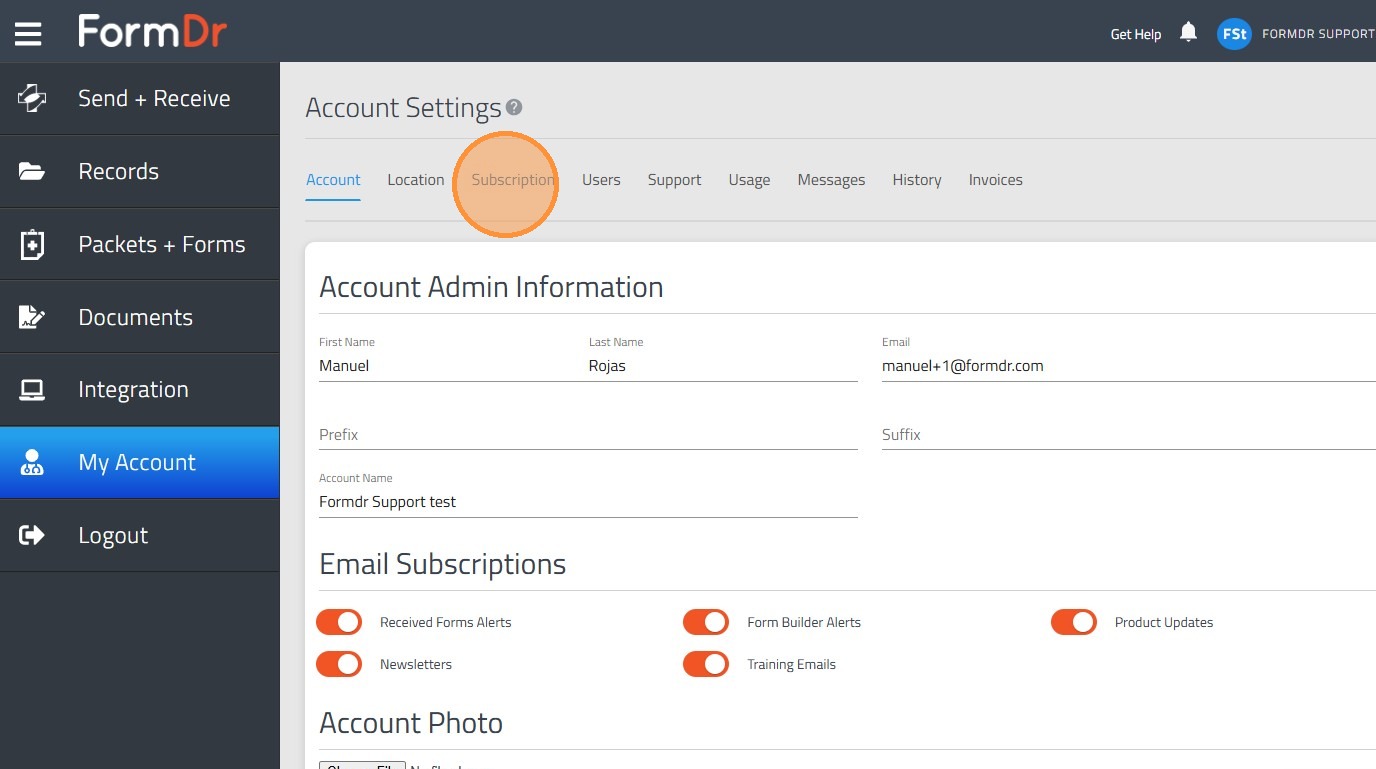
3. Click "Subscription"
Network Configuration
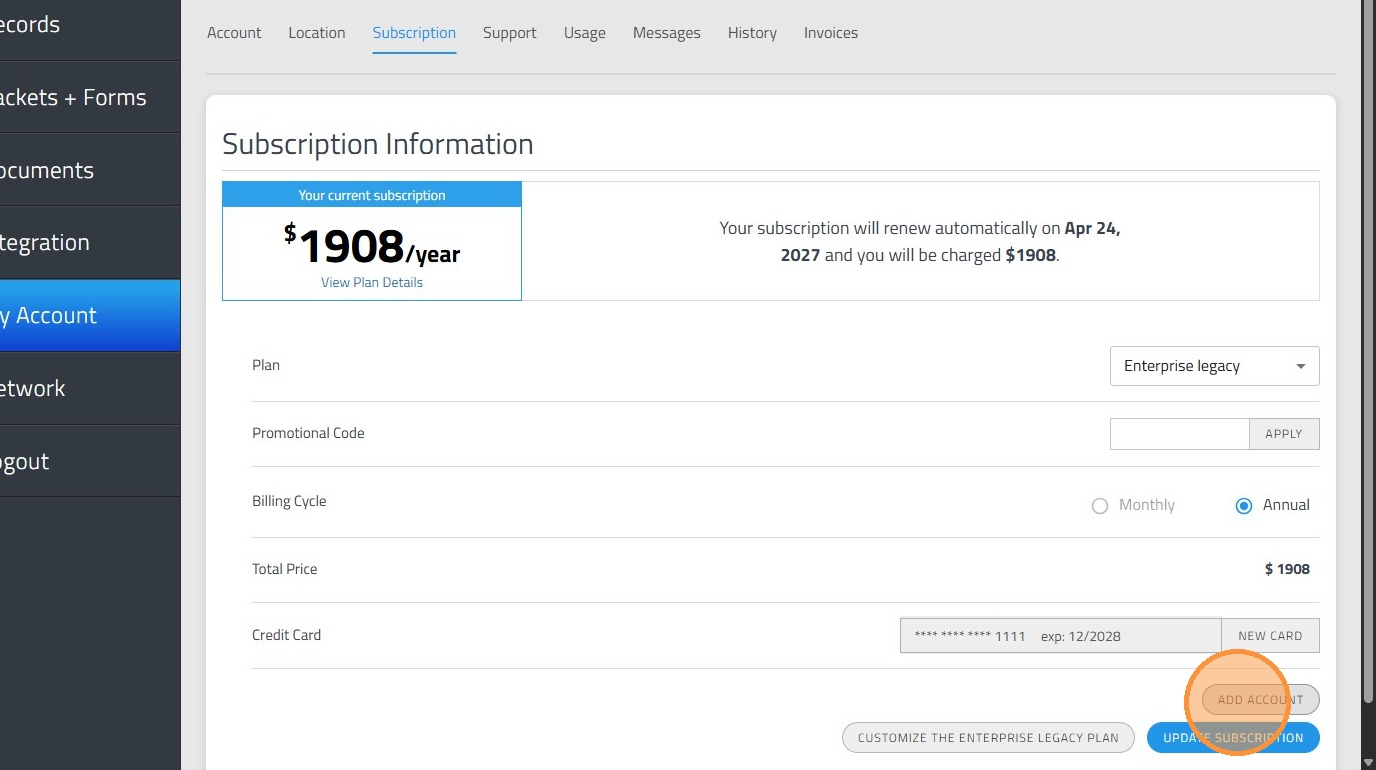
4. Once your account is on the Teams plan or higher please click "Add Account"
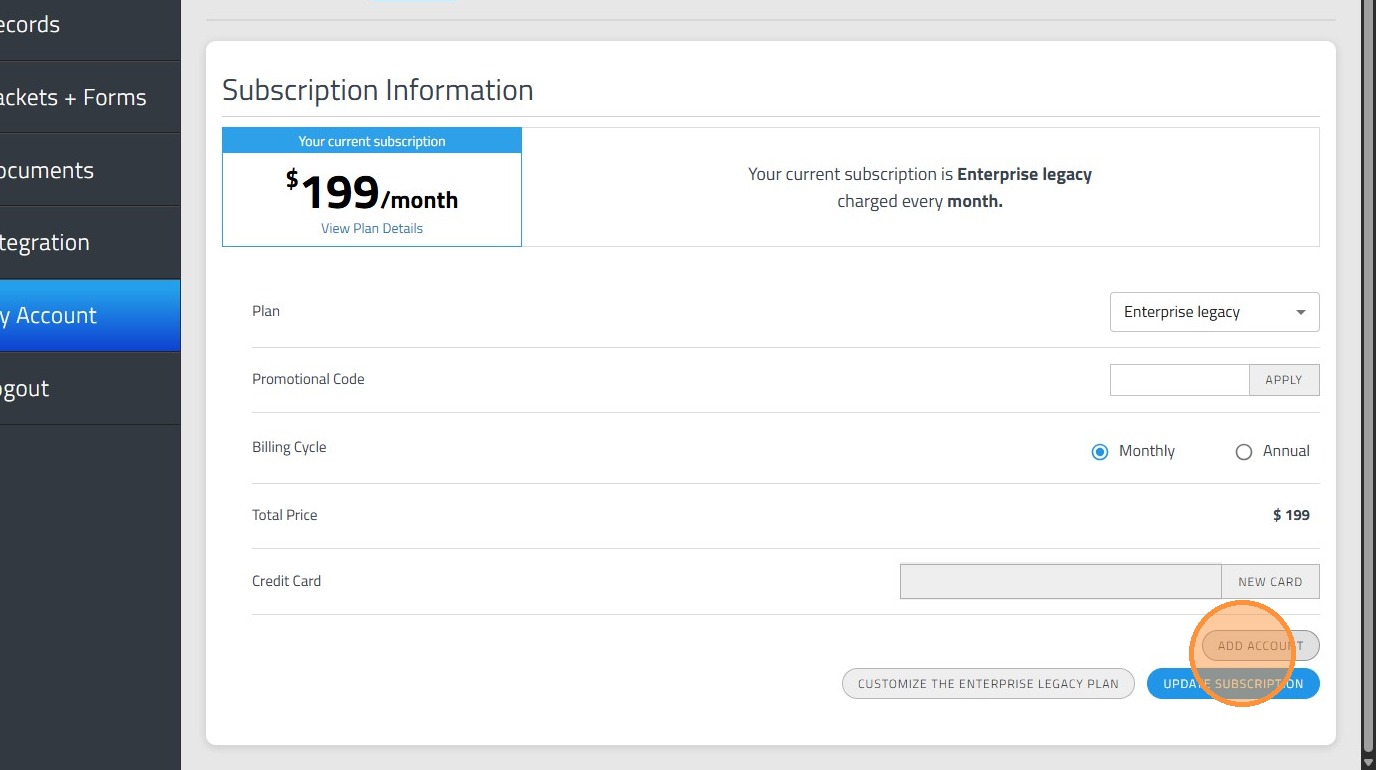
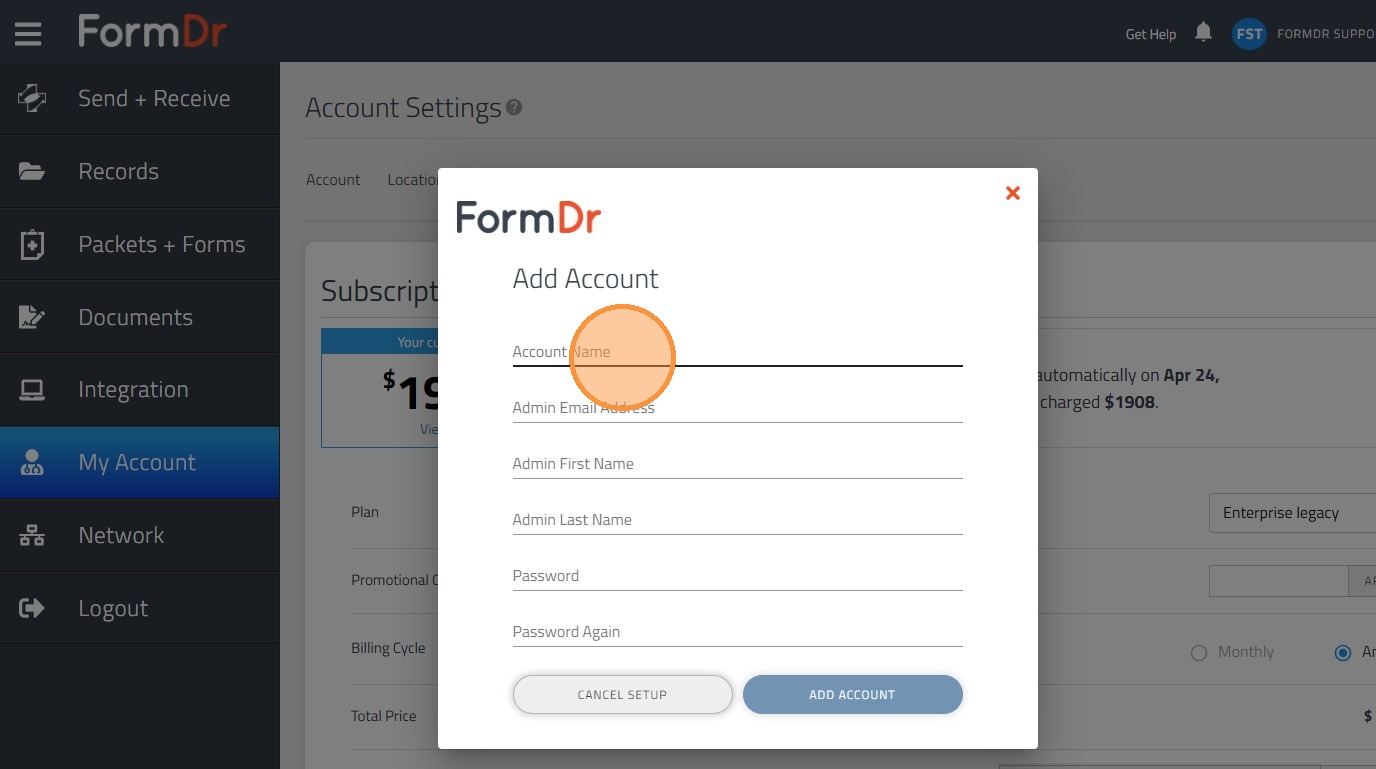
5. In this screen you will create the Network and central account, where you will manage your network.
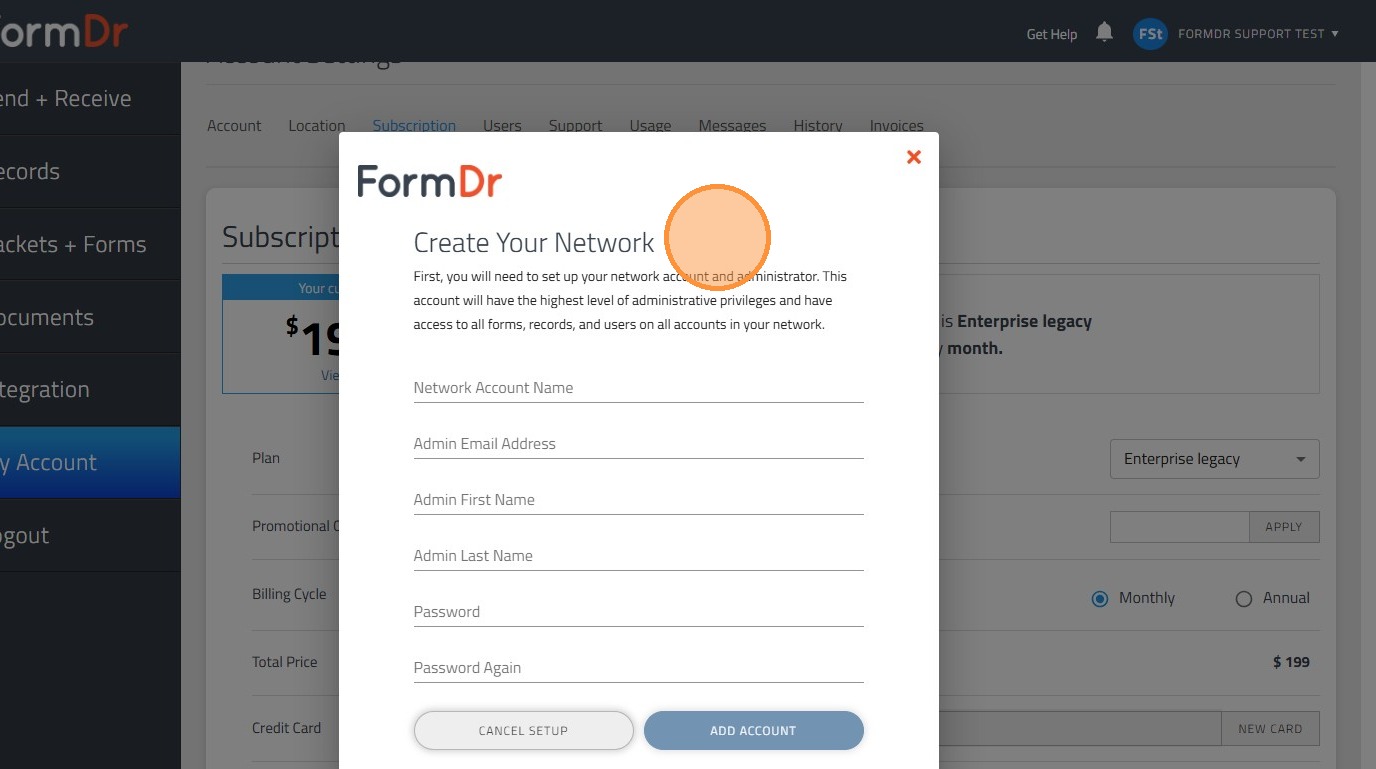
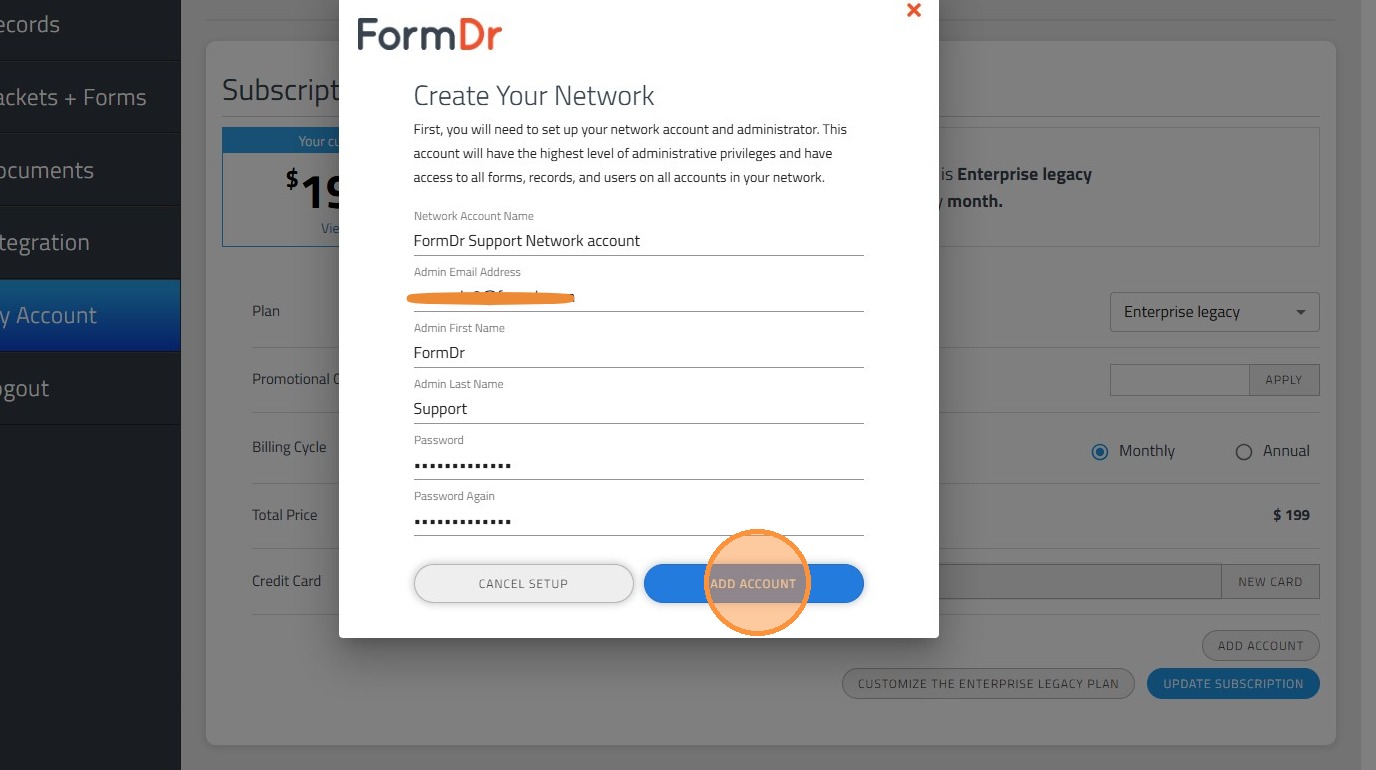
6. Enter the information the system will require.
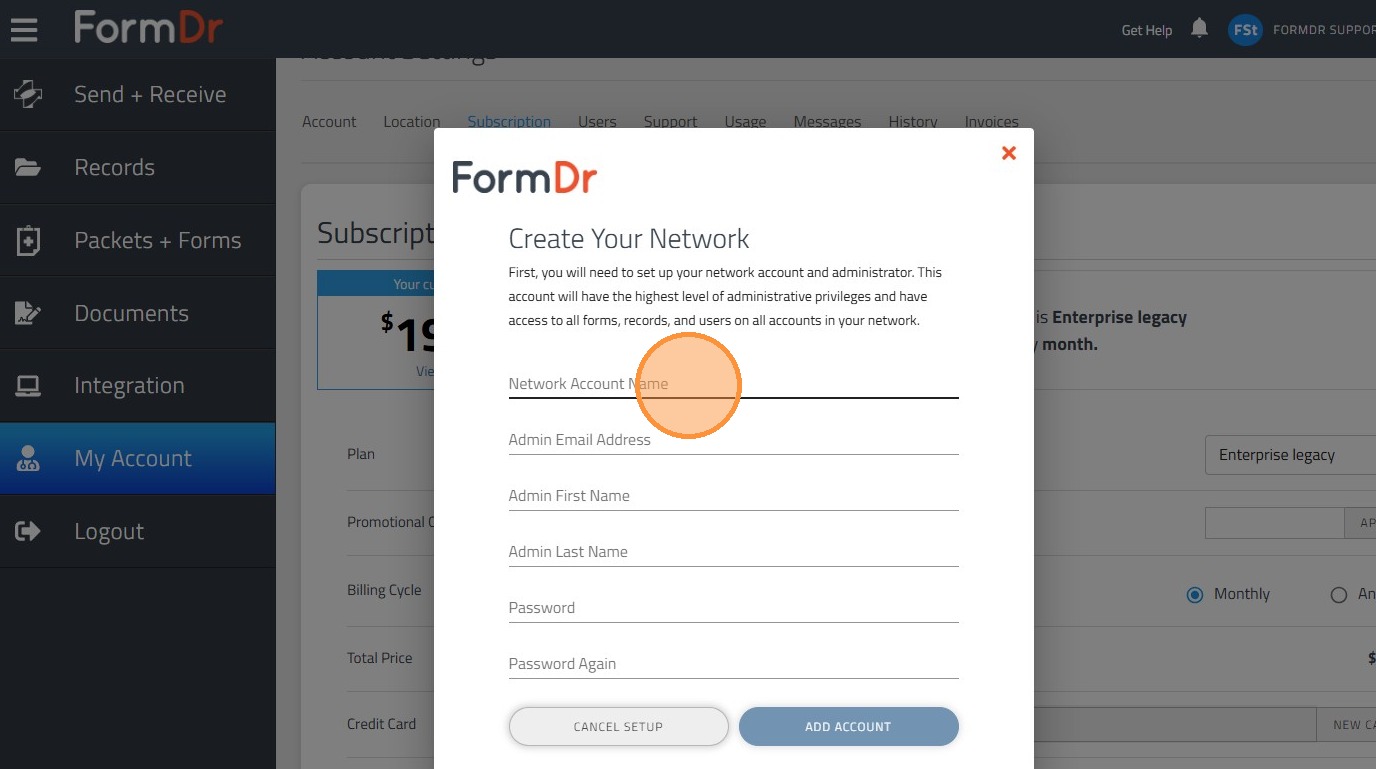
7. Once the information is totally entered, please click add account.
8. Once the Network account has been created, please log out and log in inside the Network account.
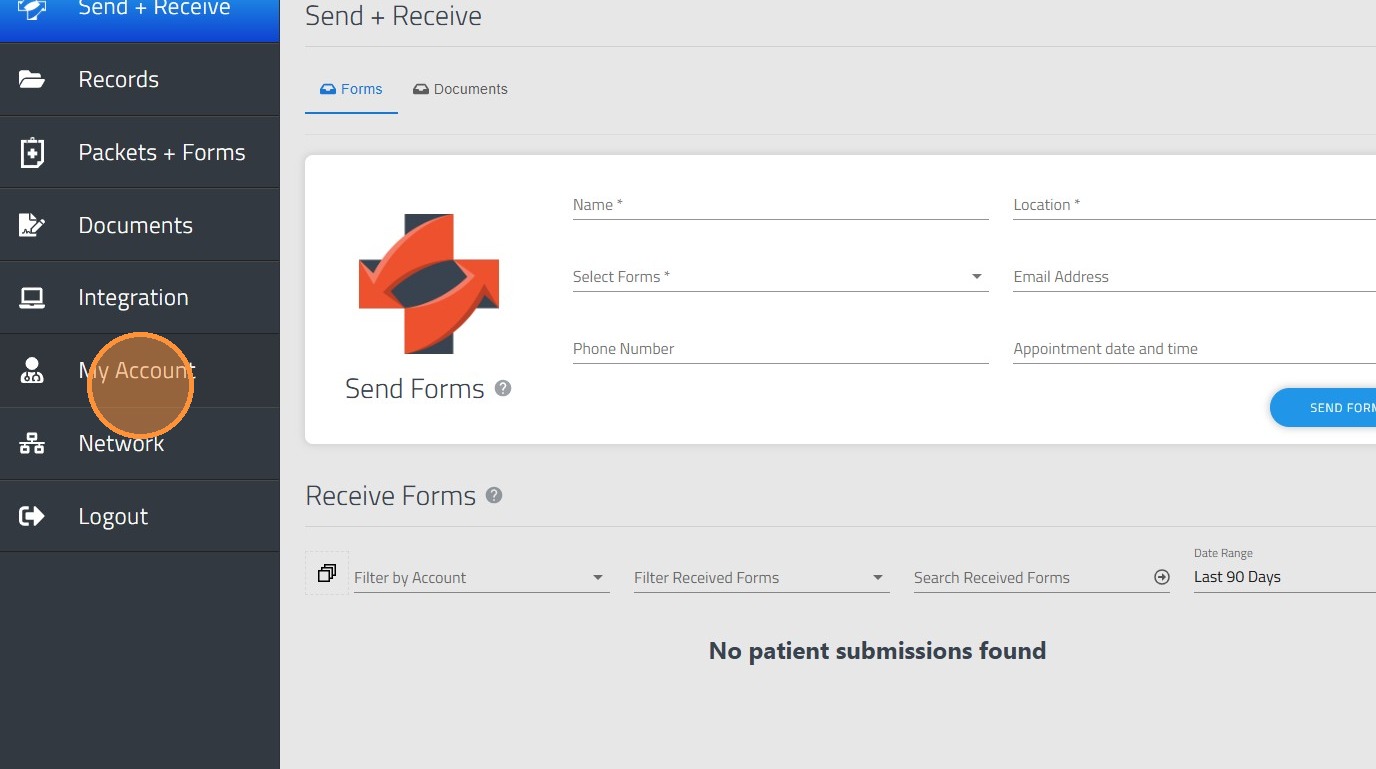
9. In order to add or create a child account please go to "Subscription"
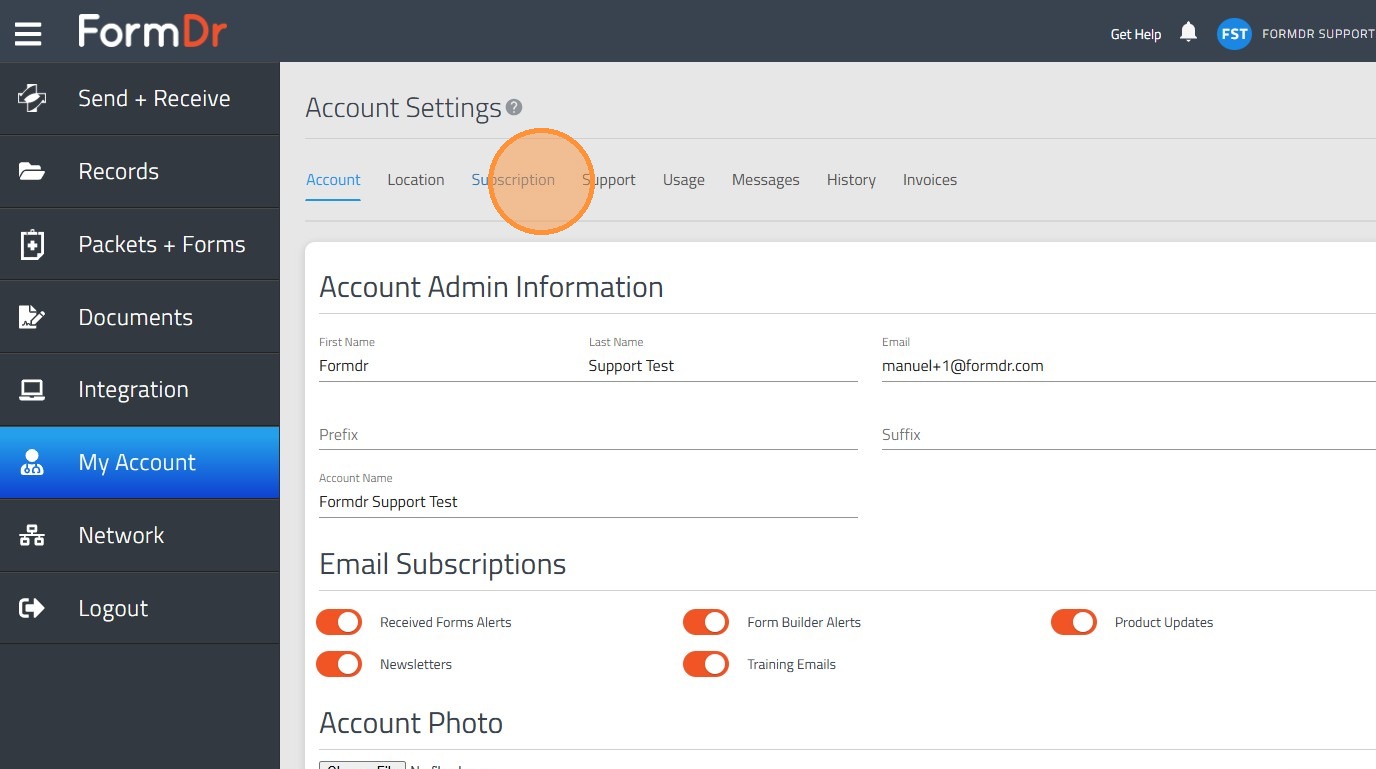
10. Then Click "Add Account"
11. Please add the Child account's admin user information. This Admin user will be able to manage the information inside the child account.
12. Finally click "Add Account" and this child account will be created under the network admin account.
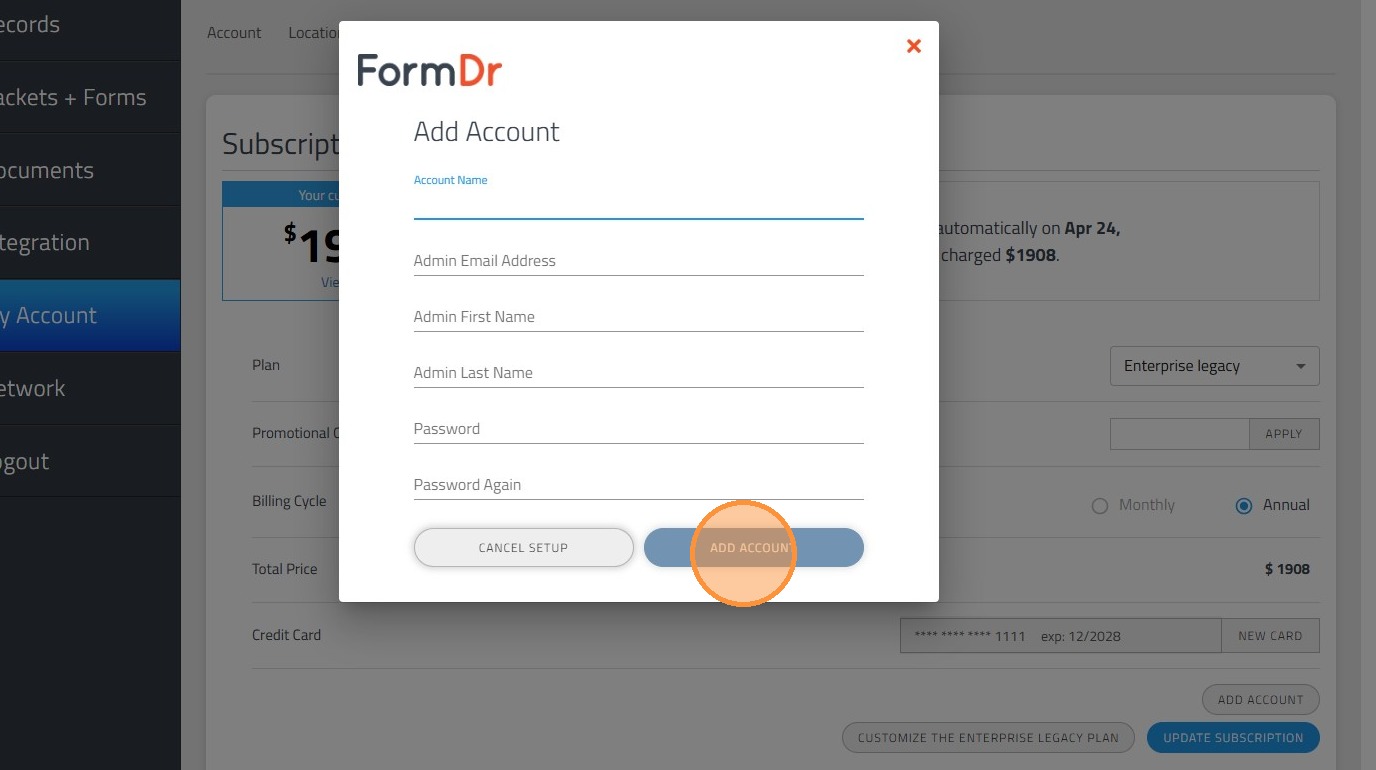
Tip: Tip! Please repeat this process for all the child accounts you need to create taking in count the available number of child accounts for your plan.
Alert: Important information:
The network account can hold only one user, this user will be the network admin user and it will have access to all the information across the team such as: Packets + Forms, Users, Submissions, Records, History, e.tc.
Child accounts can hold the admin user and the child users, the users limit is given by the plan you currently have. The admin user will have permissions to add or remove users and manage the user's permissions and information inside the specific child account, The admin user will also have the permission to manage all the information inside the account, please notice that child account admin users can be granted with access to the child accounts within the team, for more information please visit the following link: