Learn how to efficiently navigate the Network Admin dashboard to manage user access, form configurations, record locations and practices accesses. This guide provides a clear walkthrough for administrators to organize their network data and control form permissions effectively.
Network Account Configuration
Tip: From the network account you will be able to access to all the child account!
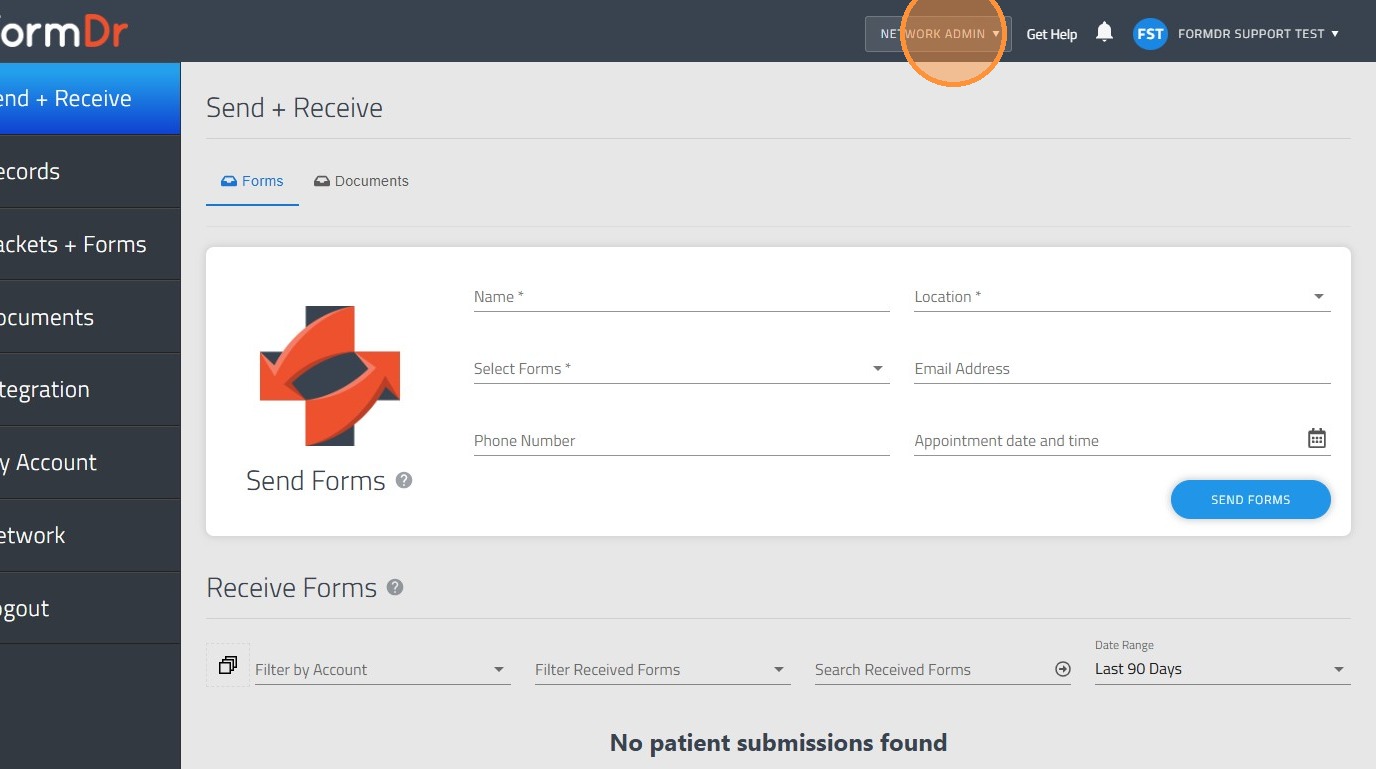
1. Click on the "Network Admin" dropdown
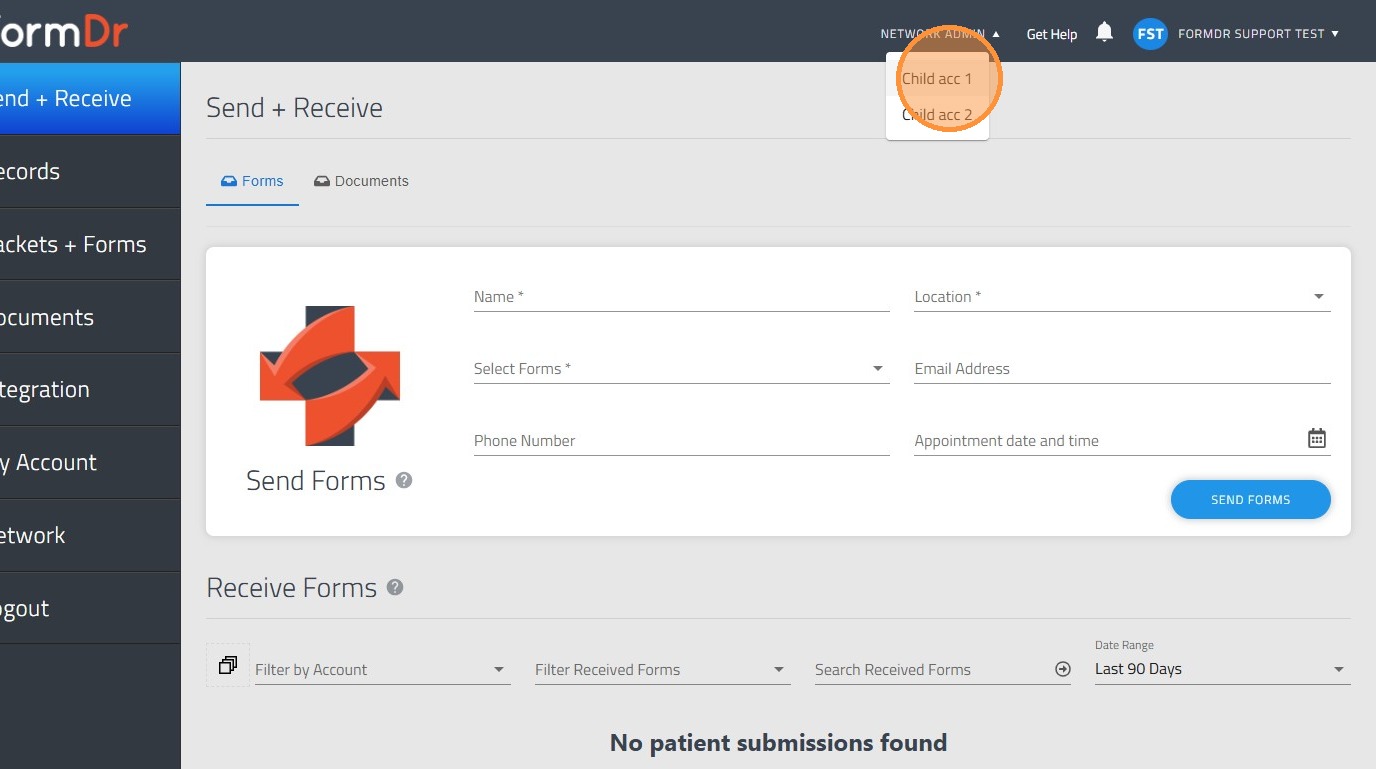
2. Click over the child account you would like to log in.
Tip: You can also manage your Team!
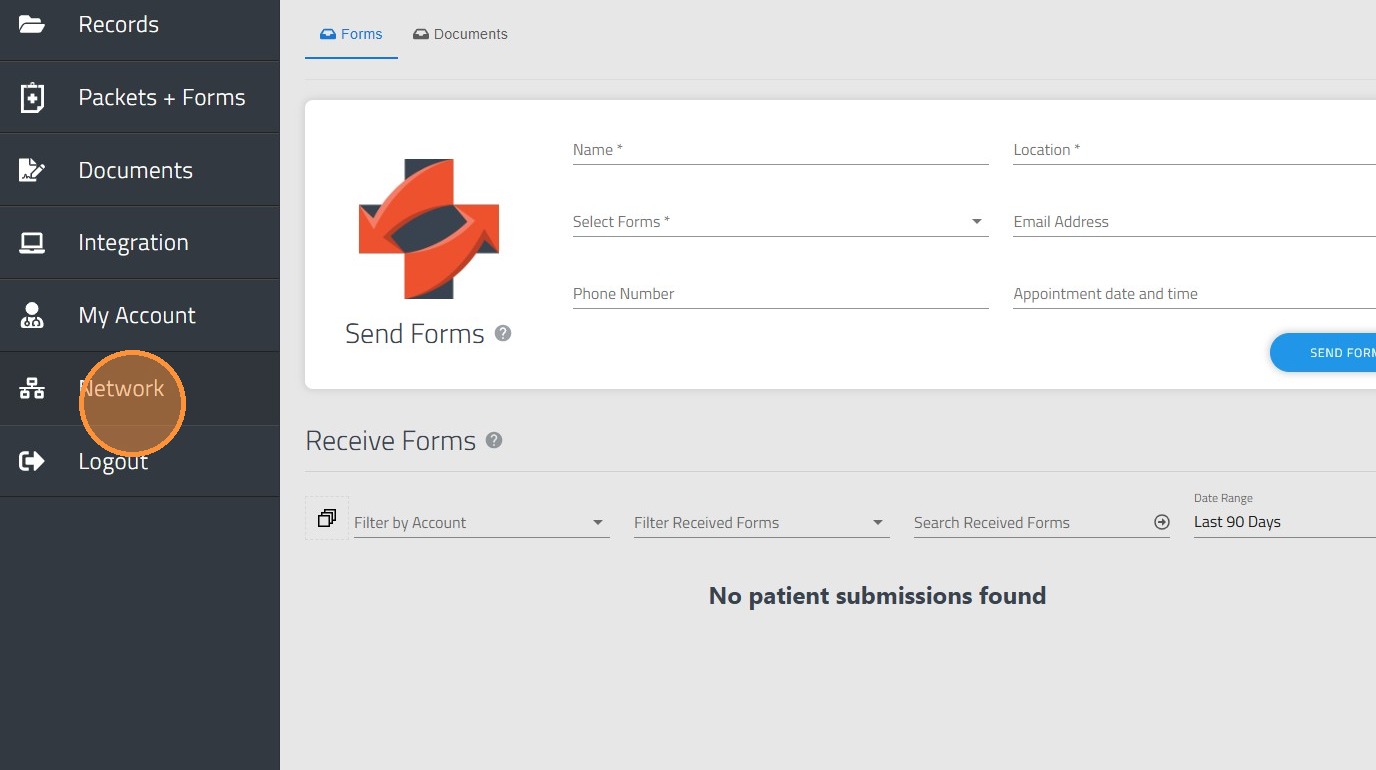
3. Go to "Network" on the sidebar
Tip: You will find 4 options:
Account: In order to manage the account externally and provide different type of accesses.
Forms: Where you can share form along the account within the team.
Records: You will have the option to share records among the accounts.
Admin: Where you can share child account's access to other child accounts.
4. Click "Manage" for the specific Child account.
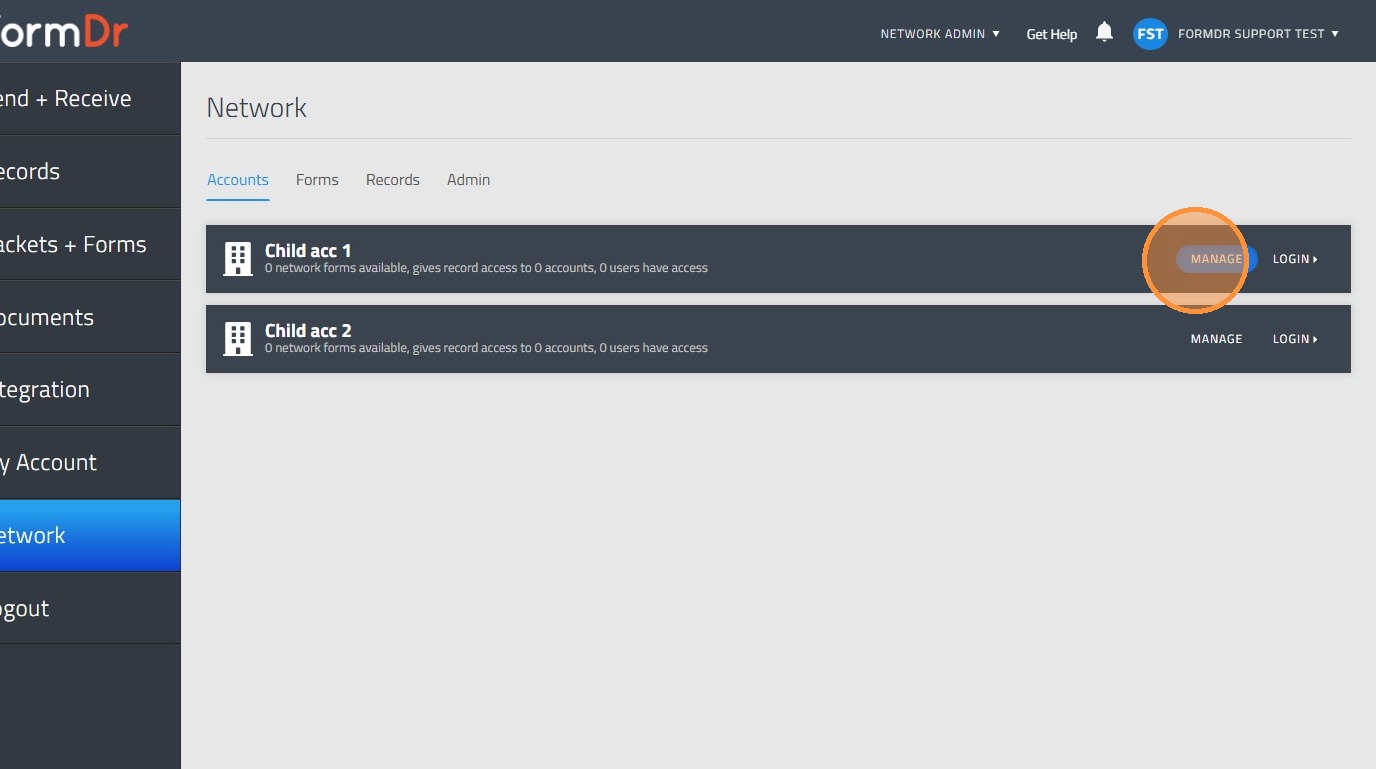
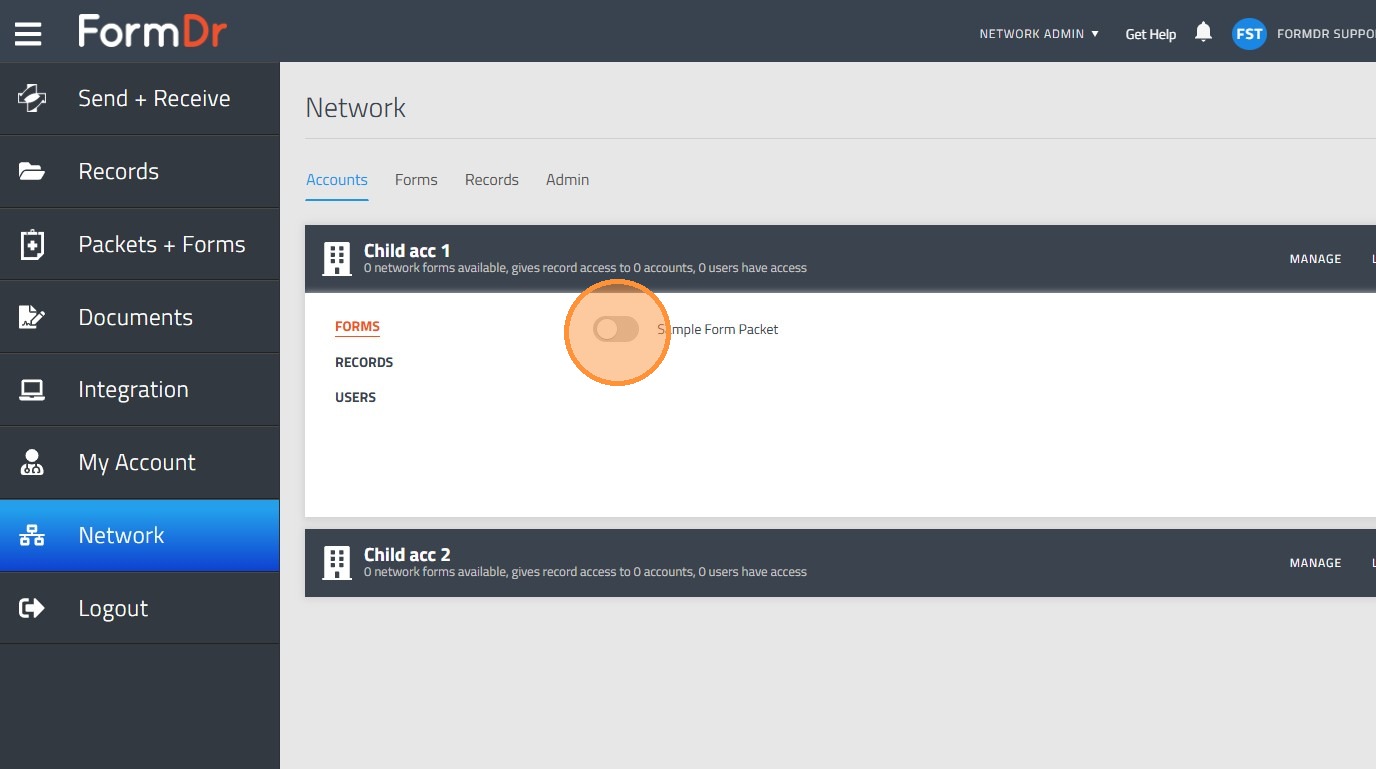
5. In the form section, you will be able to toggle on the form you would like to share with that specific child account.
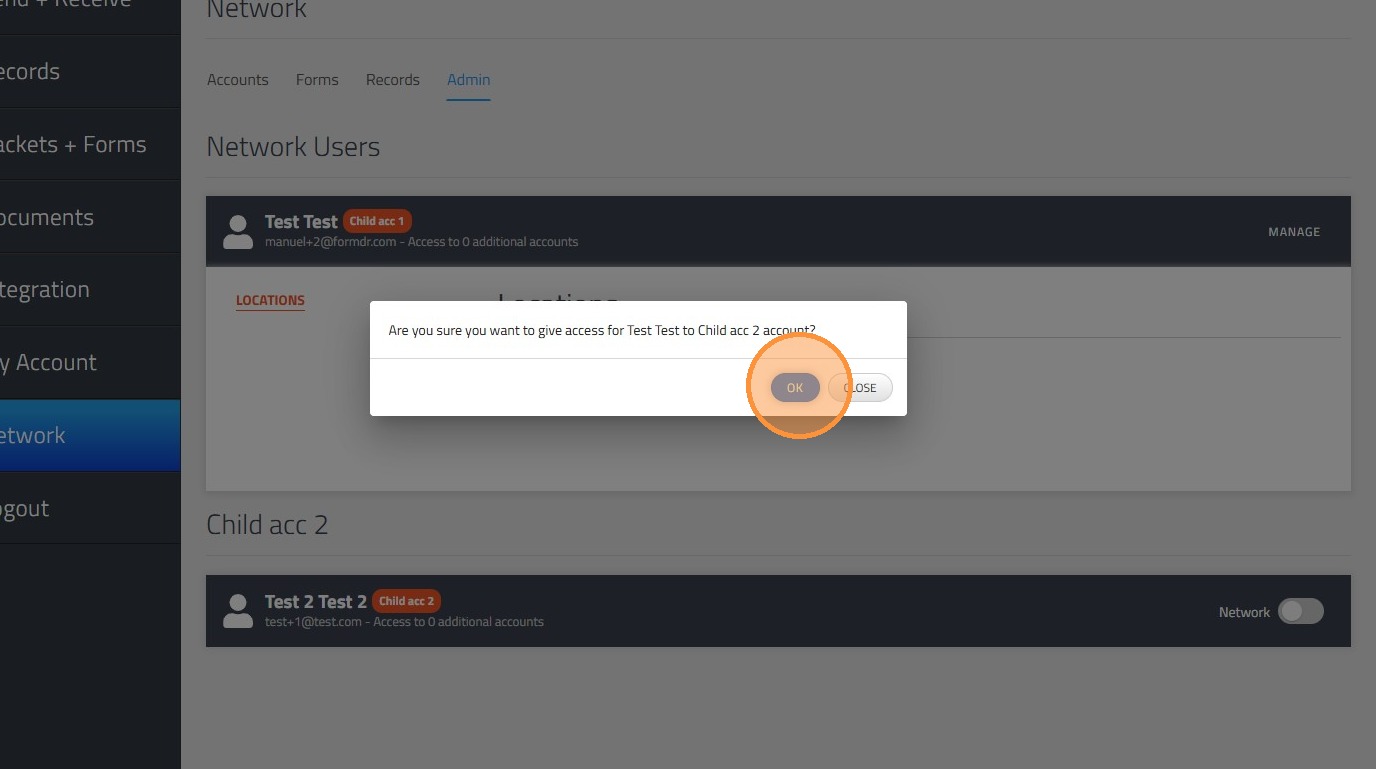
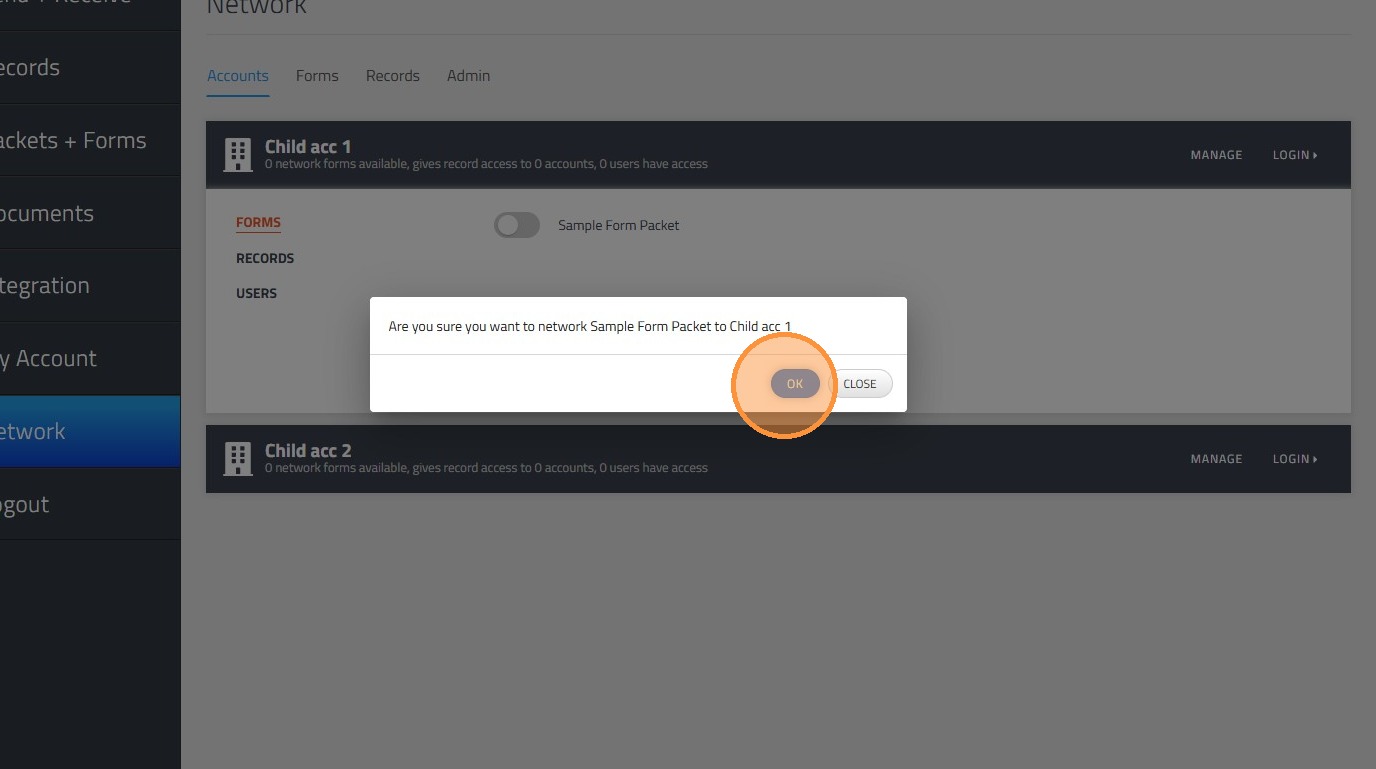
6. Click "OK" and the changed will be placed.
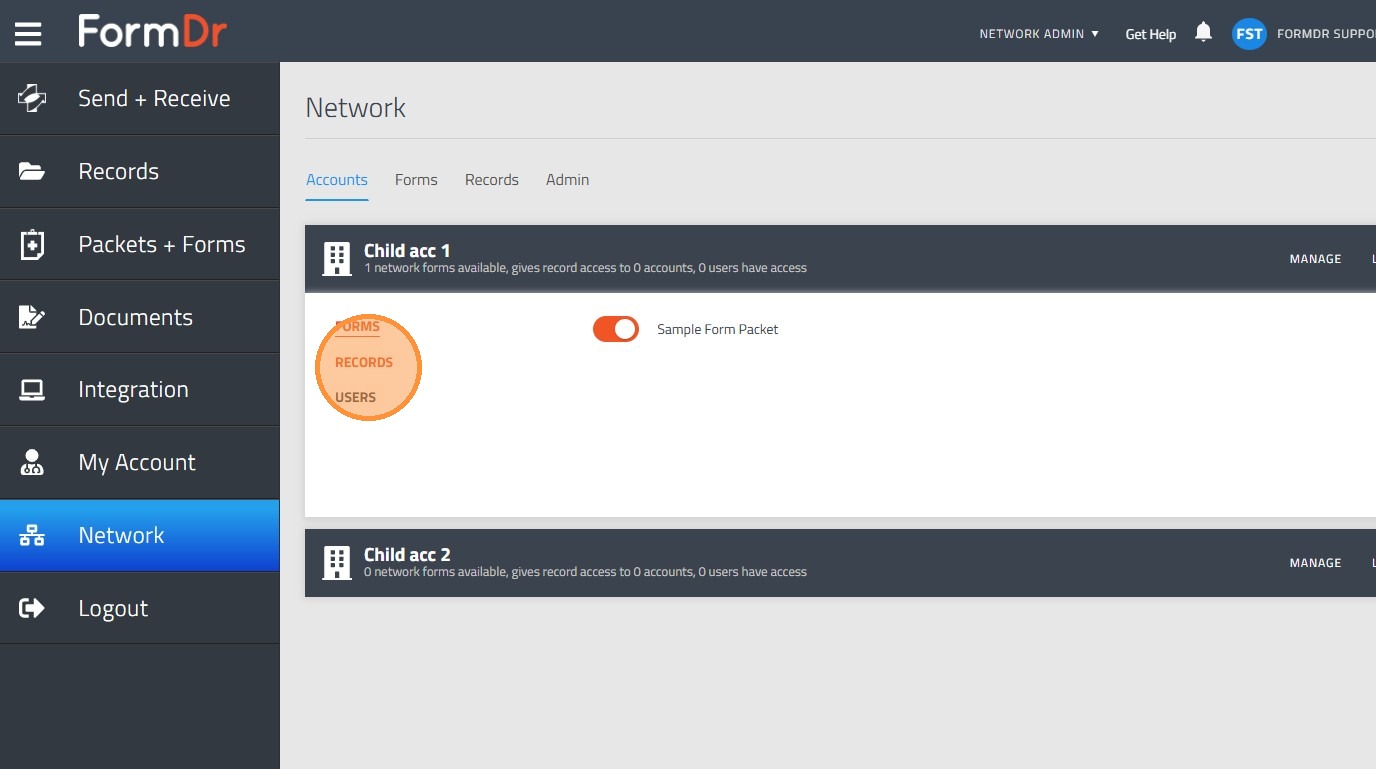
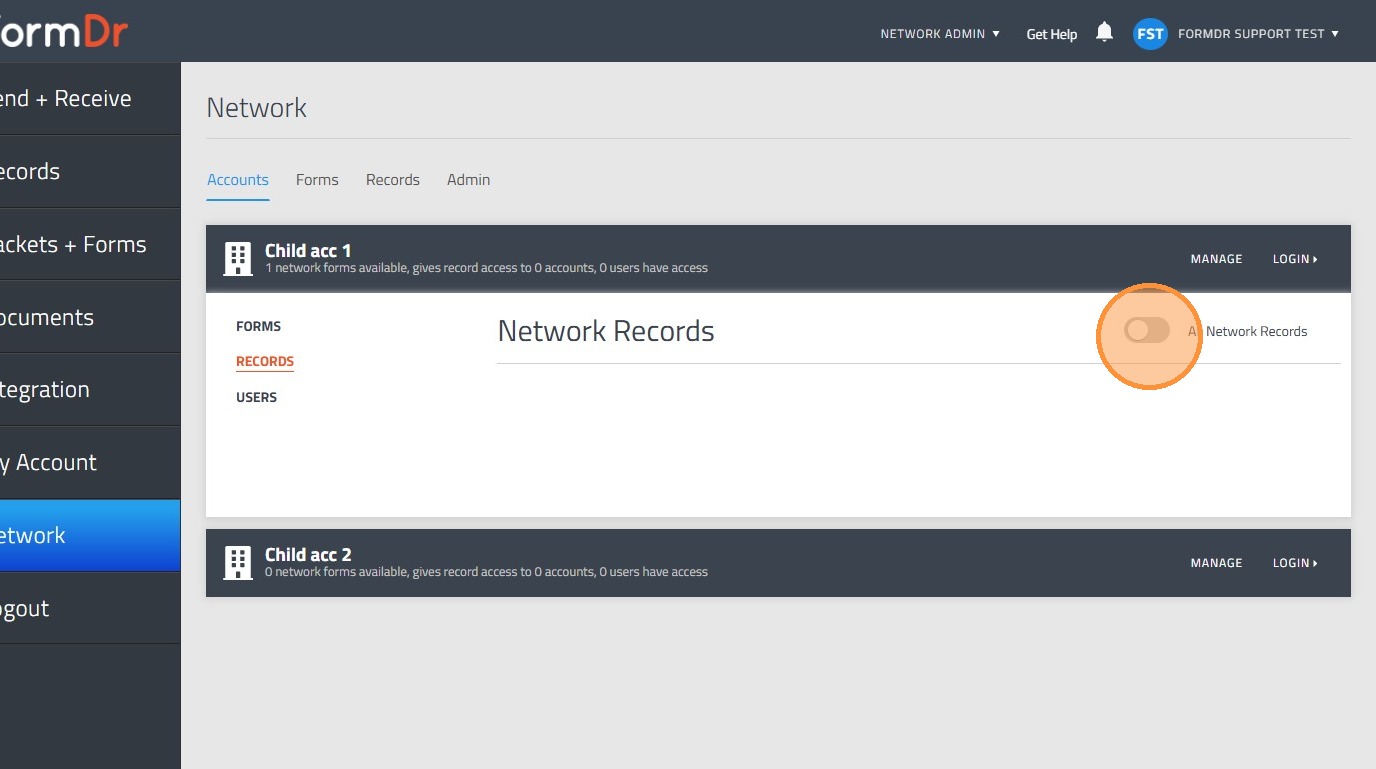
7. By going to the "Records" sub-tab
8. Click the "All Network Records" field in order to share the records from that account to all the network account.
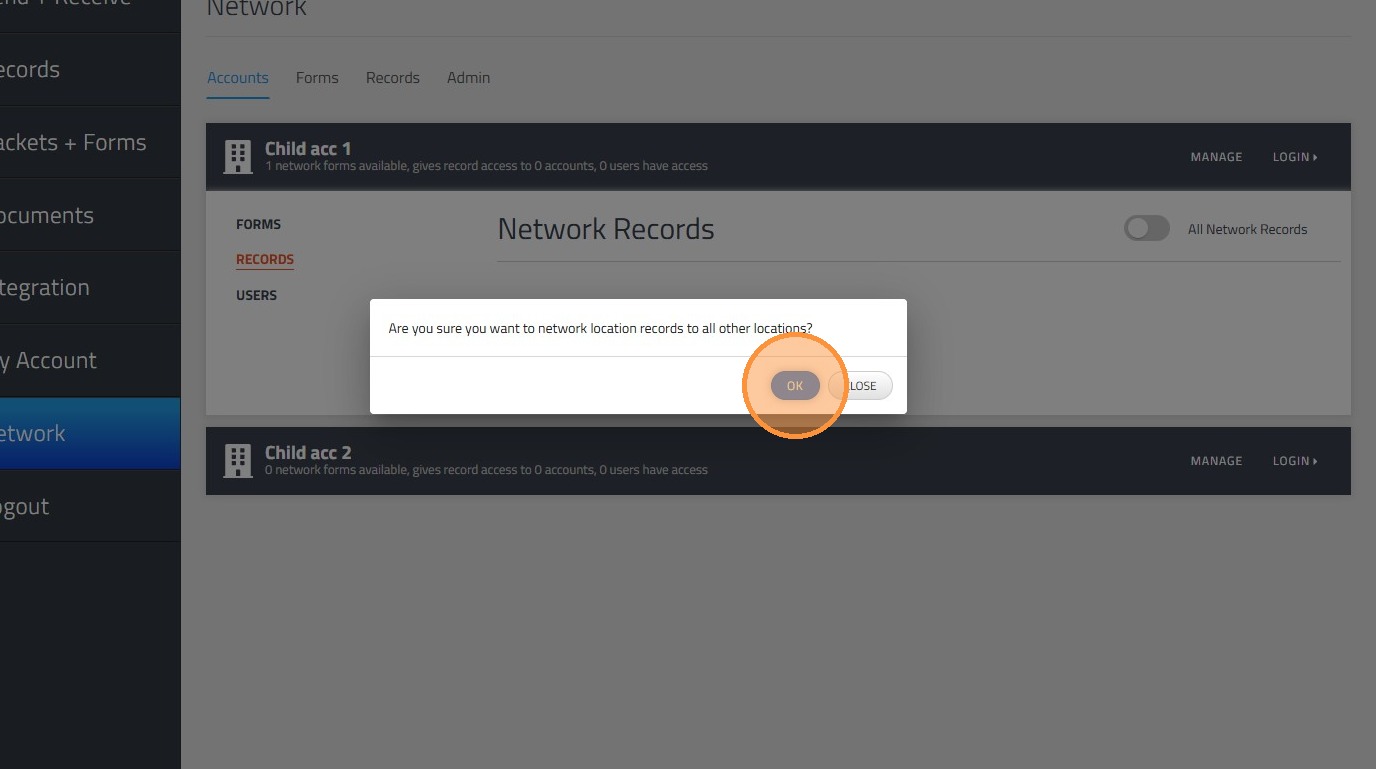
9. Click "OK" and the changes will be placed.
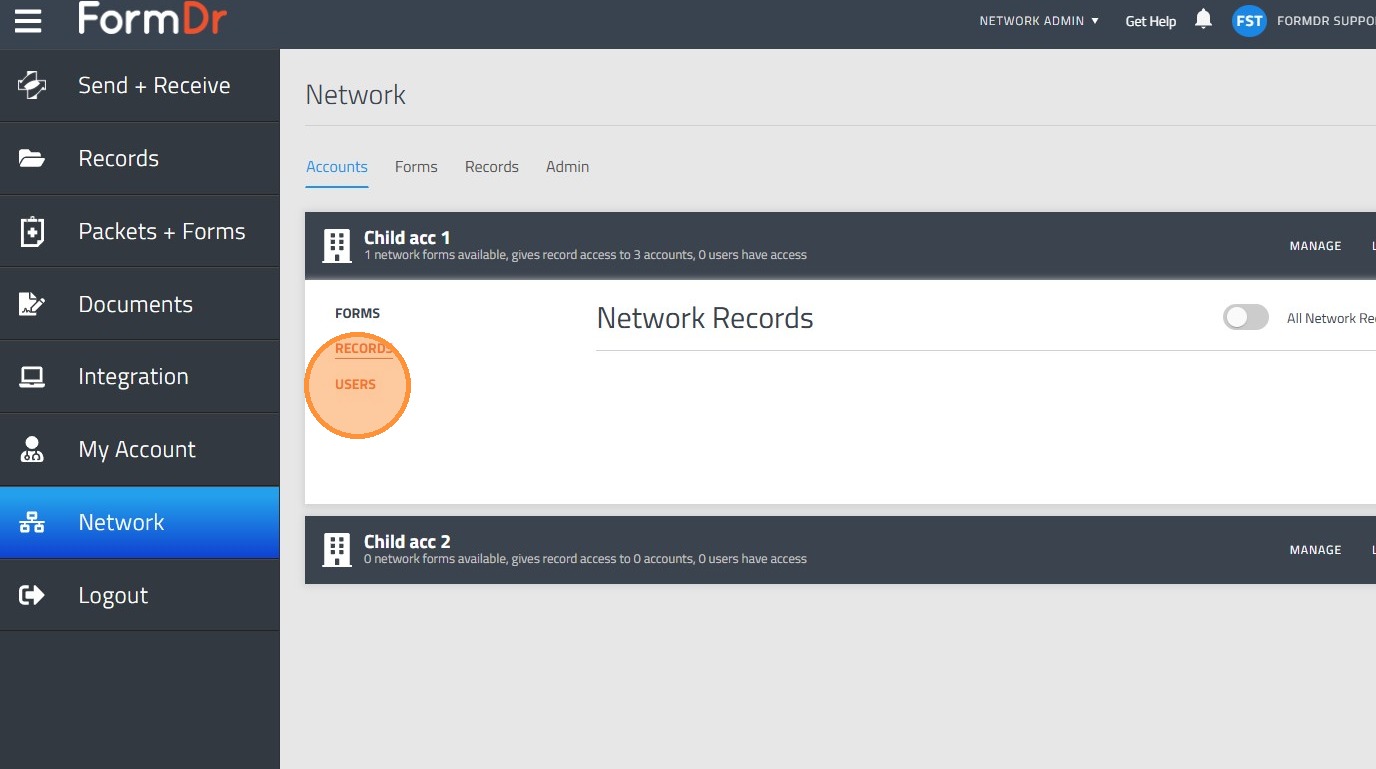
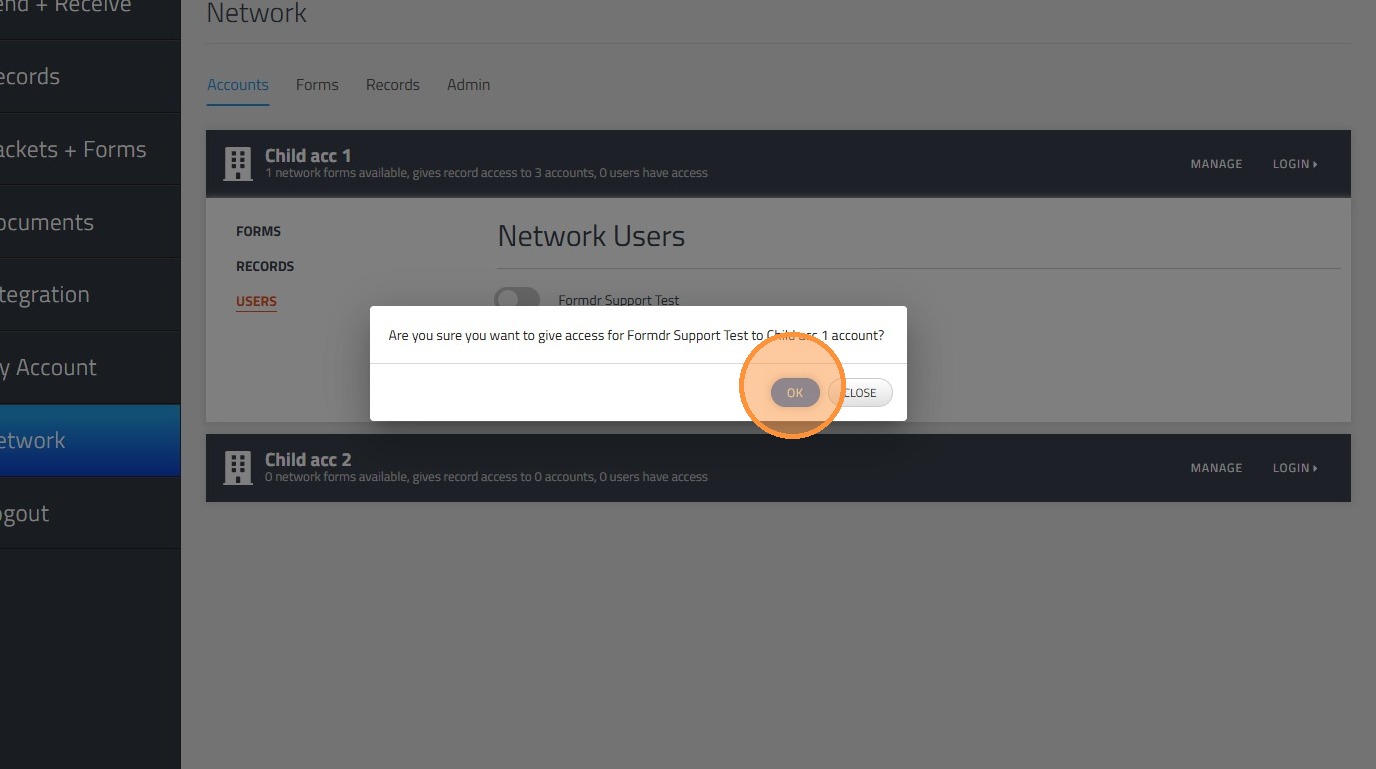
10. By going to the "Users" sub-tab
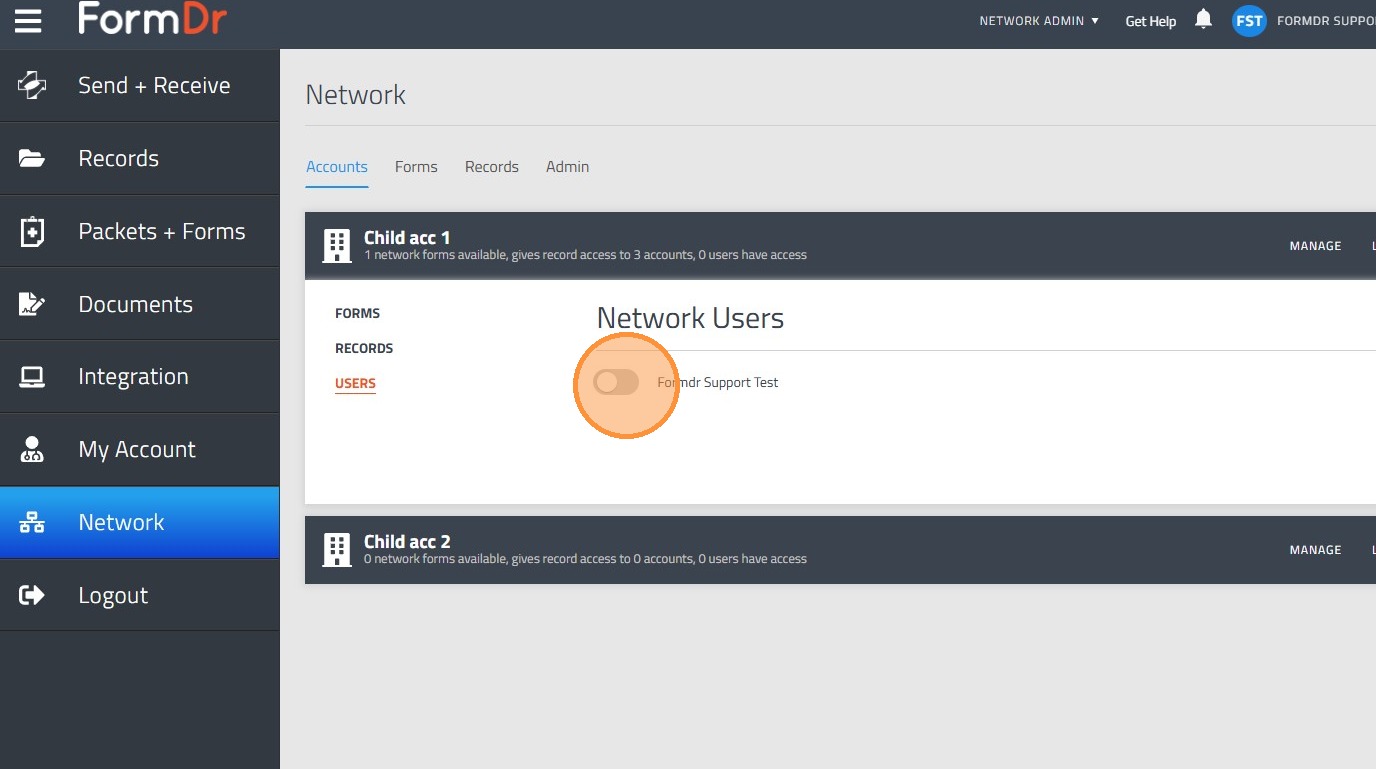
11. And toggling on the button, the users form the account will become network users.
12. Click "OK" and the changed will be placed.
Form Packet Management
13. Navigate to "Forms" tab
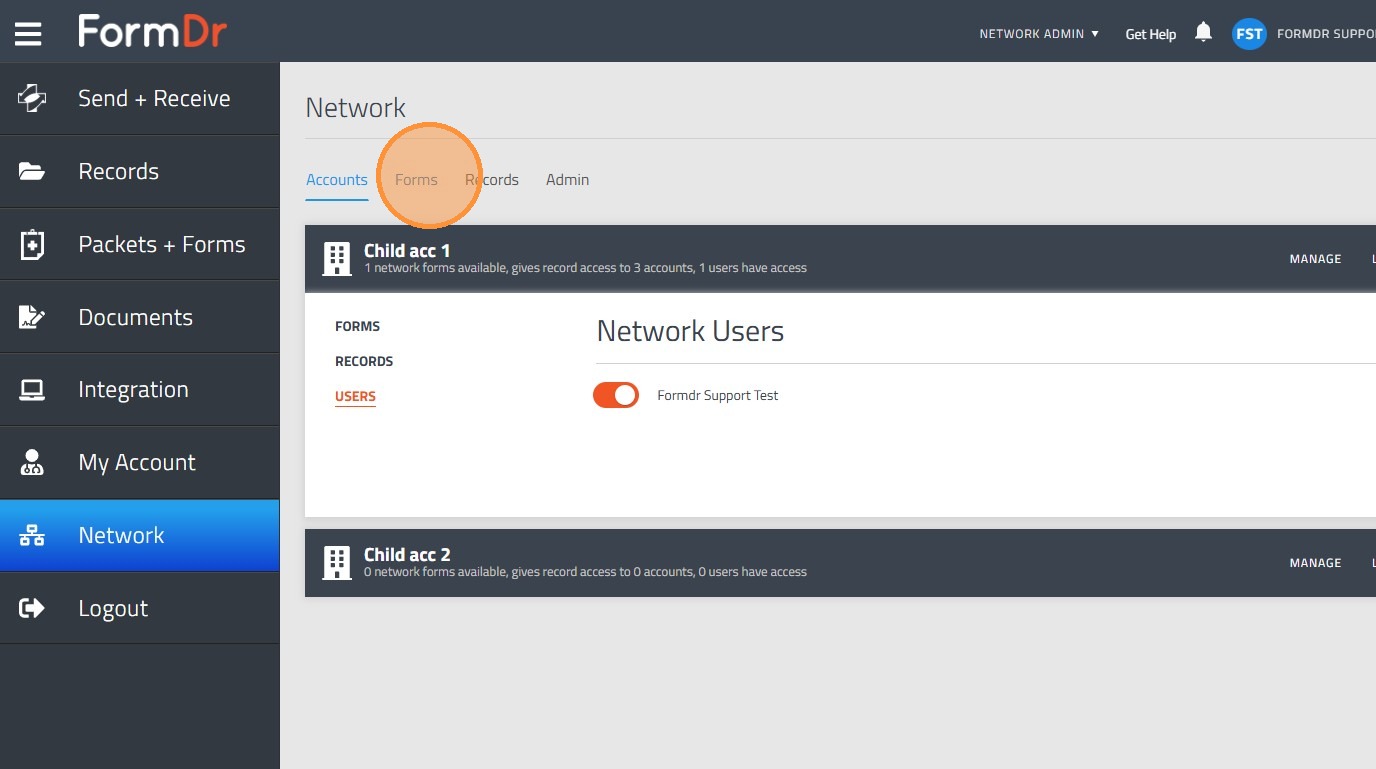
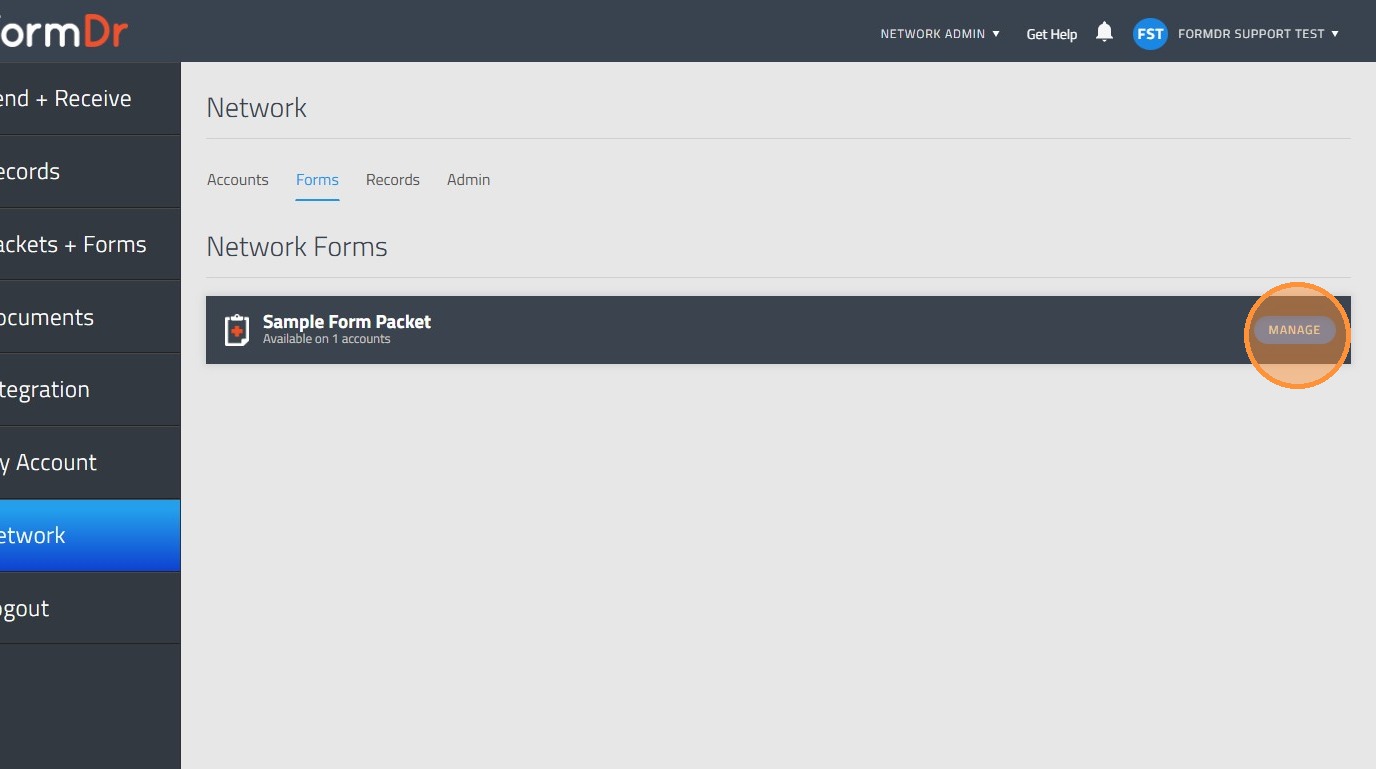
14. Click "Manage" for the specific packet or form.
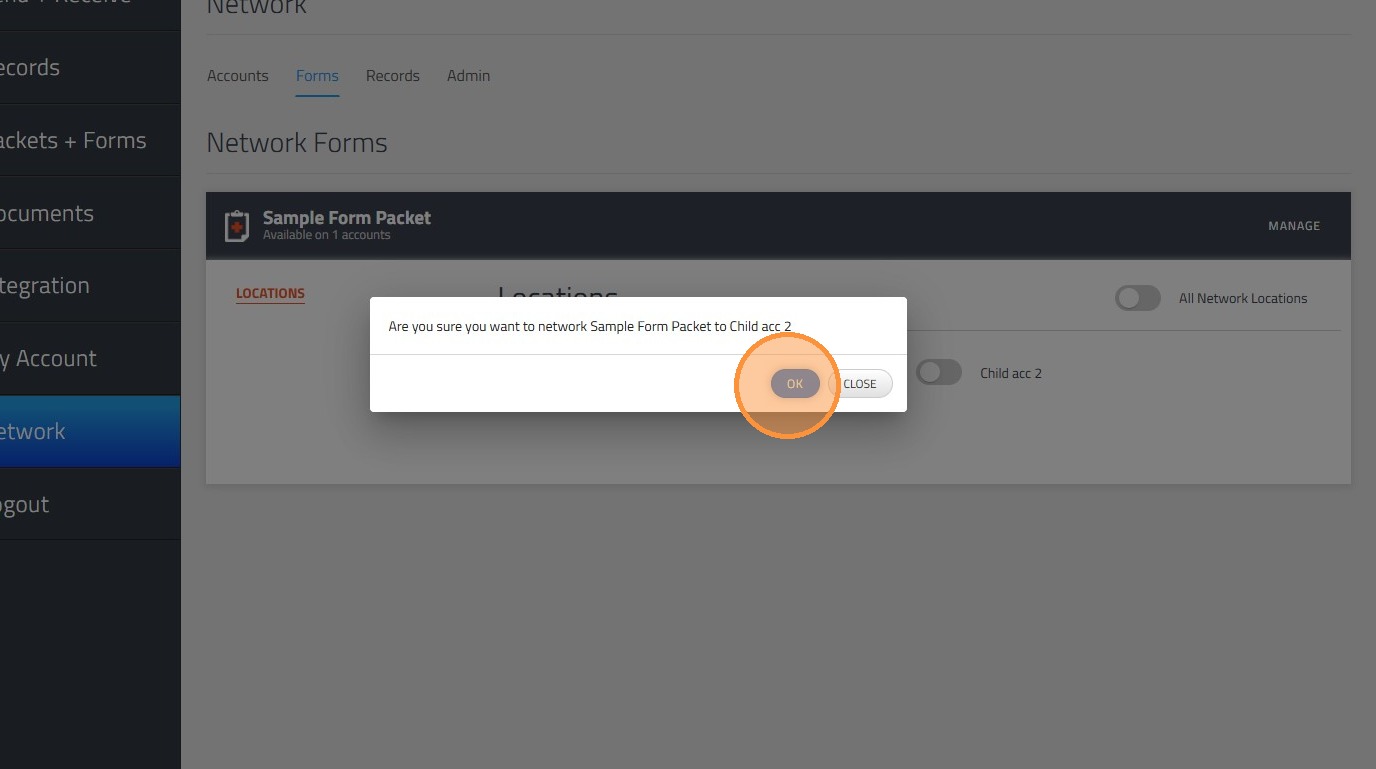
15. Click the Child account or accounts you want the form shared.
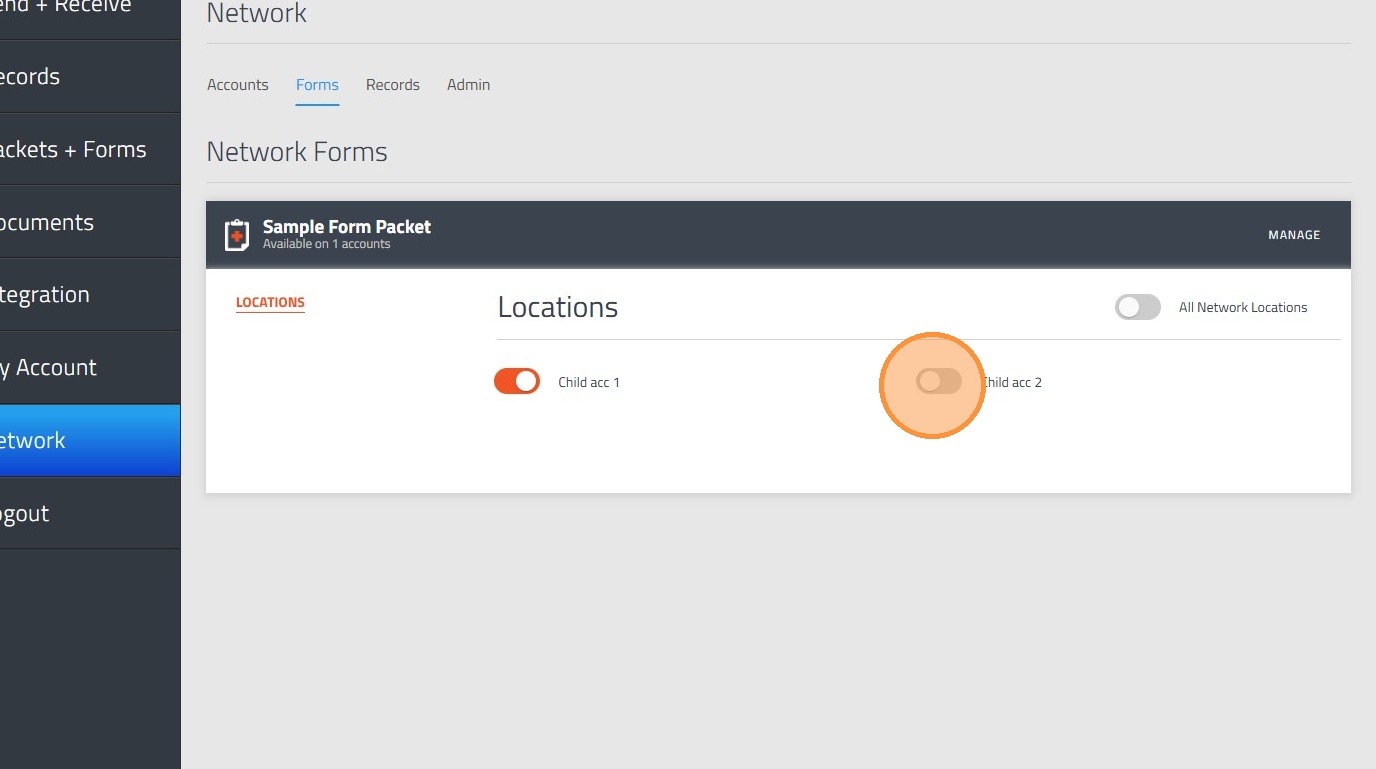
16. Click "OK" and the changed will be placed.
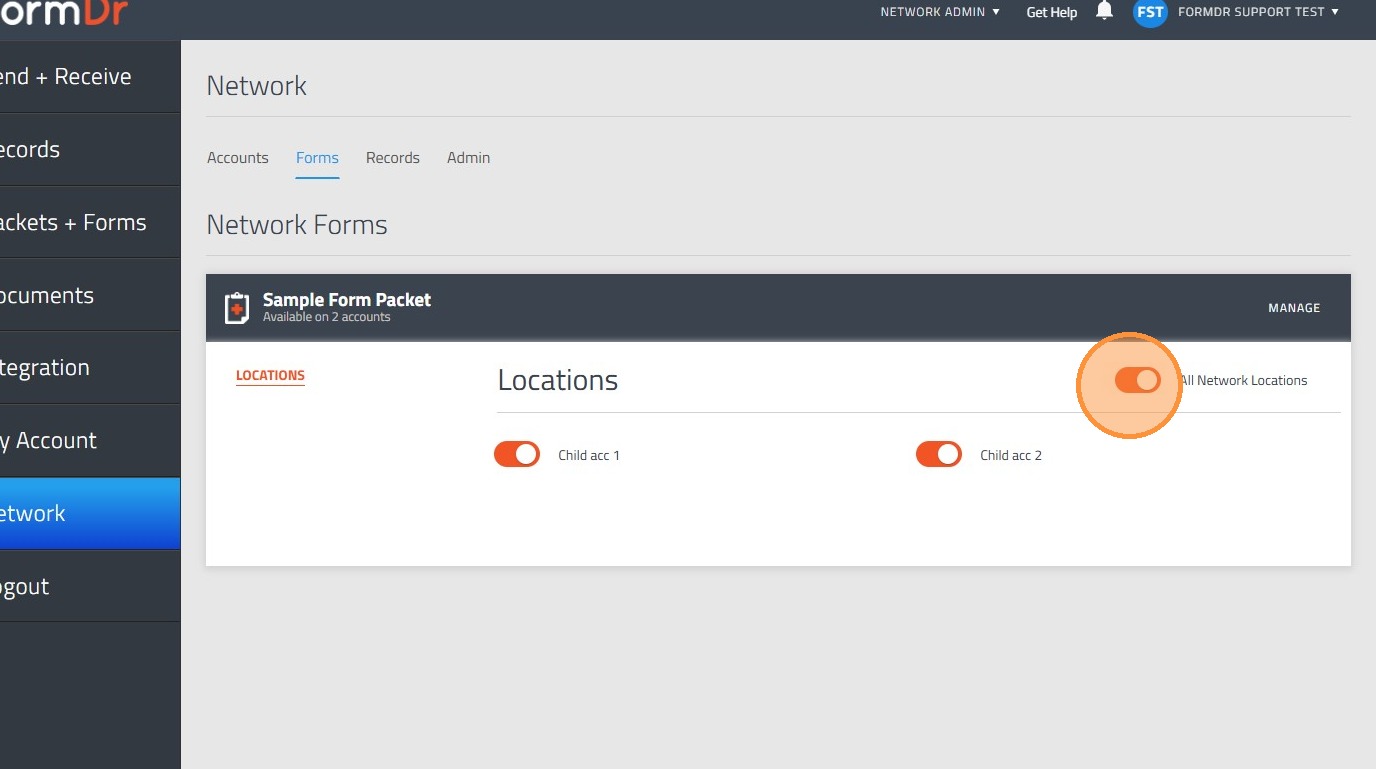
17. Click the "All Network Locations" field in order to mark all the child accounts immediately.
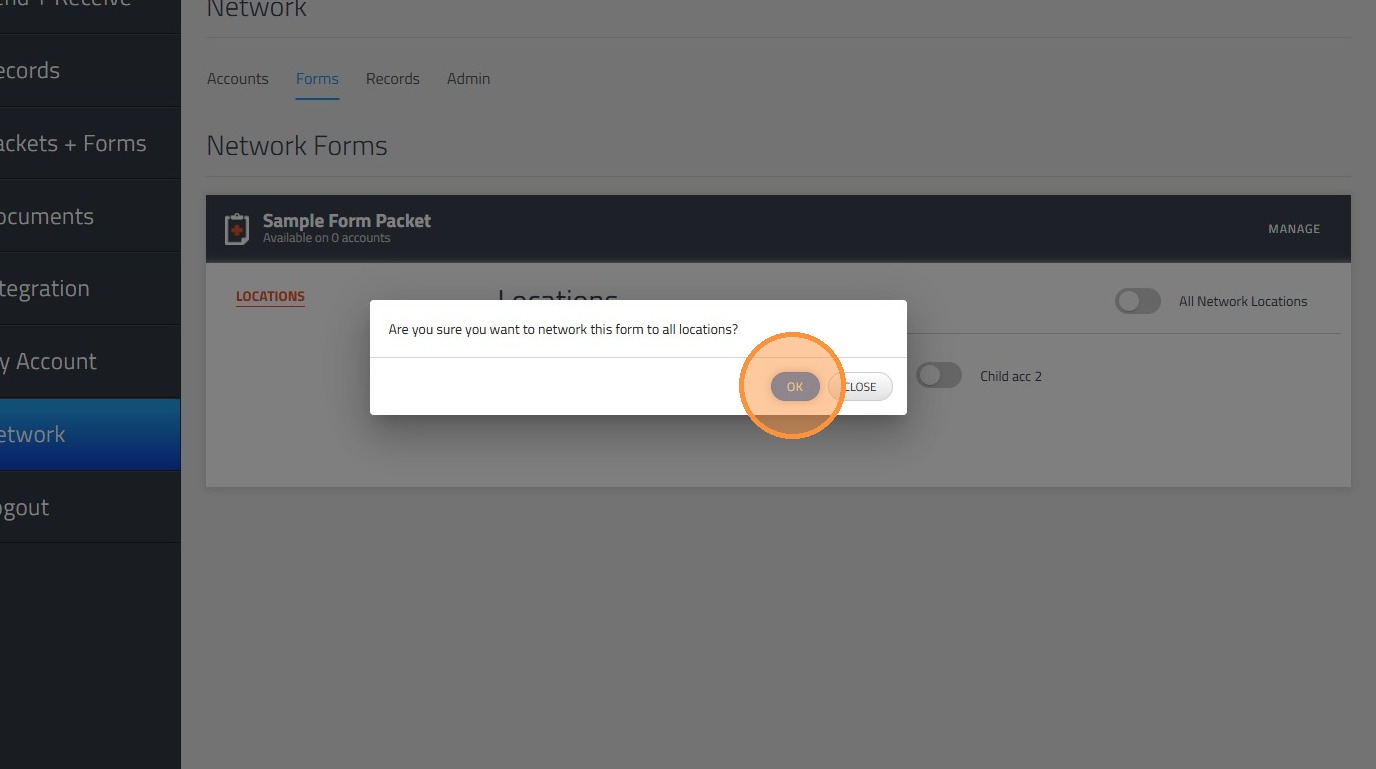
18. Click "OK" and the changes will be placed.
Record Management
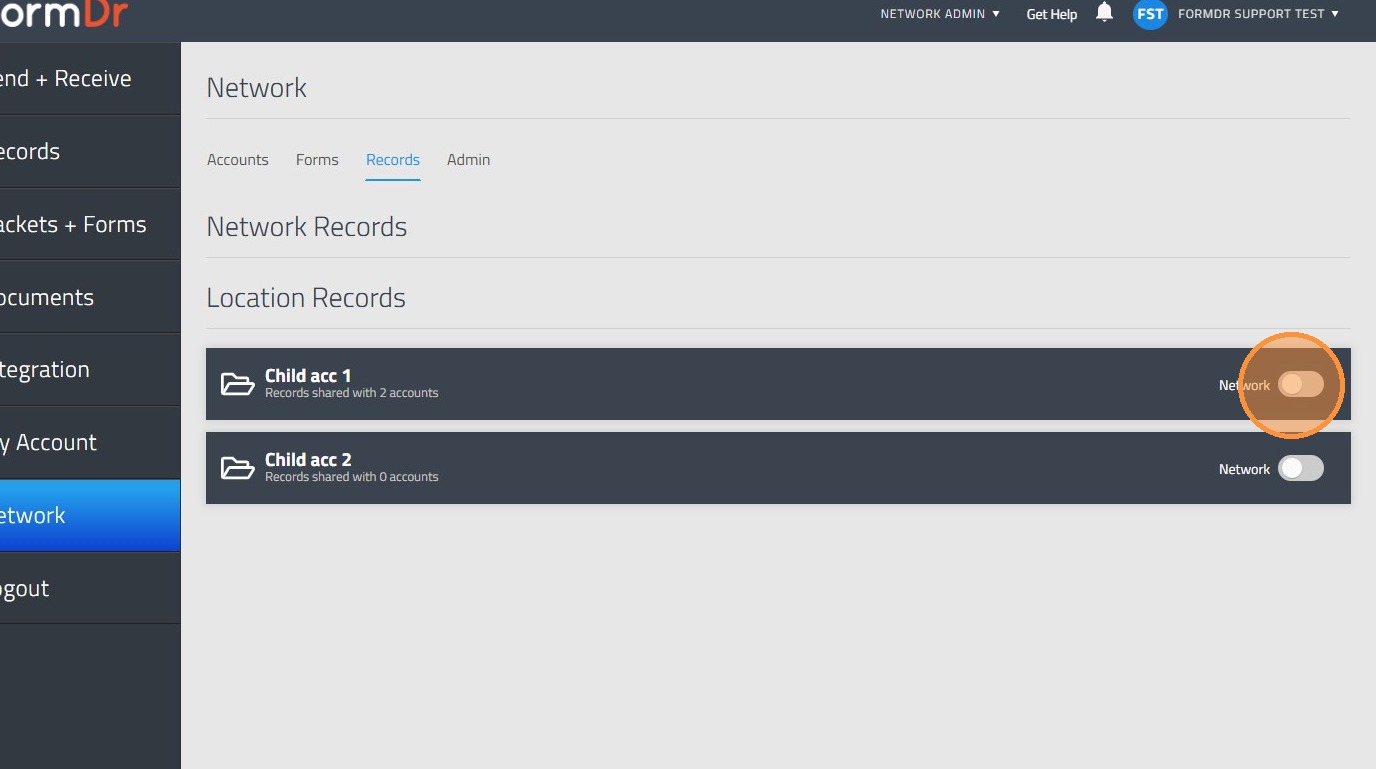
19. Navigate to "Records" tab
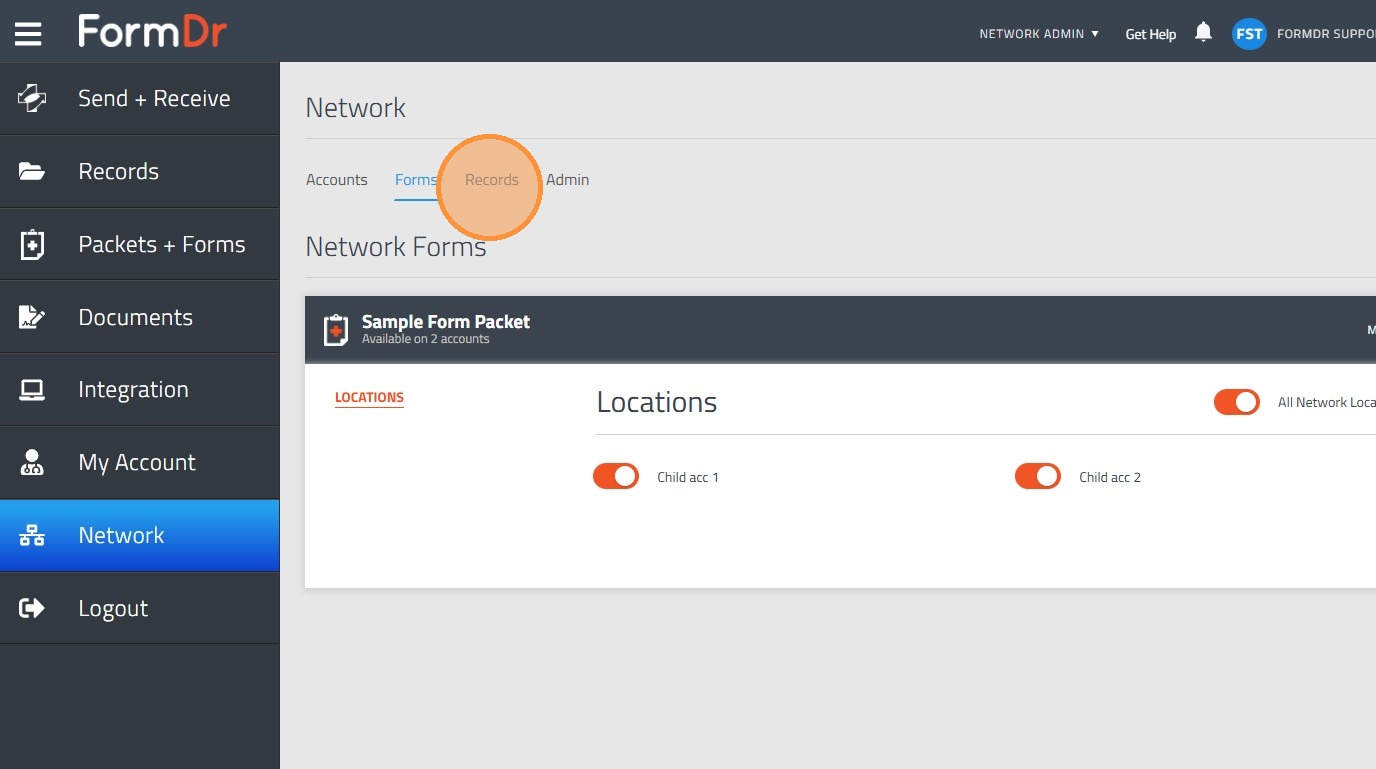
20. Enable "Network" toggle for Child account you want to turn into network sharing account.
Admin Management
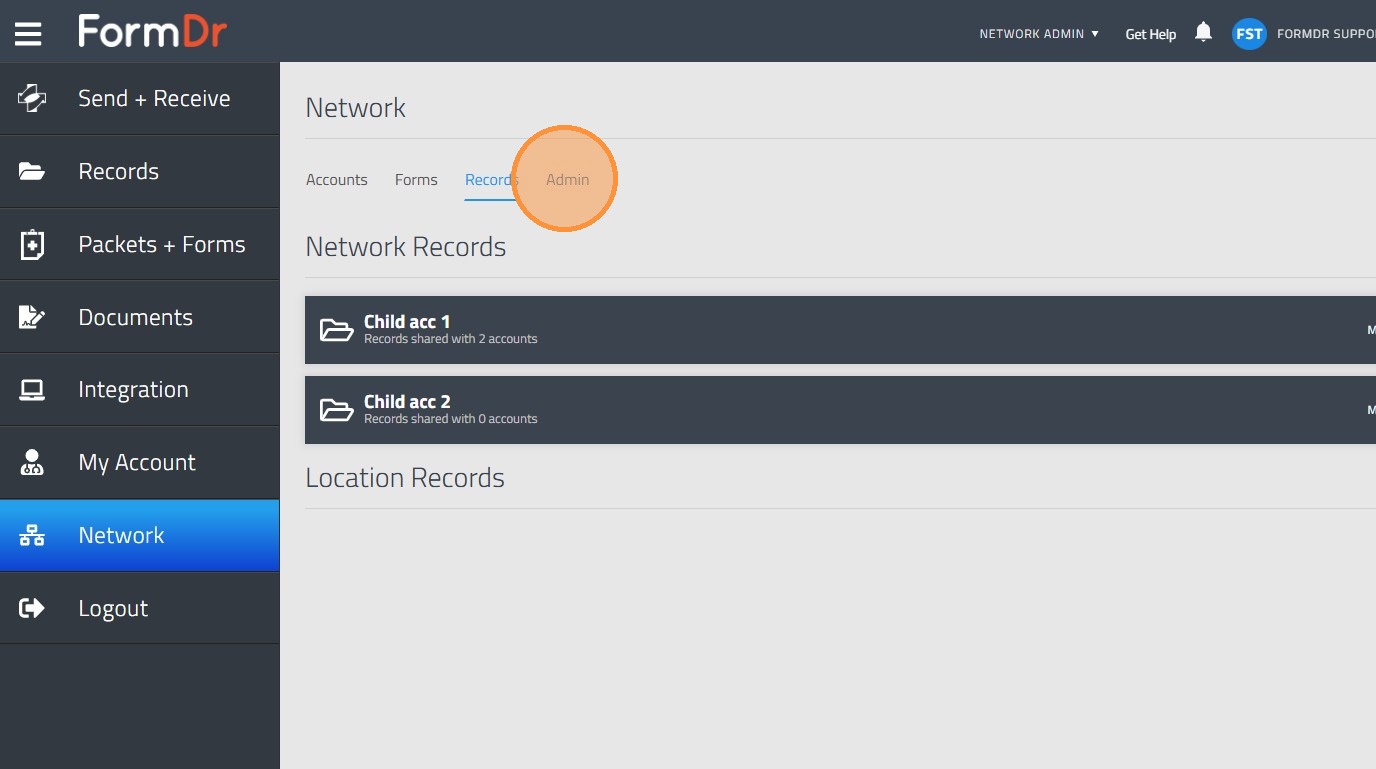
21. Navigate to "Admin" tab
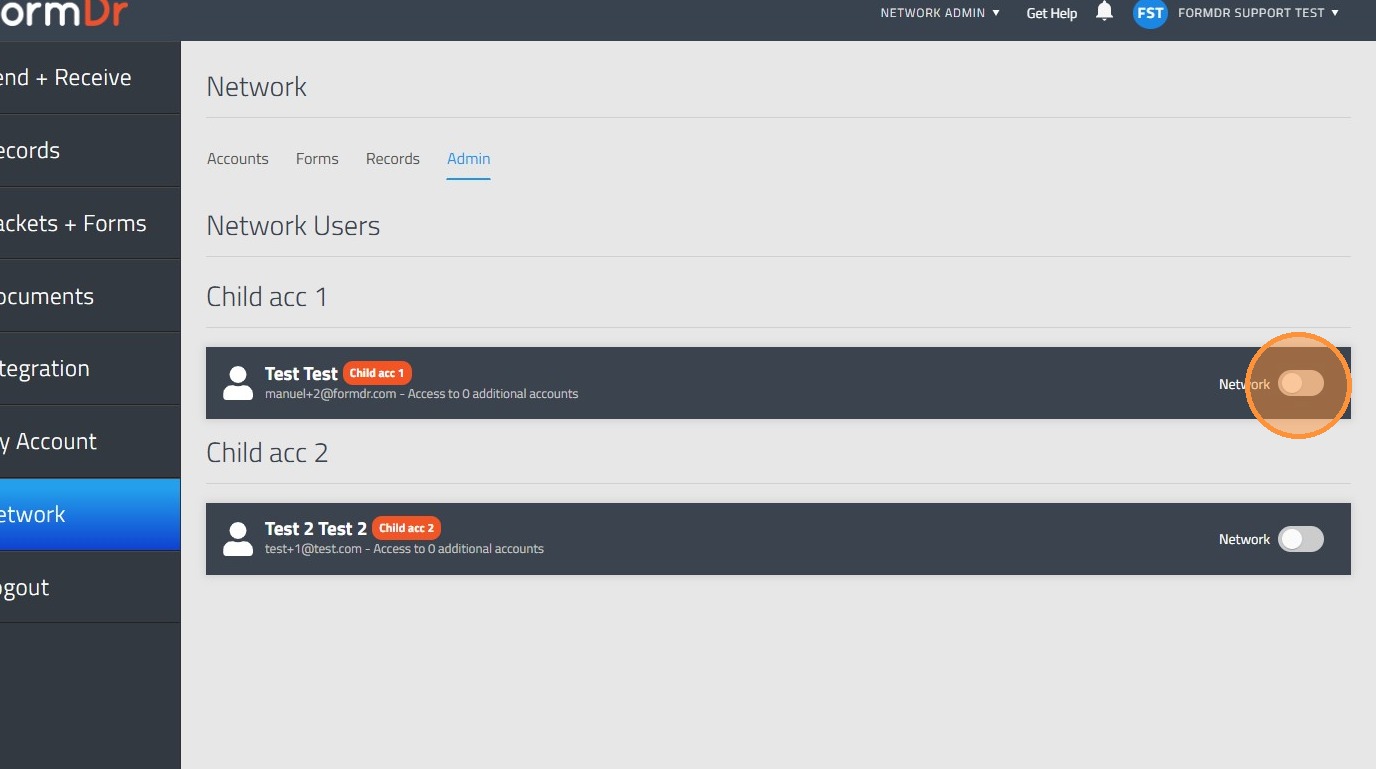
22. Enable "Network" toggle for user in order to turn the account into a network child account.
23. Click "Manage" for user in order to assign other location the specific child account.
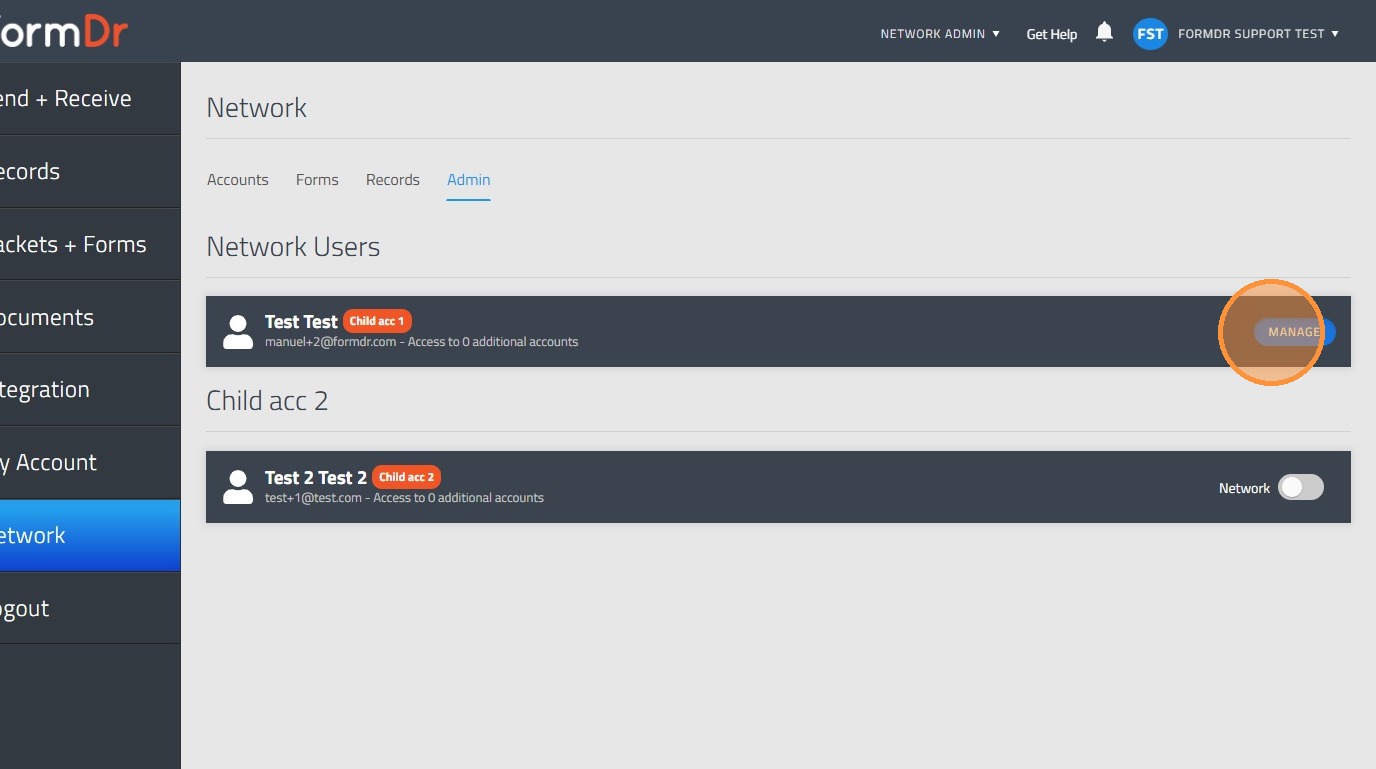
24. Toggle on the child account you would like to share access.
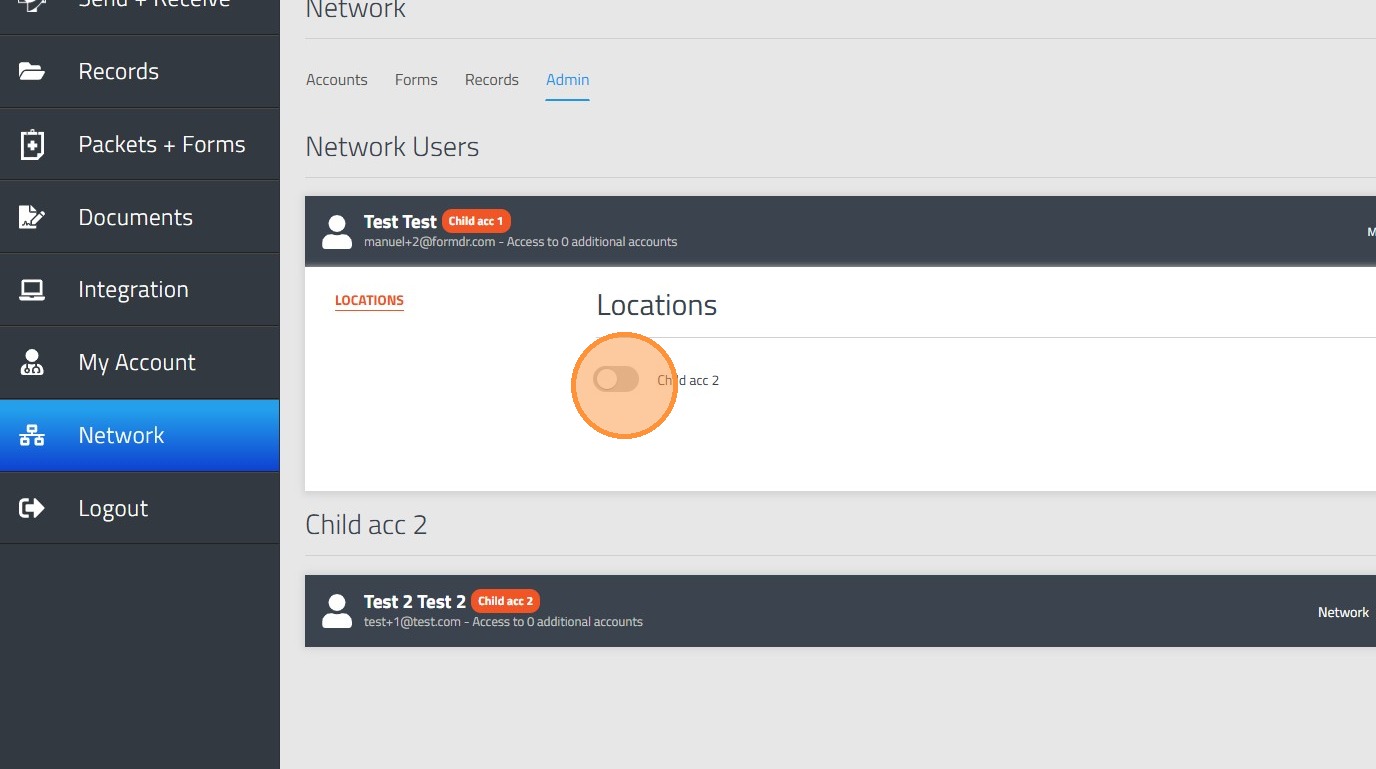
25. Click "OK" and the changes will be placed