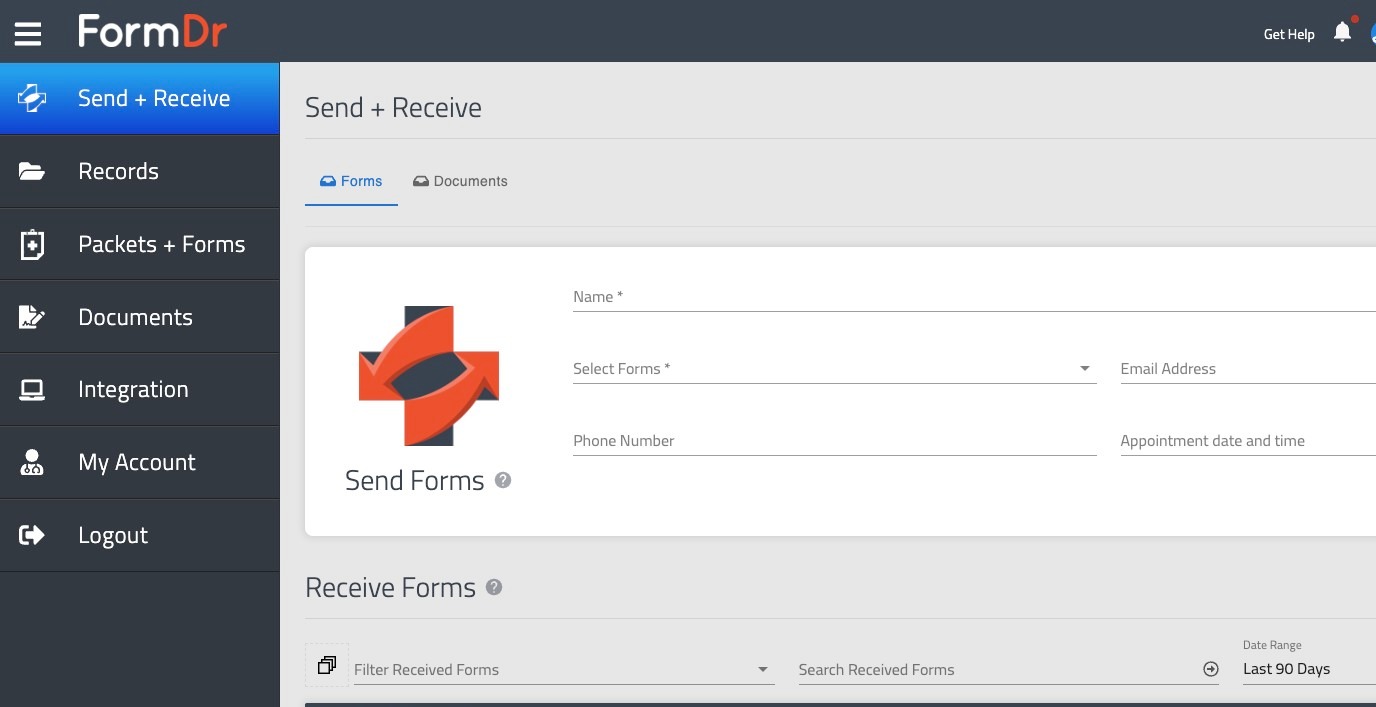
Learn how to securely access your FormDr account by utilizing the Microsoft single sign-on feature. This process streamlines your login experience and ensures a quick connection to your medical practice dashboard.
1. Navigate to https://app.formdr.com/login
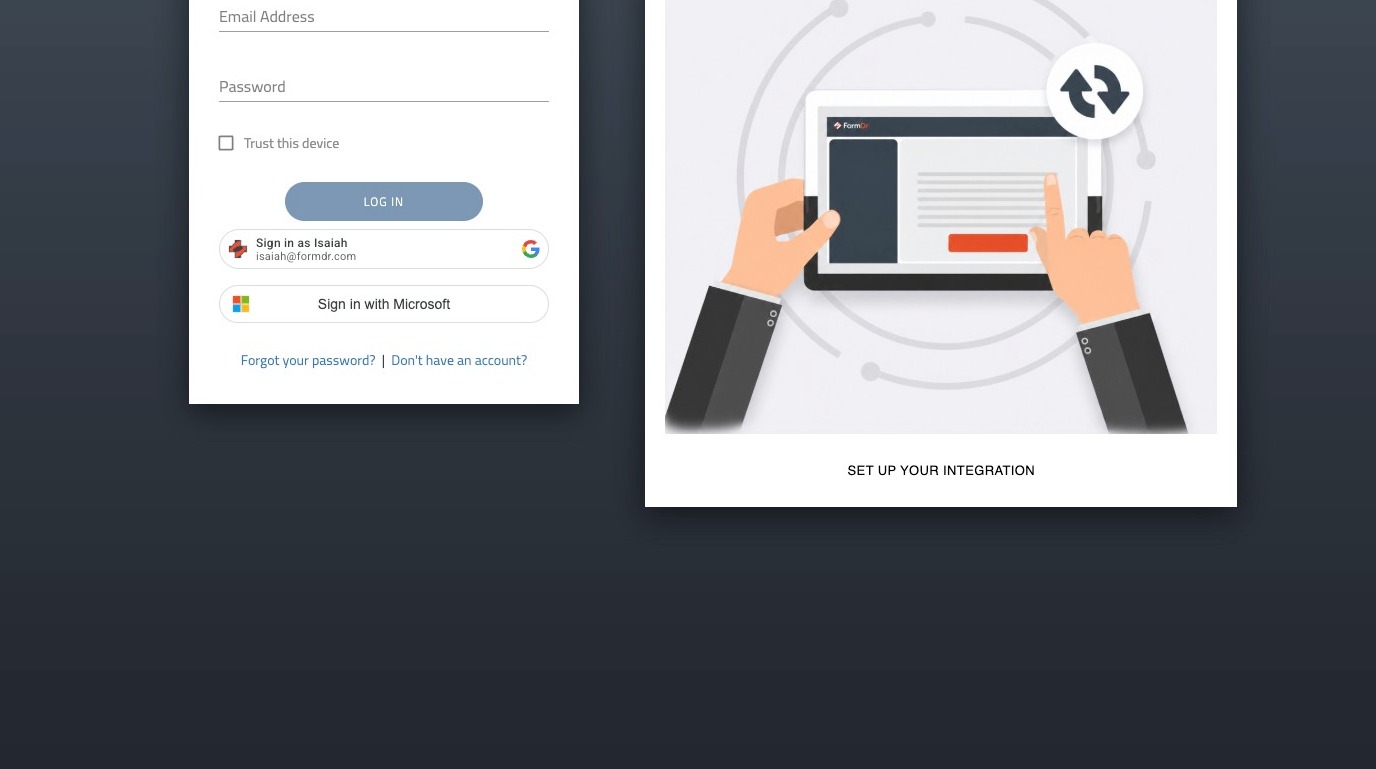
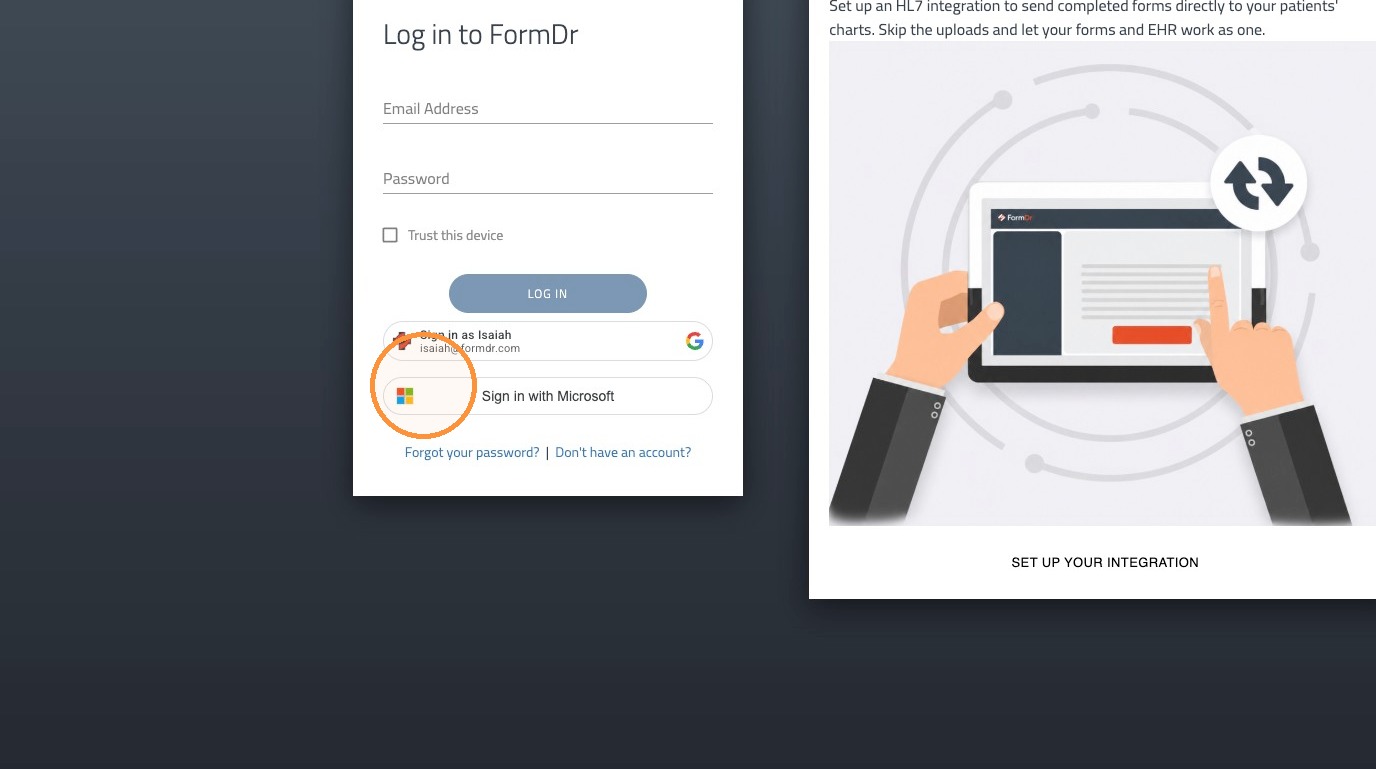
2. Click "Sign in with Microsoft"
3. Choose an account or sign in with a different account.
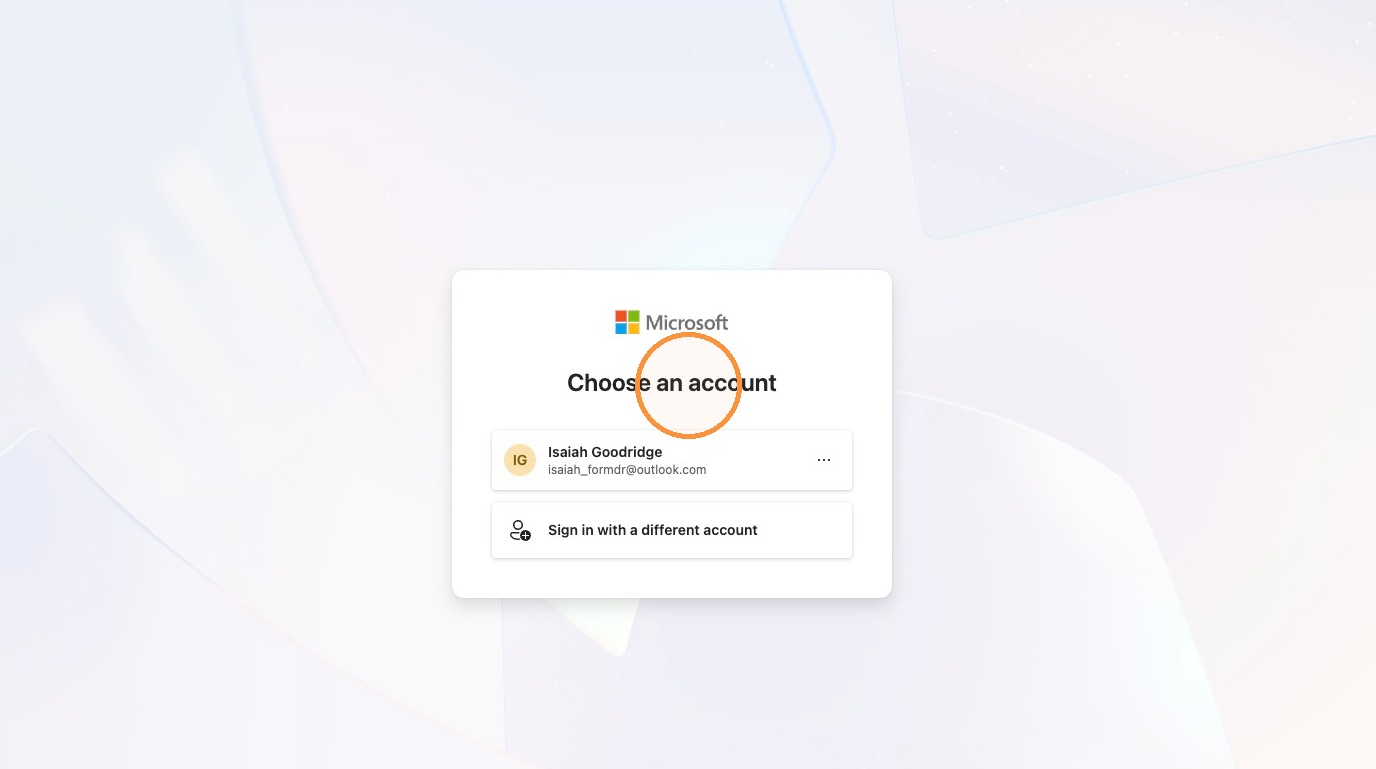
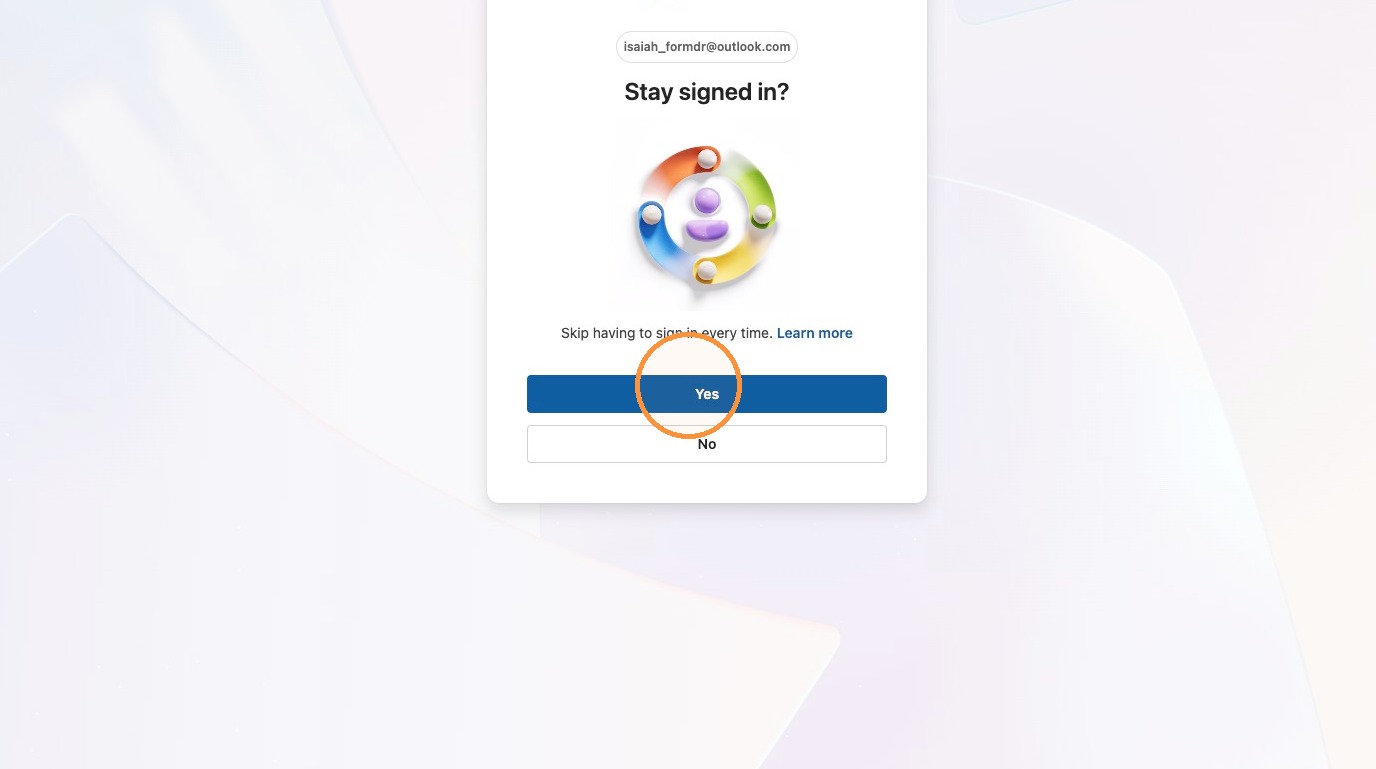
4. After entering your credentials, select whether you'd like to stay signed in to your Microsoft account.
5. You will then be logged in to FormDr.